Risk Assessment
This article explains how to complete a Risk Assessment for an Acquisition .
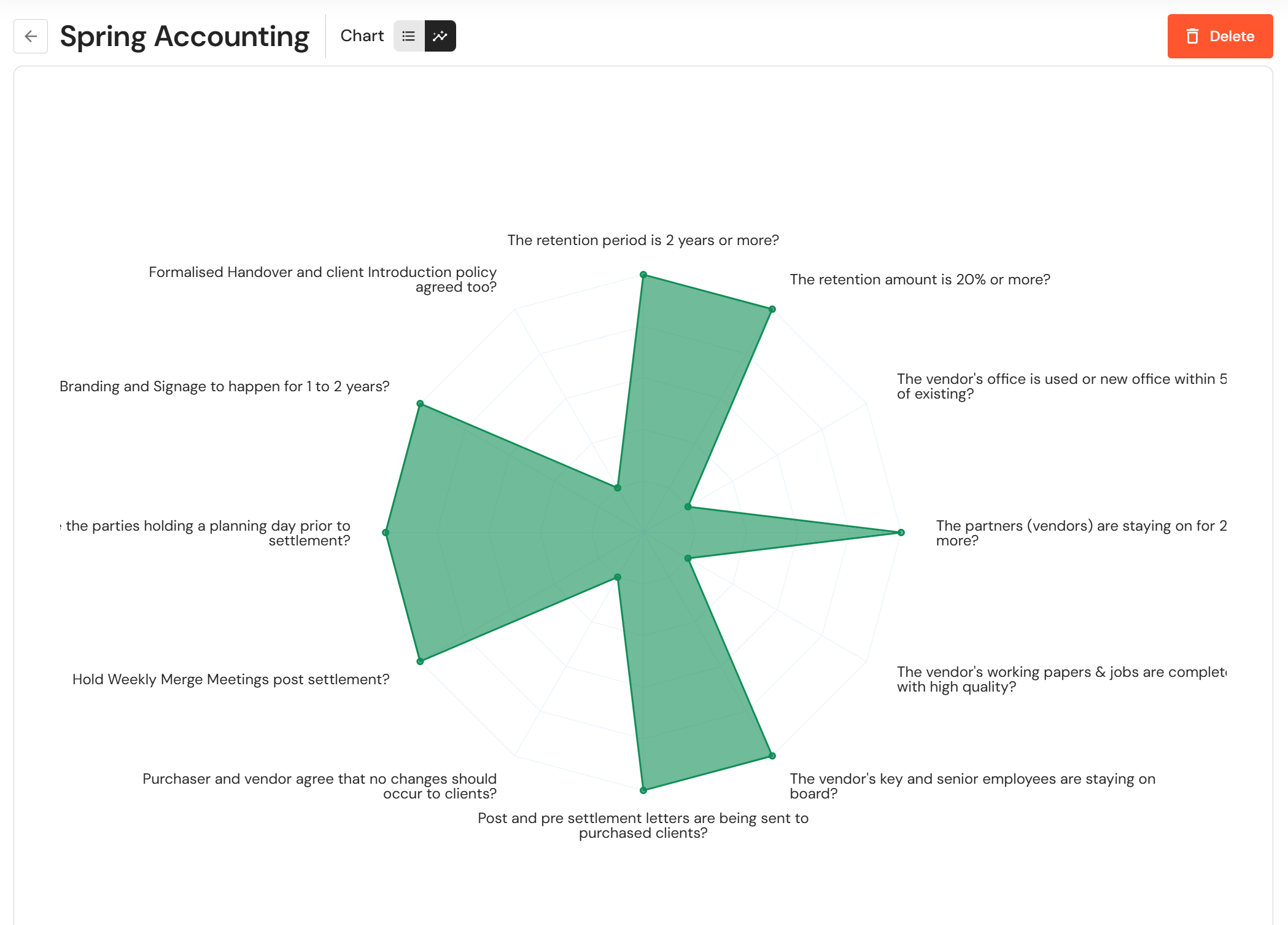
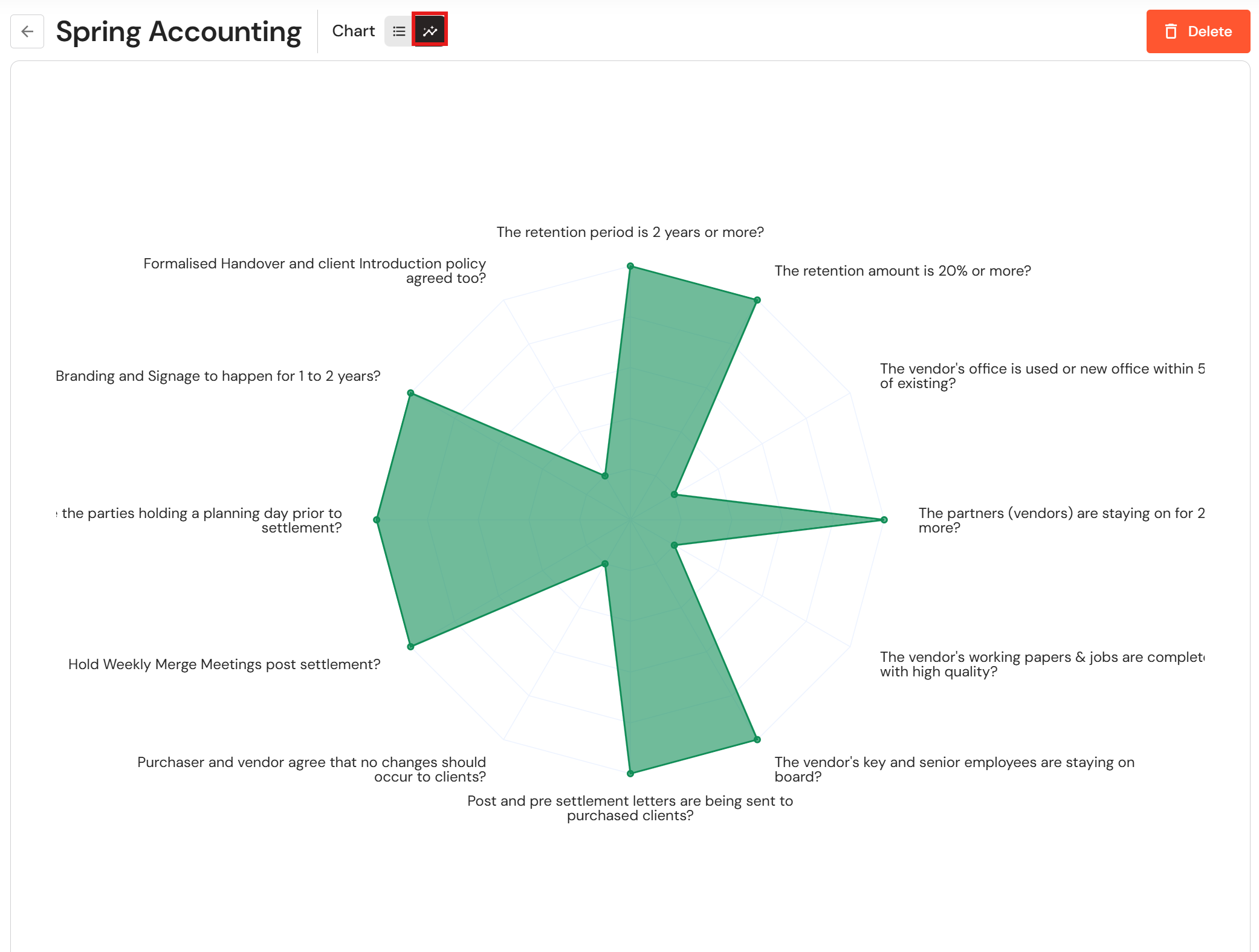
The Risk Assessment tool helps you objectively evaluate a potential merger or acquisition through a structured 12-question checklist that covers key risk areas and identifies potential gaps or red flags. By visually mapping your responses, it highlights areas of concern - where more gaps indicate higher risk - helping ensure informed decision-making before proceeding with a deal.
Complete a Risk Assessment
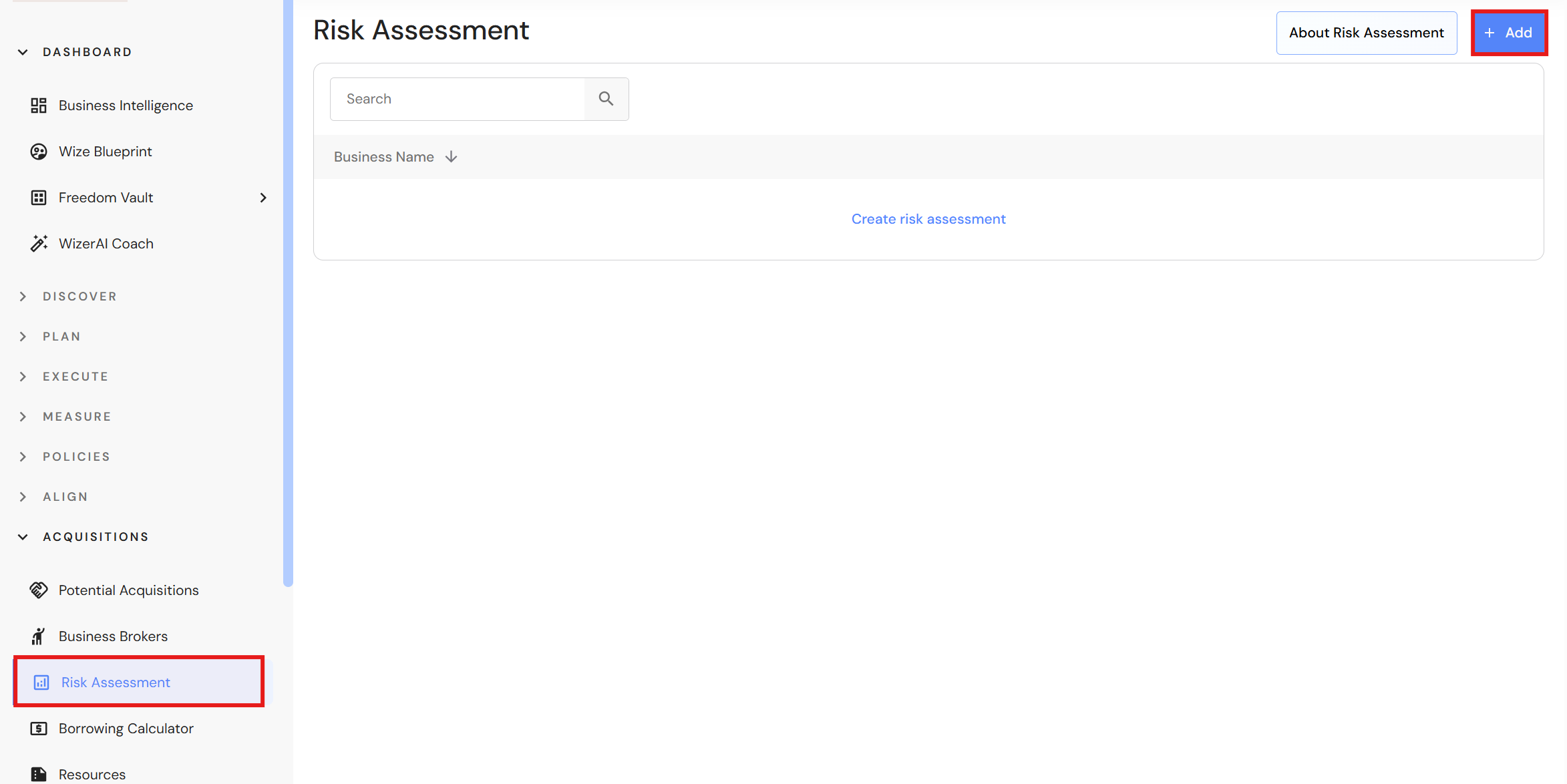
Go to Acquisitions > Risk Assessment
- Click '+ Add'.
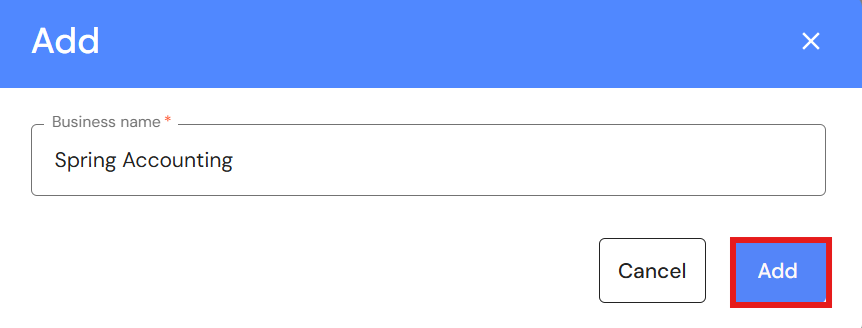
- Add the business name and click 'Add'.
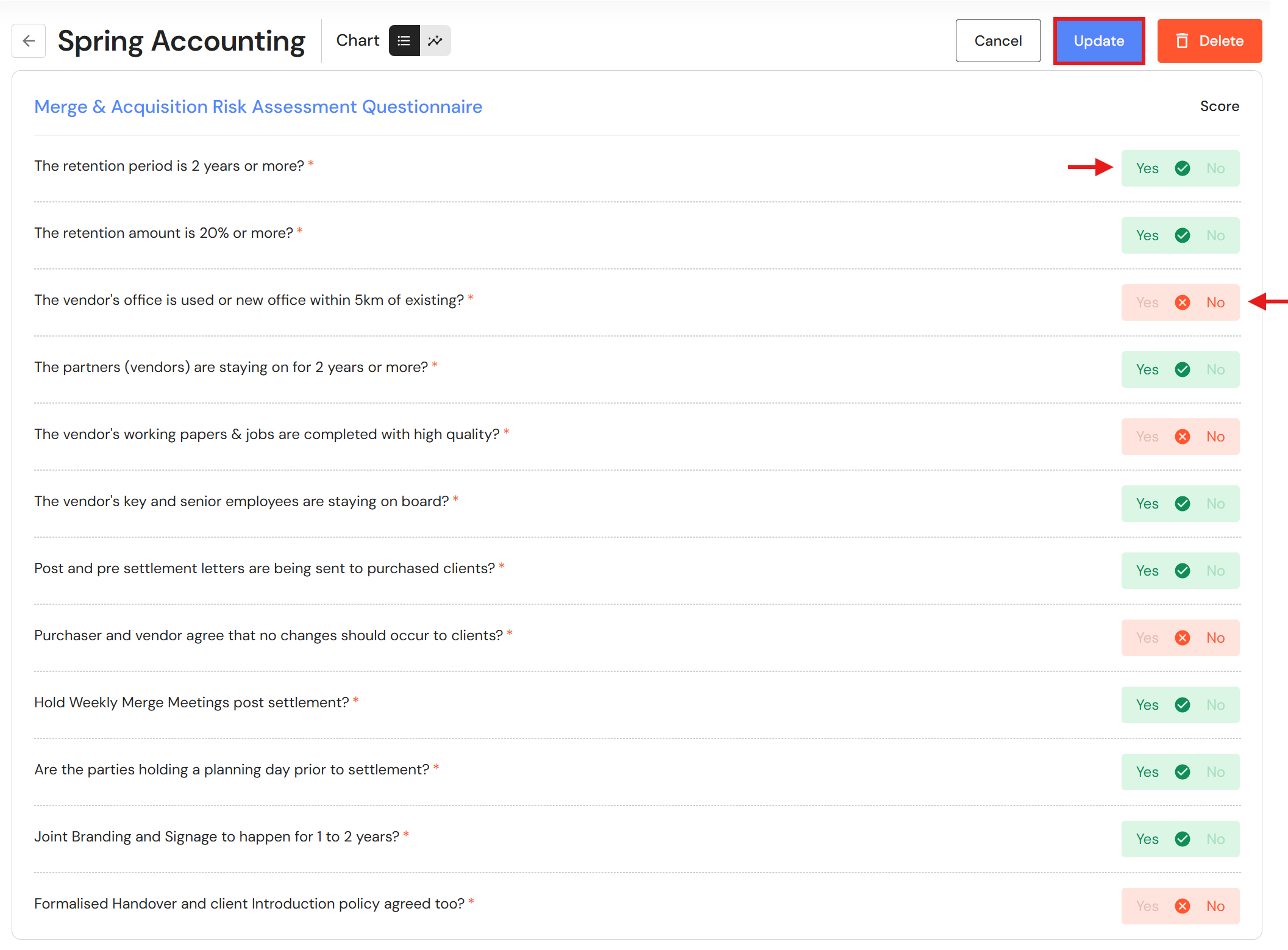
- Answer each question by clicking on 'Yes' or 'No', then click 'Update'.
- View the chart and take action to address the potential risks.
Edit a Risk Assessment
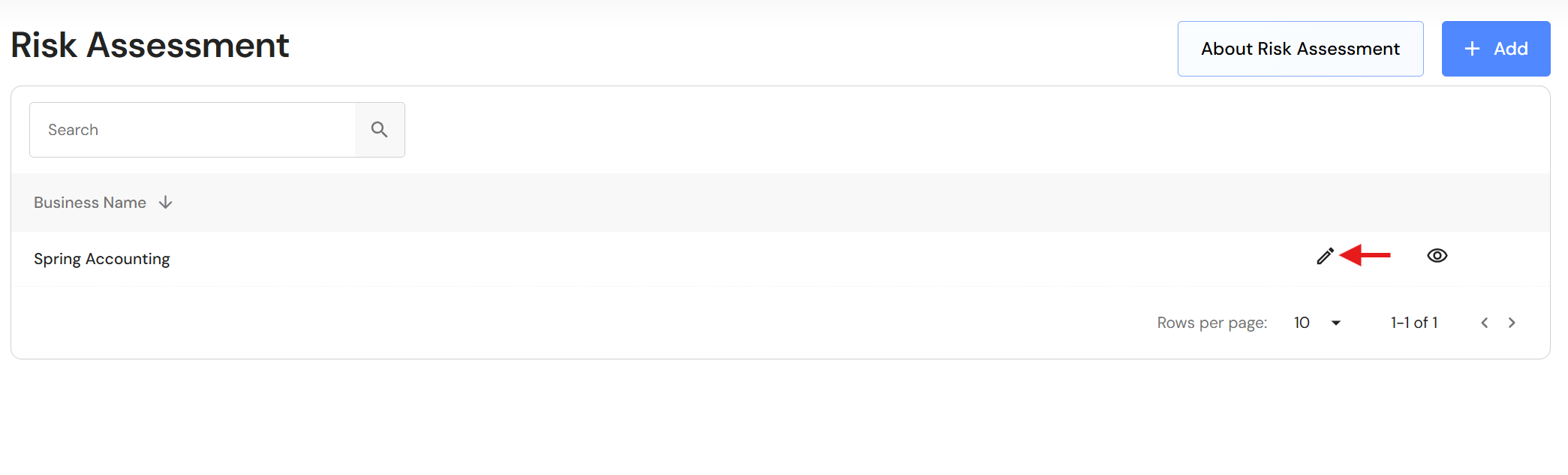
To edit a risk assessment, click the pencil icon next to the business.
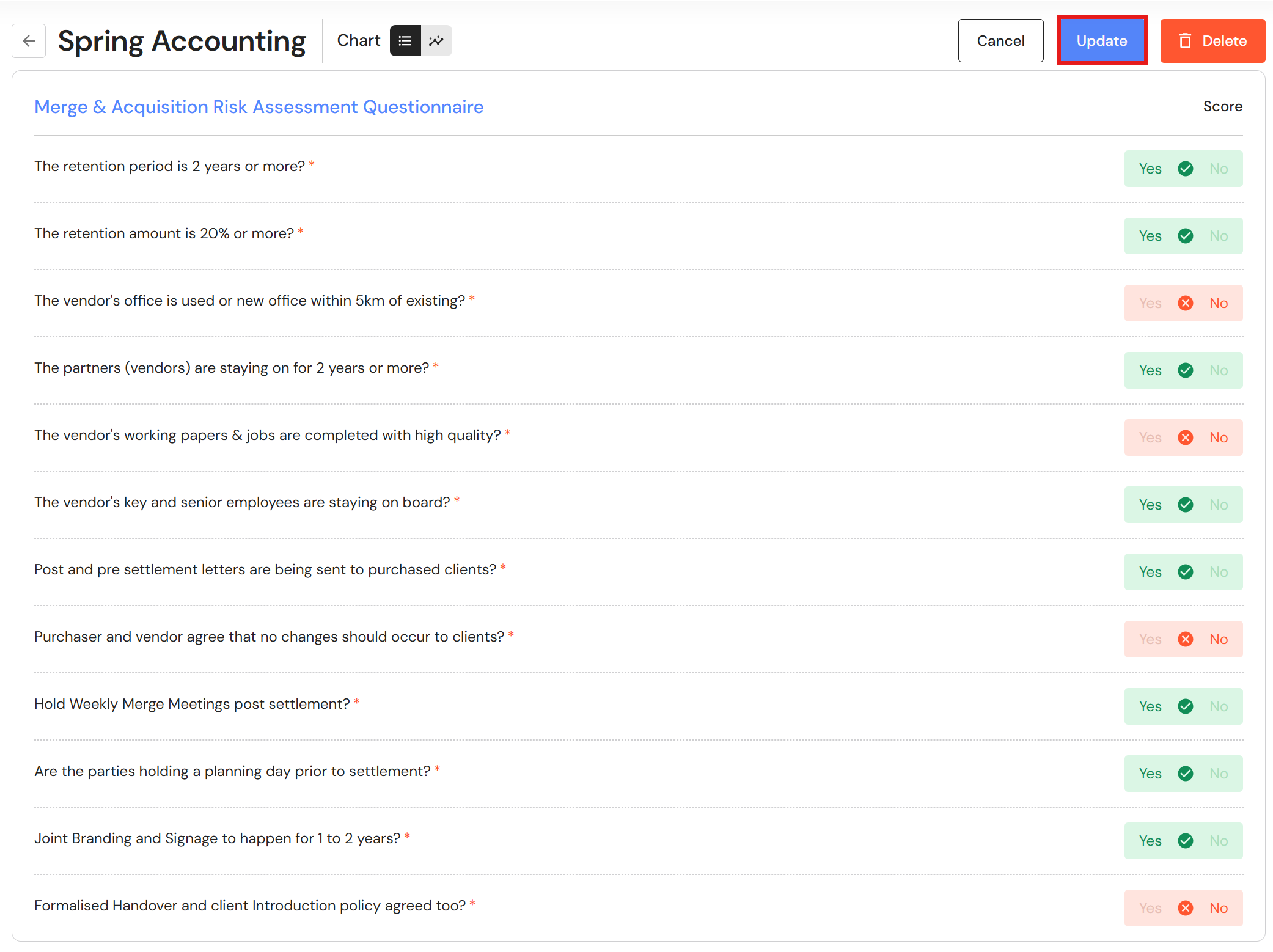
Change the response to relevant questions and click 'Update'.
Delete a Risk Assessment
To delete a risk assessment, click the view icon next to the business name.
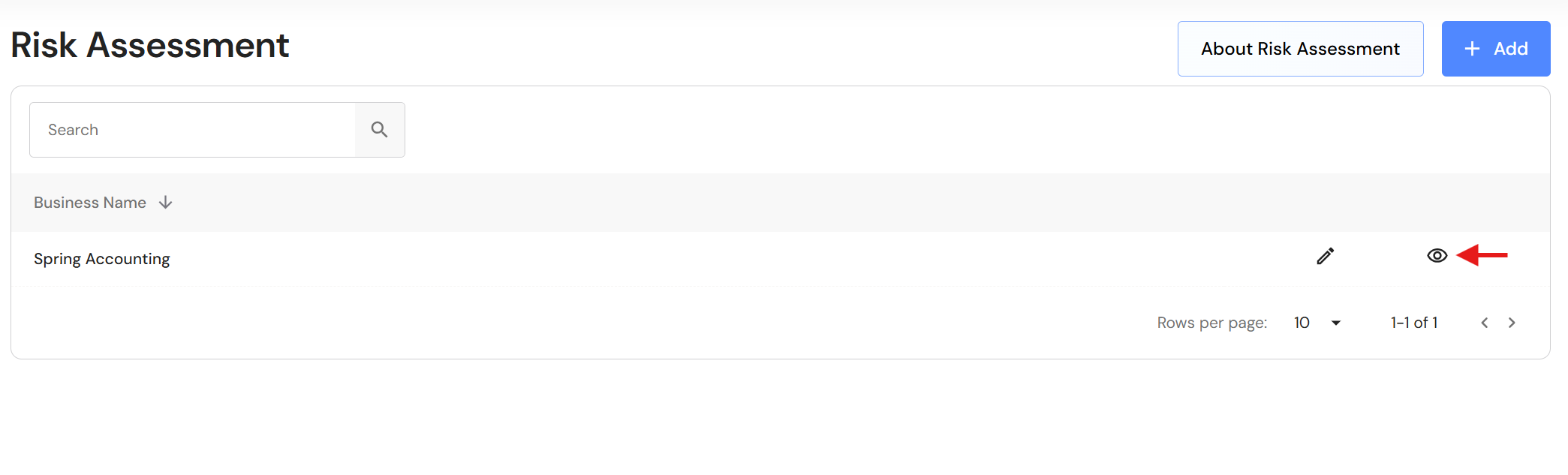
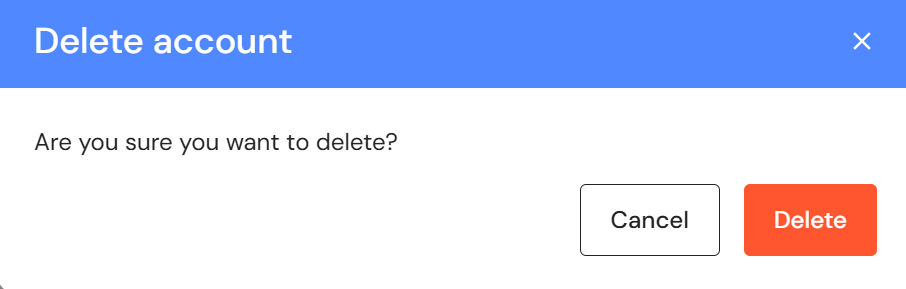
Click 'Delete' in the top right corner, then click 'Delete' to confirm.