Release Notes - 30 October 2025
Fees Won & Lost
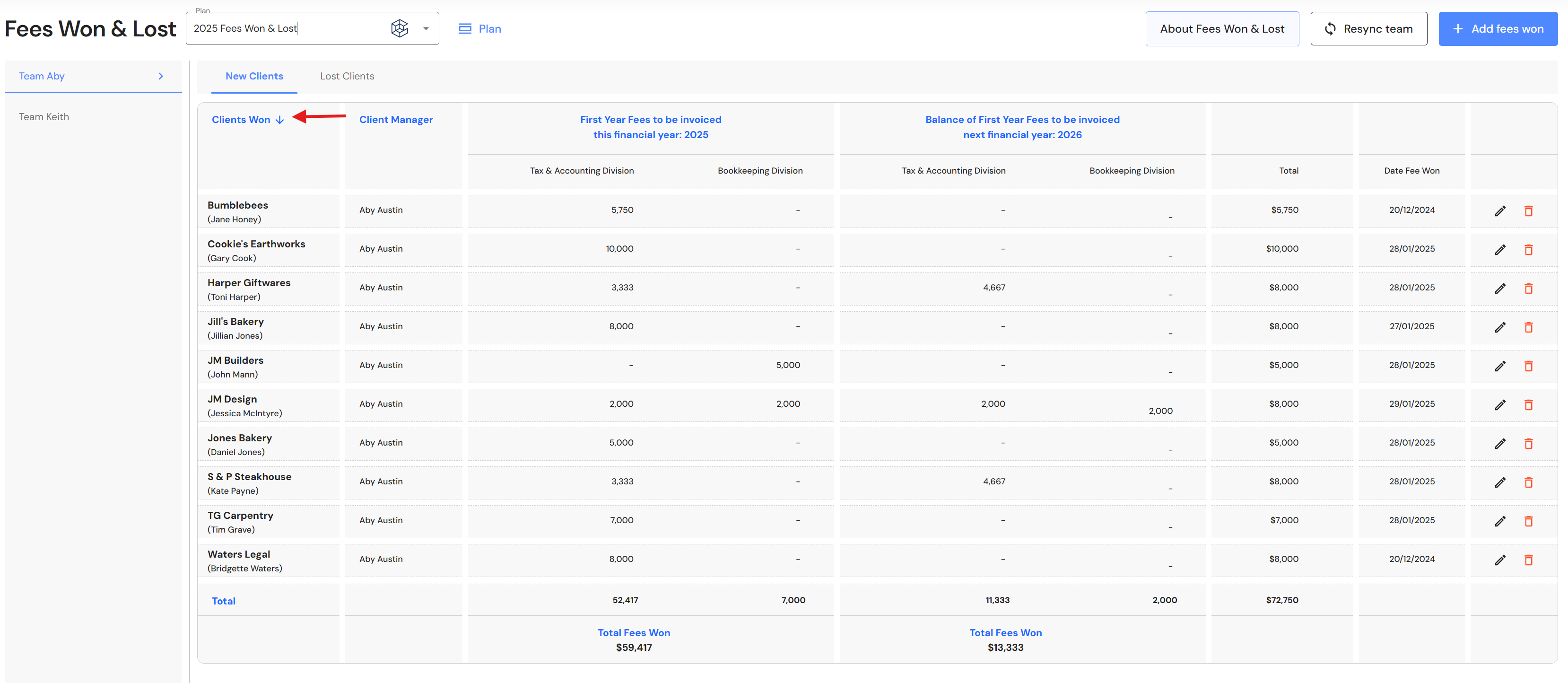
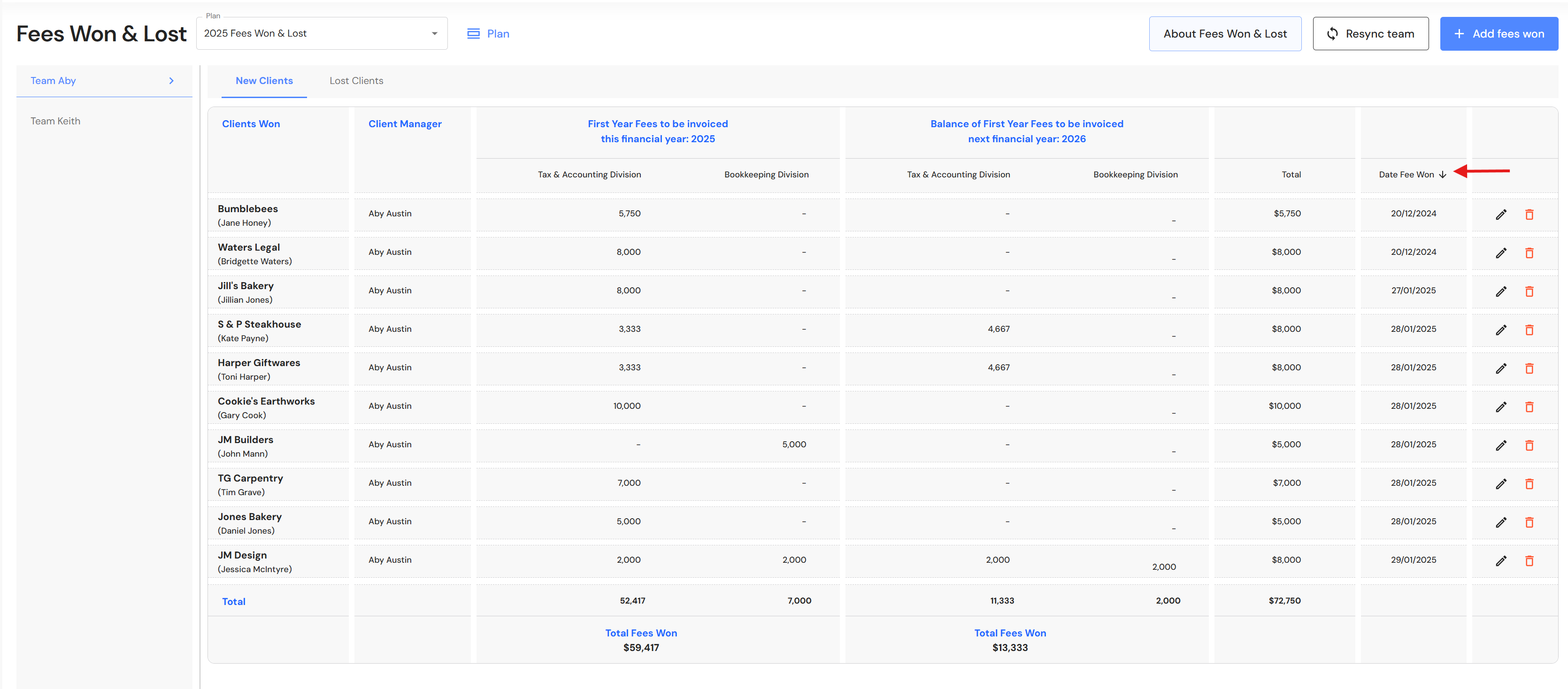
The date fees won and date fees lost is now displayed in the new clients and lost clients tab.
In addition, users can now sort 'Clients Won/Lost' by alphabetical order and 'Date Fees Won/Lost' by ascending or descending order. Click on the heading in the relevant columns to sort your client records.
Lead Pipeline
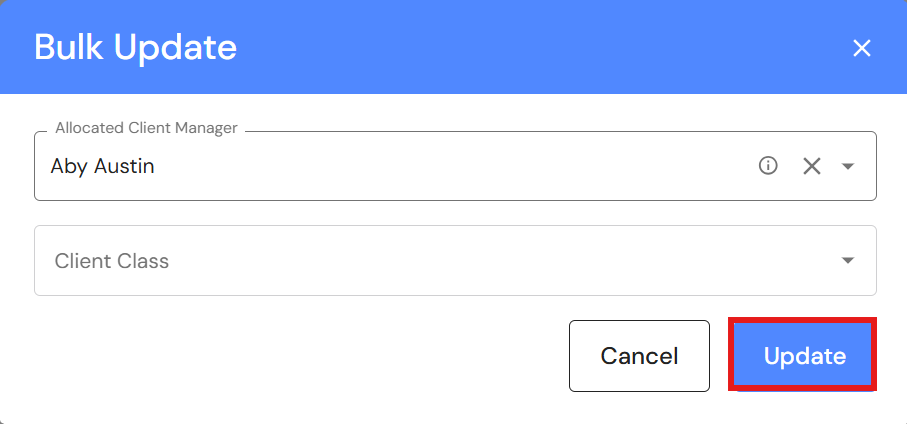
Bulk Update Leads
We have added a bulk update feature to the Lead Pipeline, making it fast and efficient for users to change the client manager or class for a group of clients.
Go to CRM > Lead Pipeline
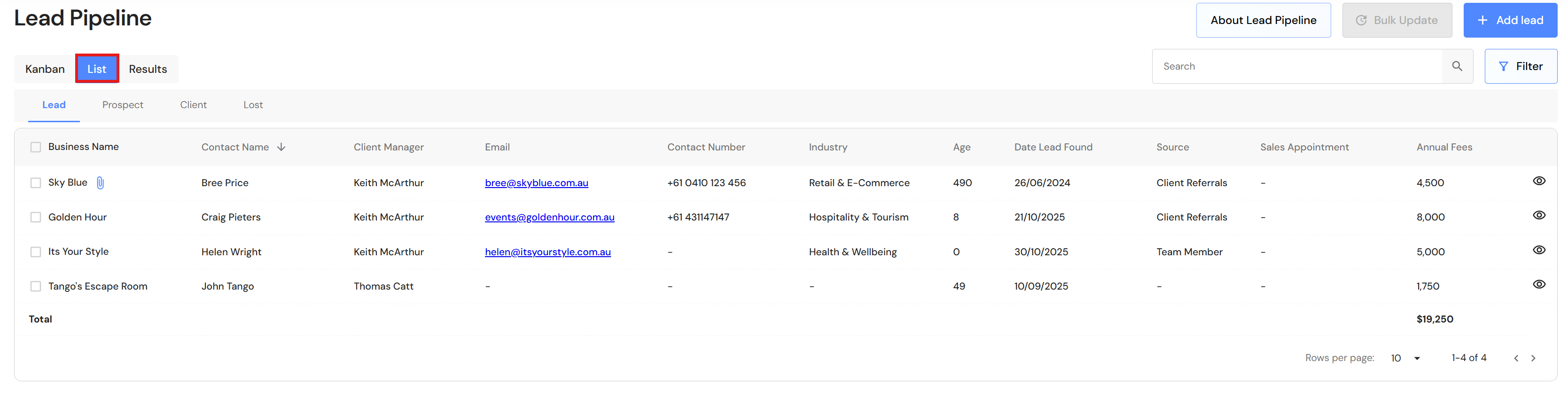
- Go to the 'List' view.
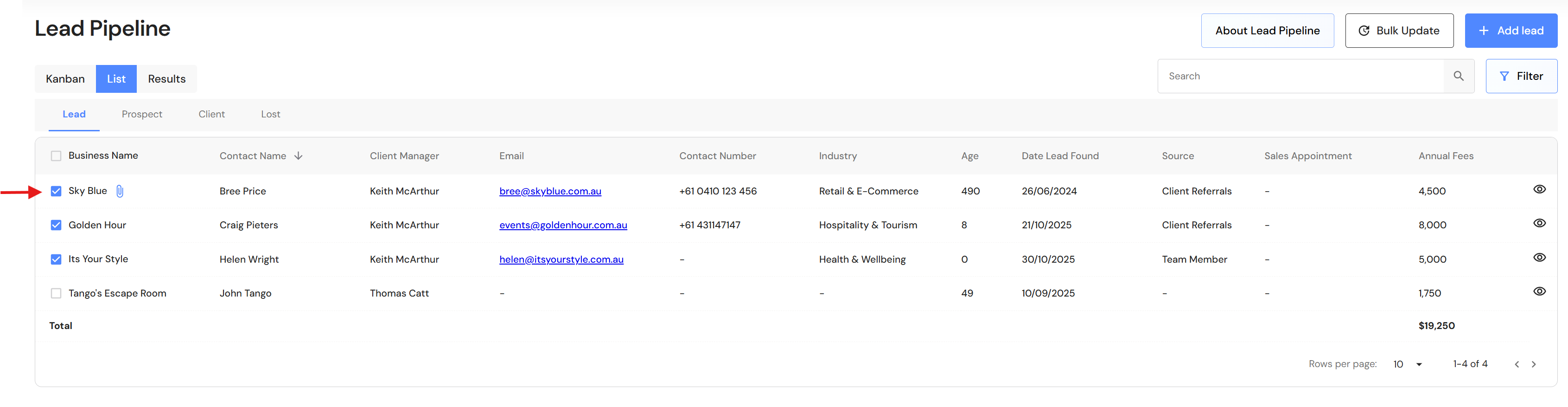
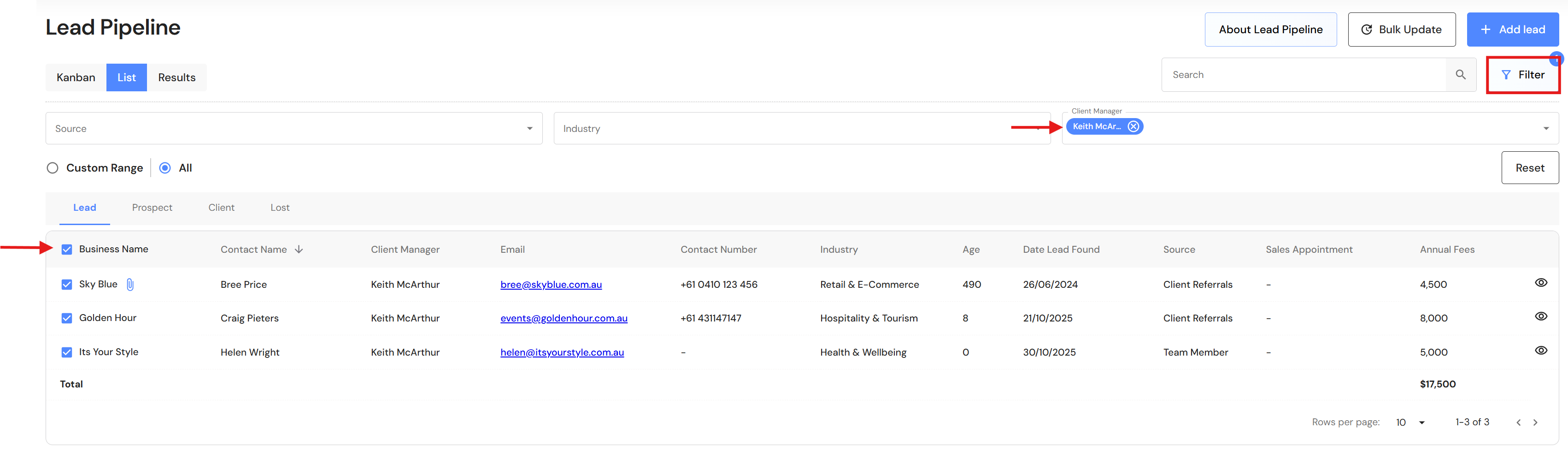
- Click on the checkbox next to the business name or apply a filter to isolate leads for a client manager.
Using a filter
After applying a filter e.g. client manager, click on the checkbox next to the 'Business Name' heading and all clients will be selected.
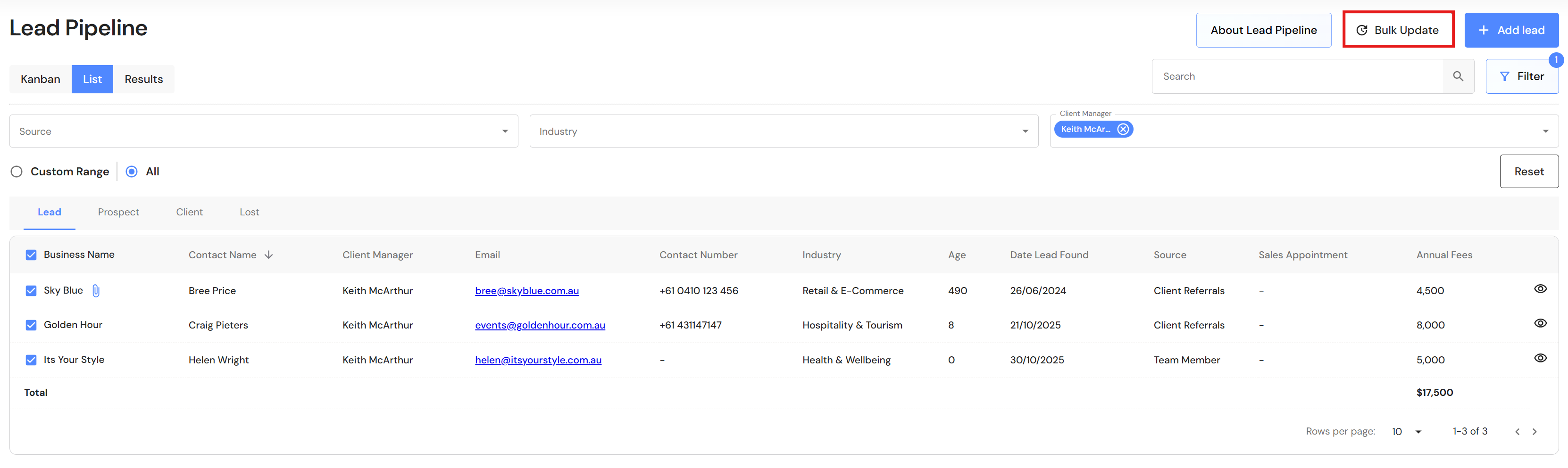
- Click on the 'Bulk Update' button.
- Choose the relevant fields.
- Click on 'Update'.