Release Notes - 6 November 2025
Lead Pipeline
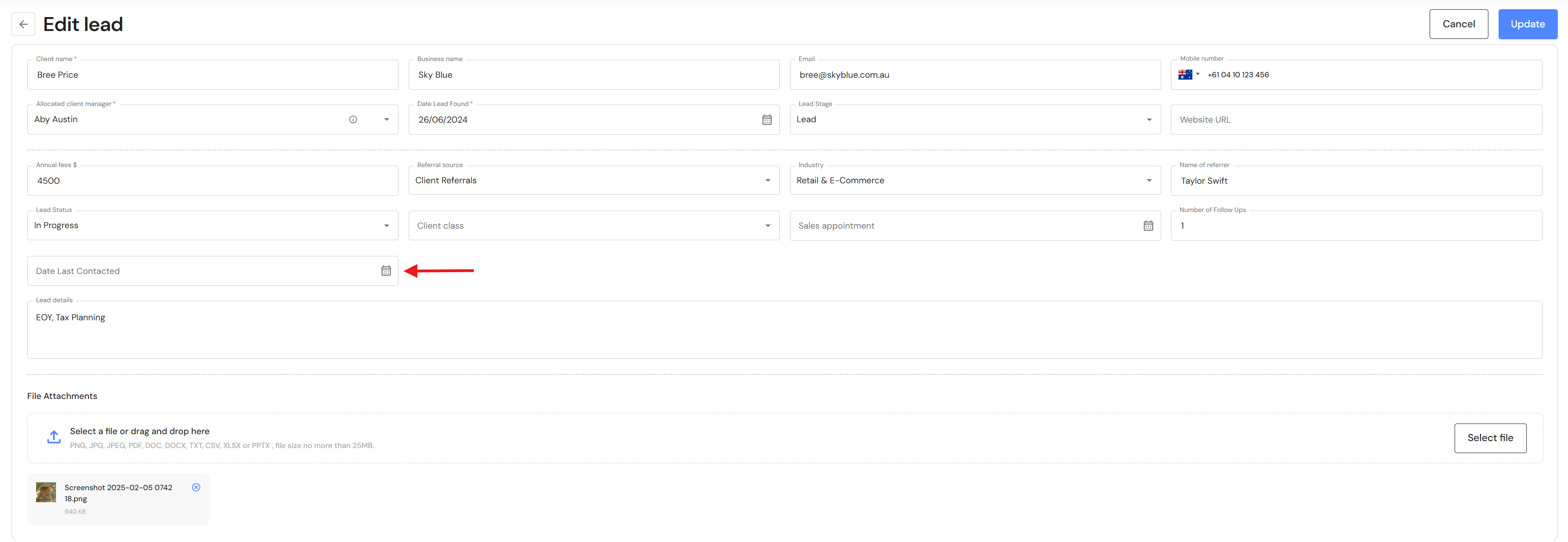
New Field "Date Last Contacted"
Users can record their recent contact with leads by adding the "Date Last Contacted" to the lead card. This date will also show up on the Kanban board.
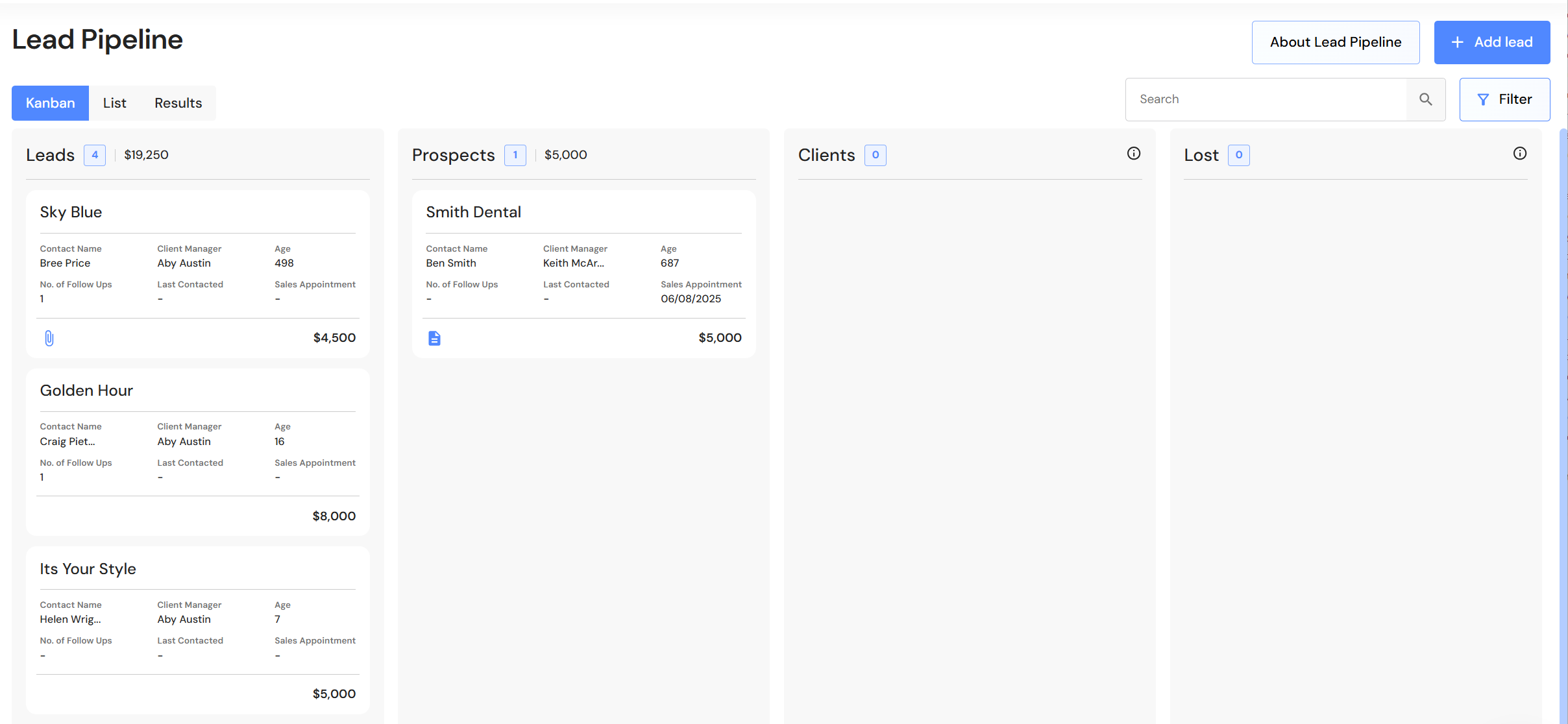
Kanban Board - Update
The Kanban board has a new clean look by highlighting the most important details when monitoring the progress of leads and prospects.
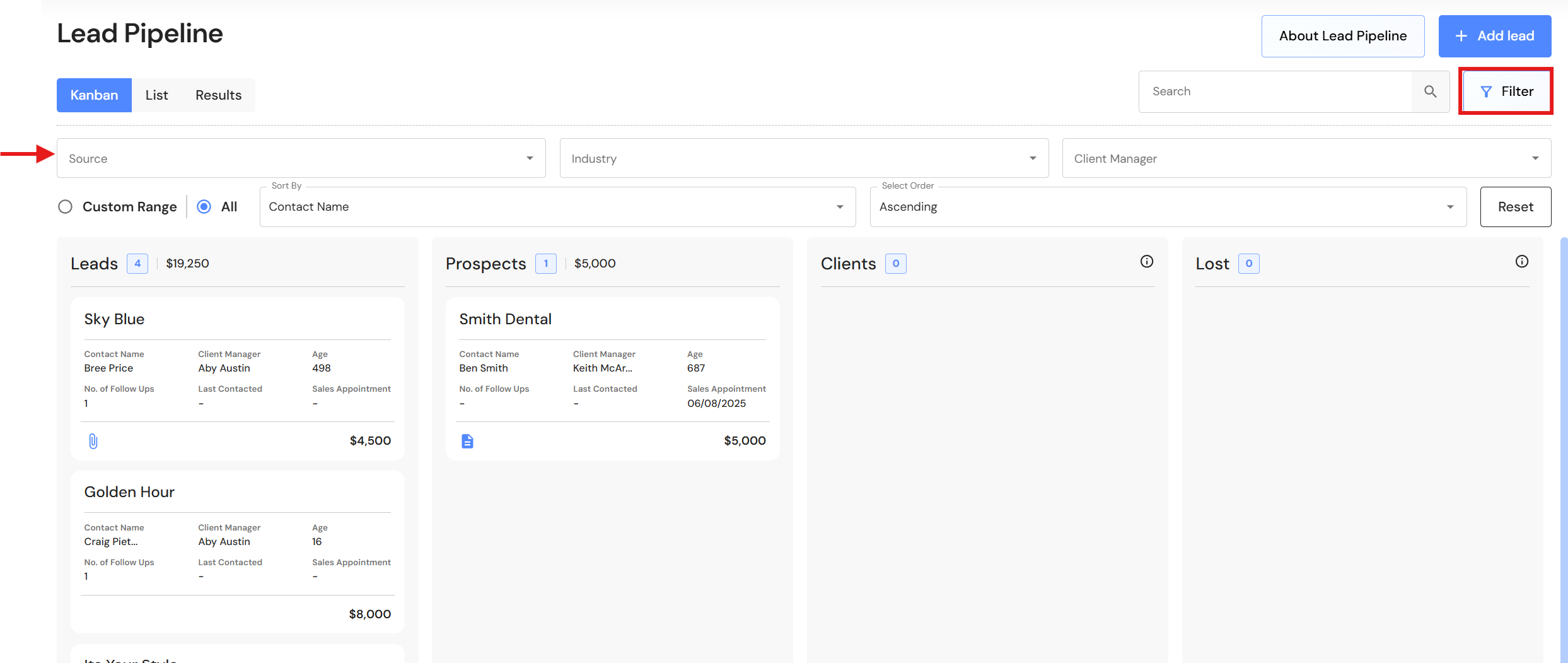
Users can still see leads by source or industry by applying the filter in the Kanban or List view.
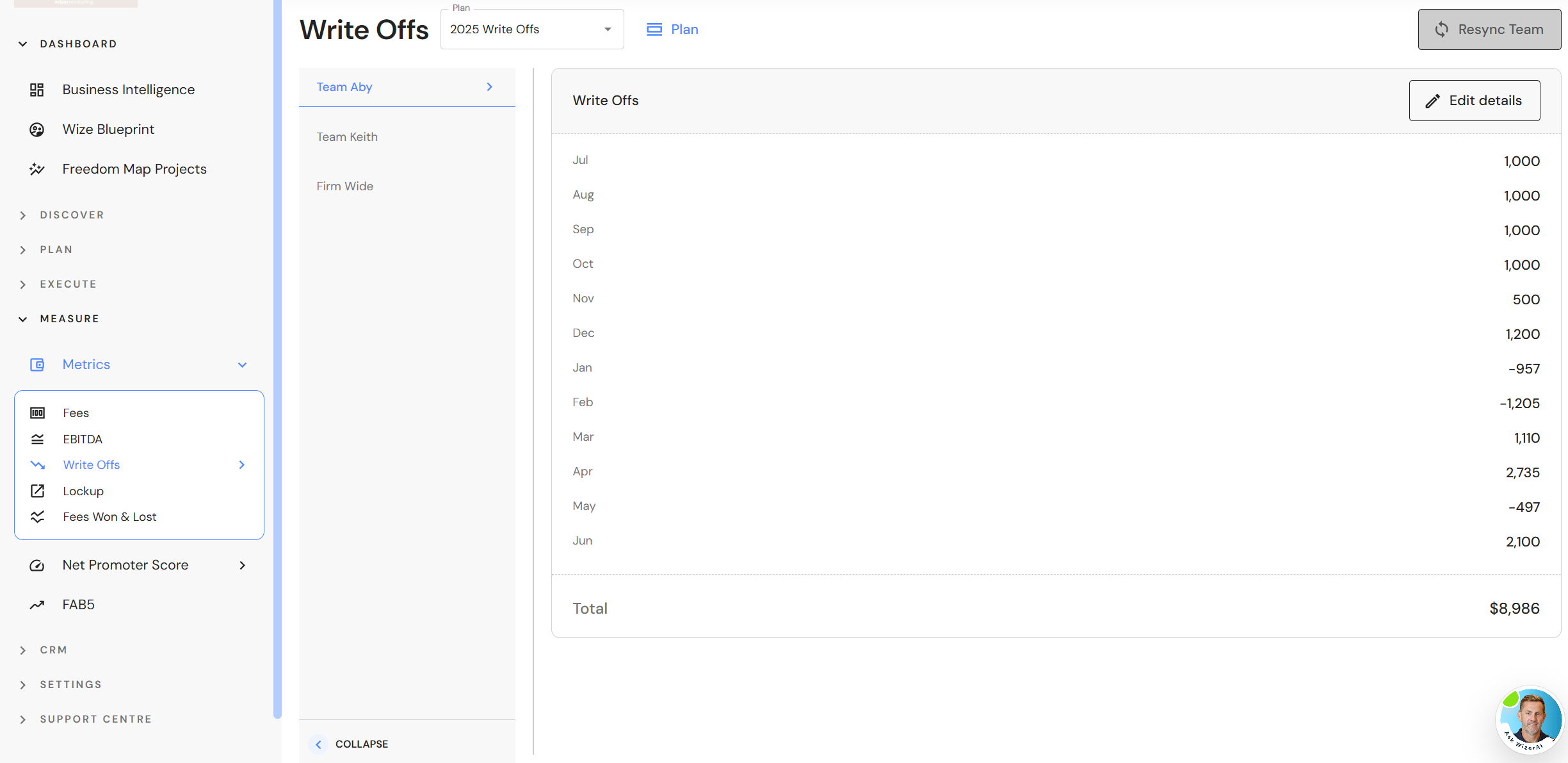
Standalone Write Offs Plan
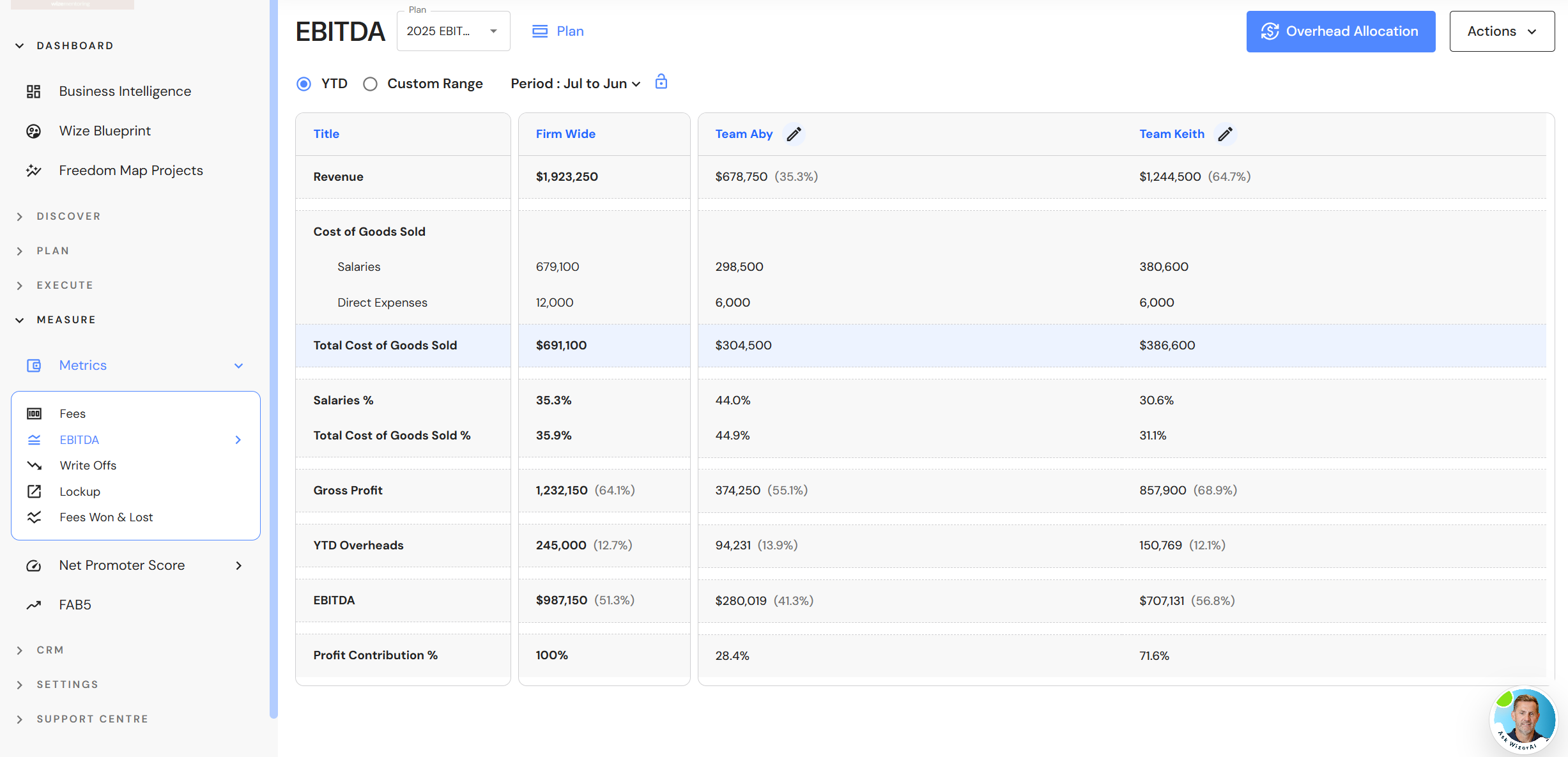
We have removed the write offs section in the EBITDA plan (formerly EBITDA & Write Offs) and created a standalone Write Offs plan. The change reflects the distinction between firm profitability and job profitability, while also simplifying the data entry process.
User Role Security Matrix
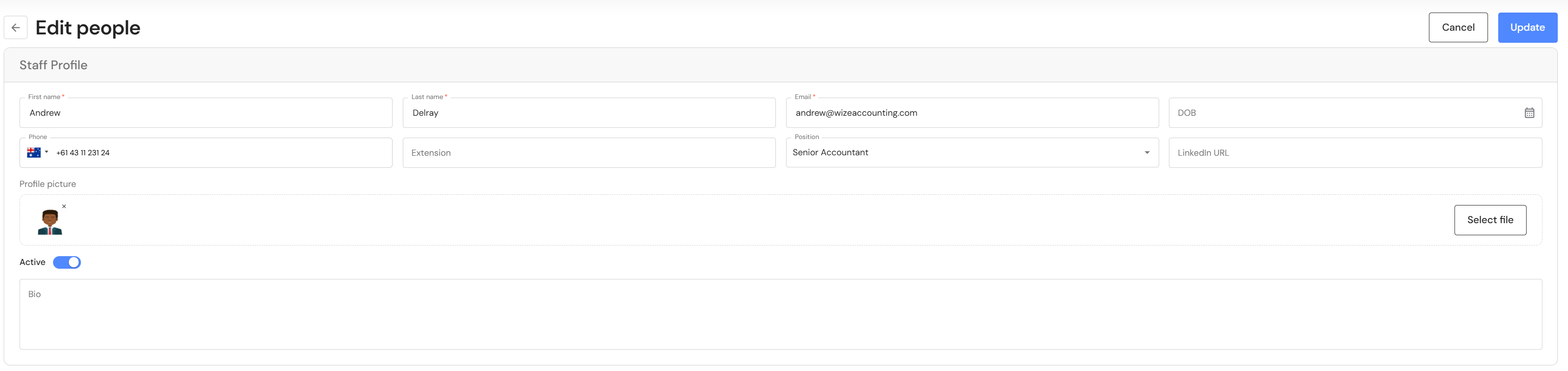
Updates to CFO and Administration Team permission levels
Administration Team and CFO users can now update basic staff profile details.
NB* Access to confidential details is limited to Executive users.
Minor Updates
Task Management
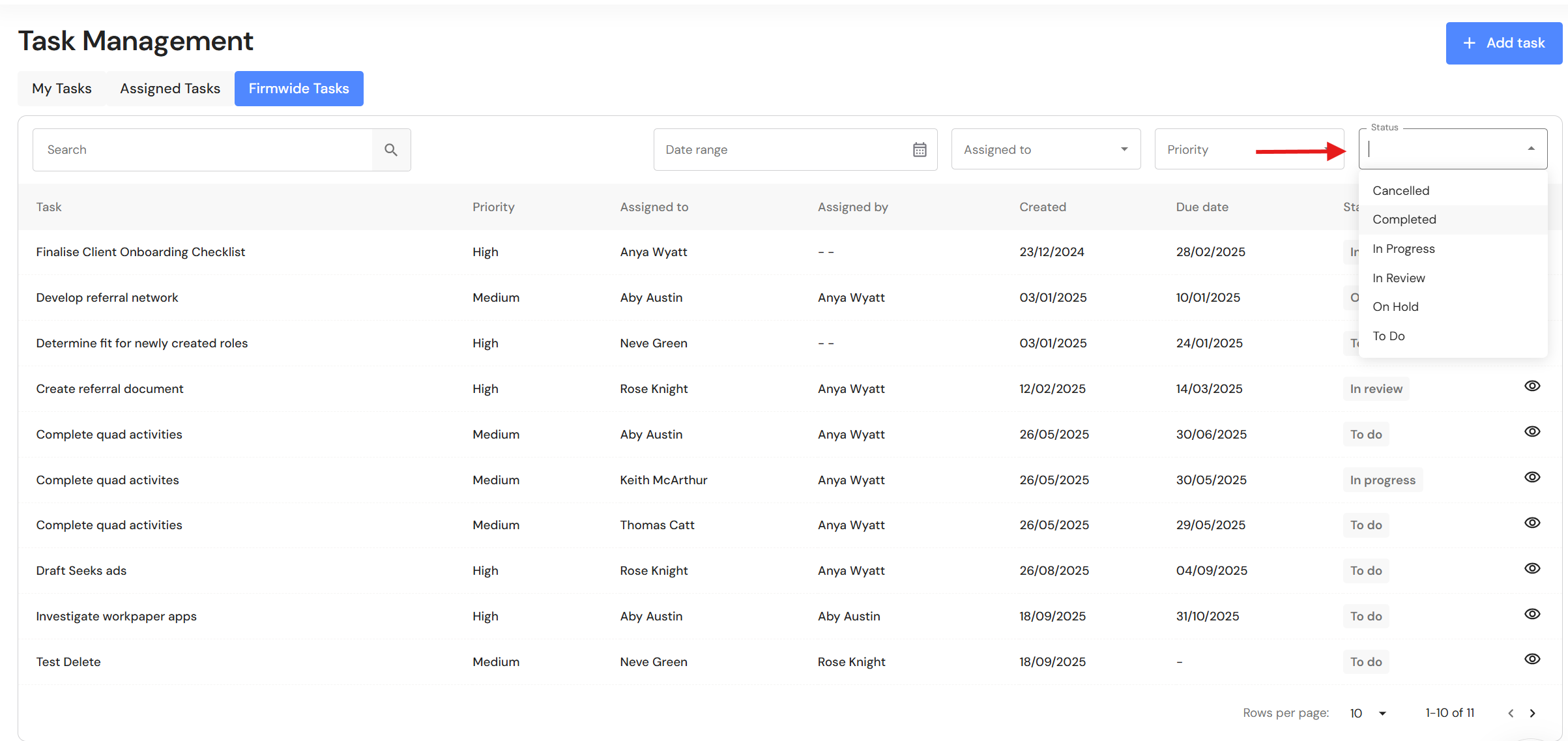
Completed and cancelled tasks will now be automatically hidden from task lists. Previously, all tasks appeared, irrespective of their status.
You can view completed or cancelled tasks by applying the 'Status' filter.
System Preferences - Task Status
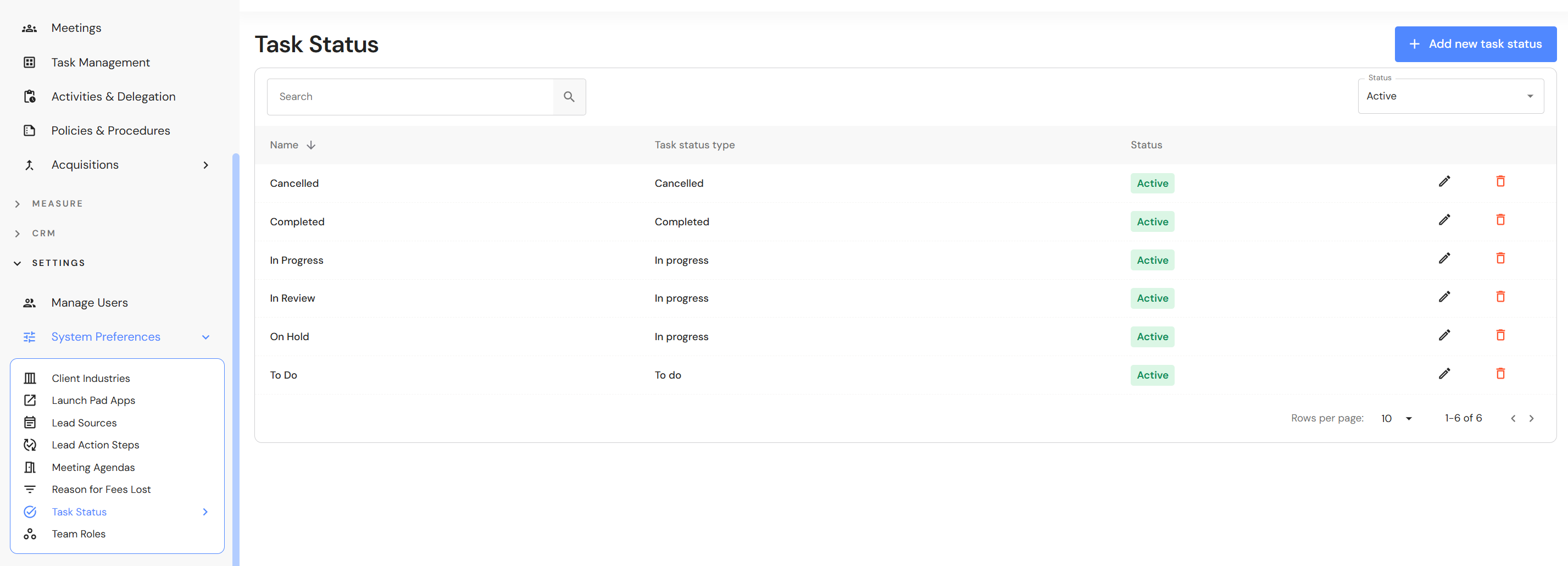
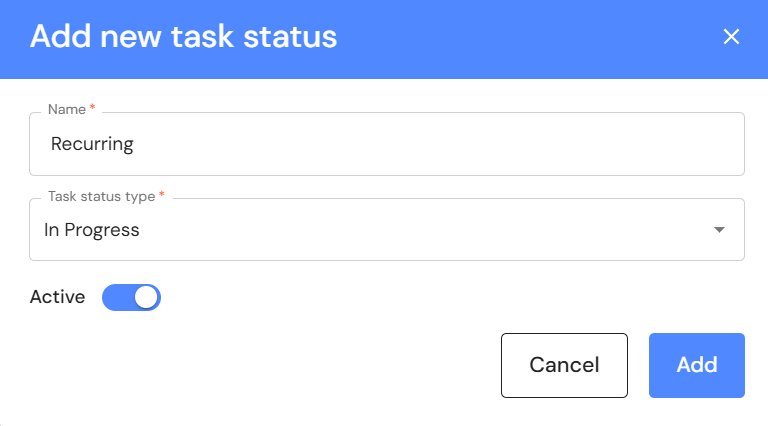
Executive & CFO users can maintain task statuses via System Preferences. Go to Settings > System Preferences > Task Status to add or edit task statuses.
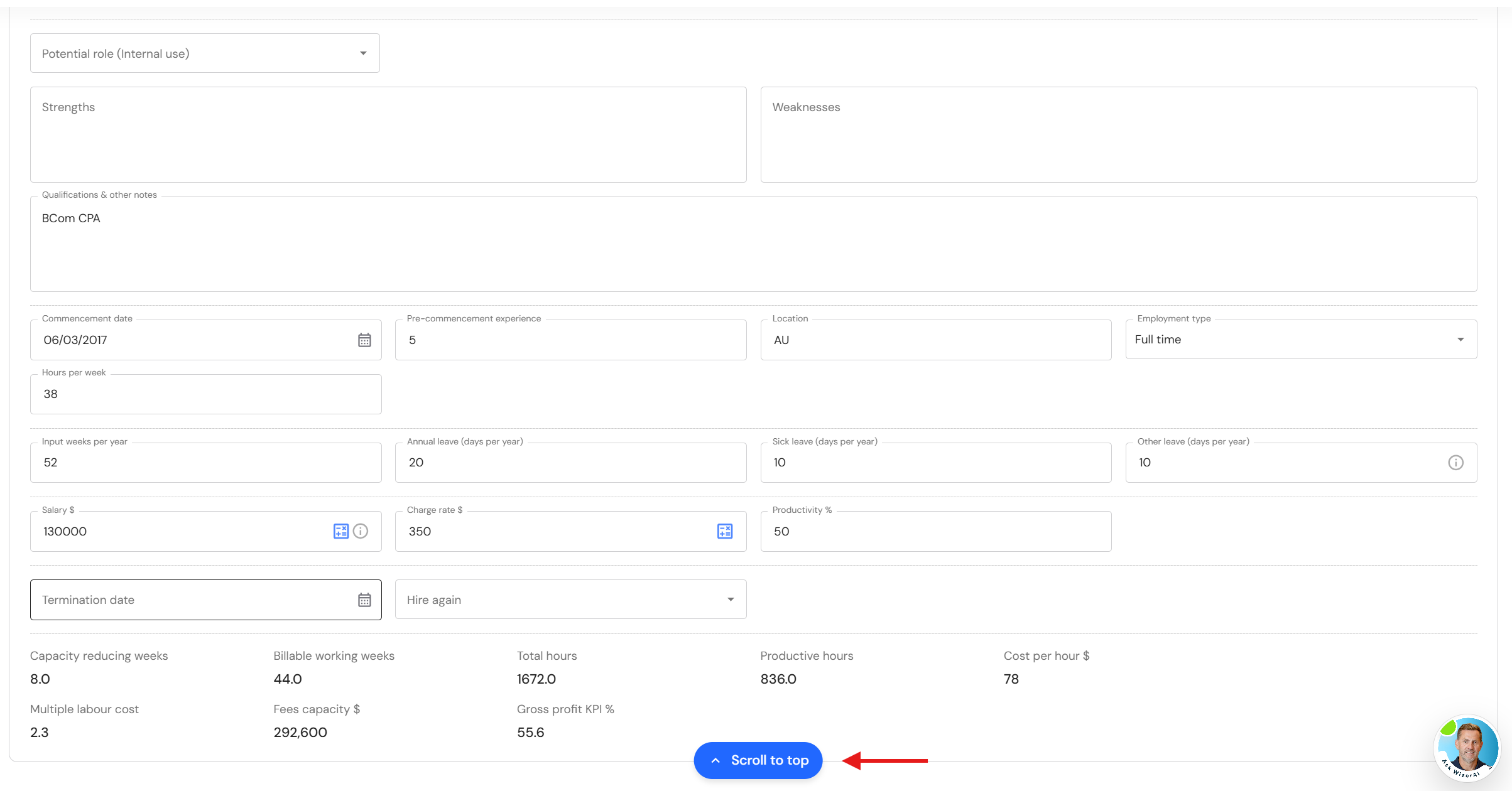
New 'Scroll to top' button
When editing records in the WizeHub, users can quickly navigate to the top of the page. As soon as the 'Update' button disappears from the page, a 'Scroll to top' will appear.