
Release Notes - 2 April 2026
Budget & Capacity
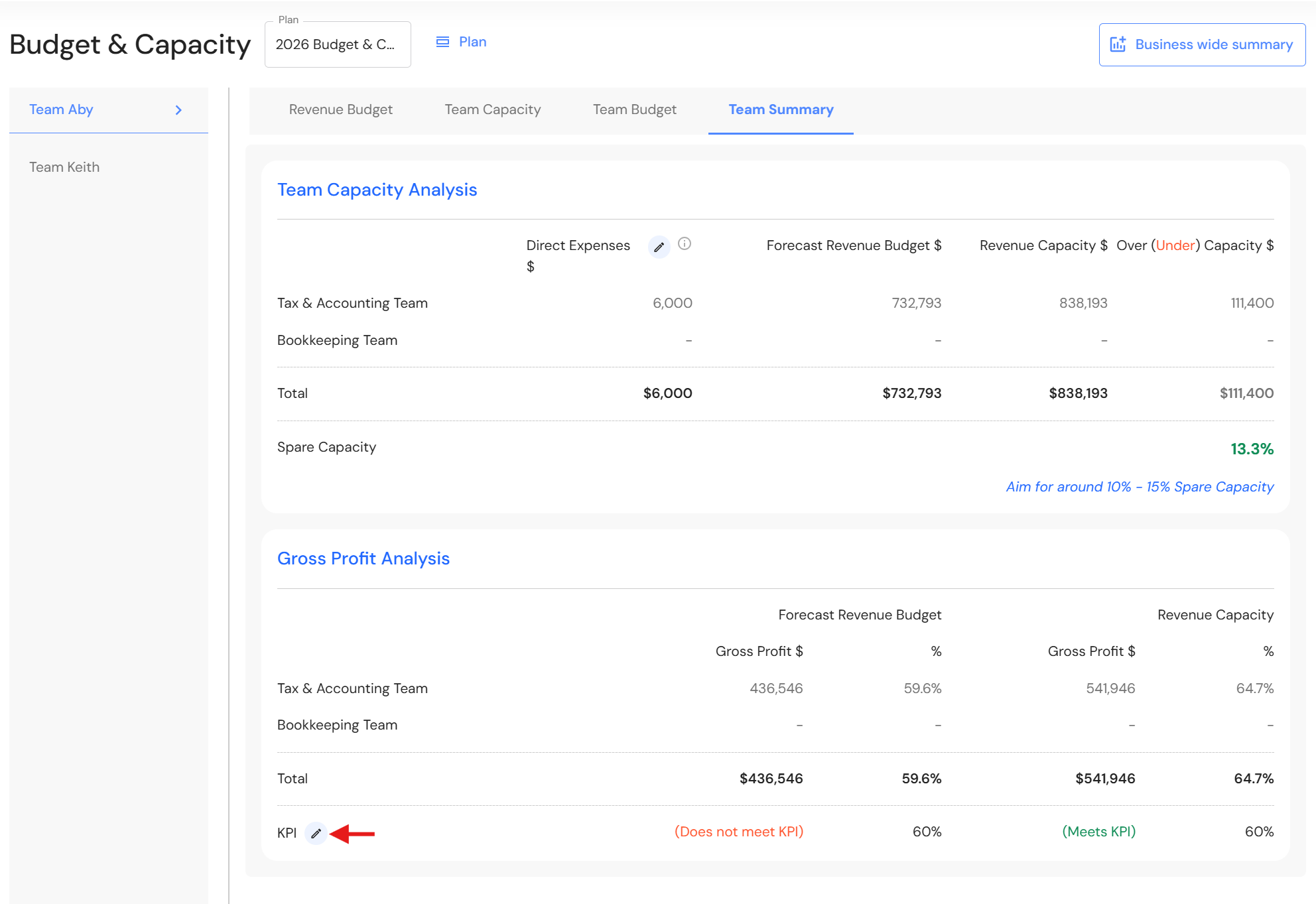
Set Custom Gross Profit % KPI
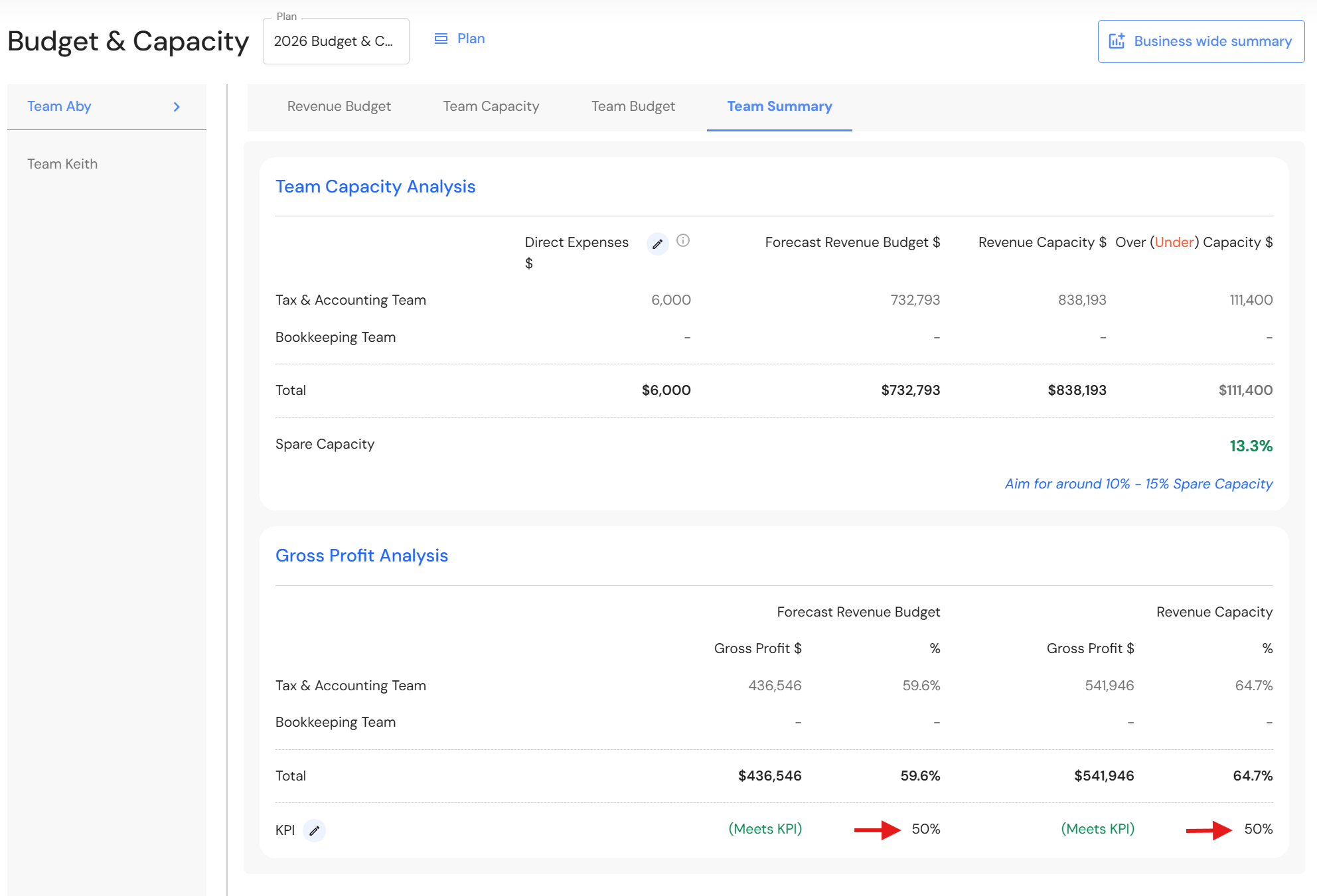
You can now set a custom Gross Profit % KPI for each team in the Team Summary.
How to set a Gross Profit % KPI:
- Go to Plan > Budget & Capacity.
- Select a team and click on the Team Summary tab.
- Click the pencil icon next to the KPI field.
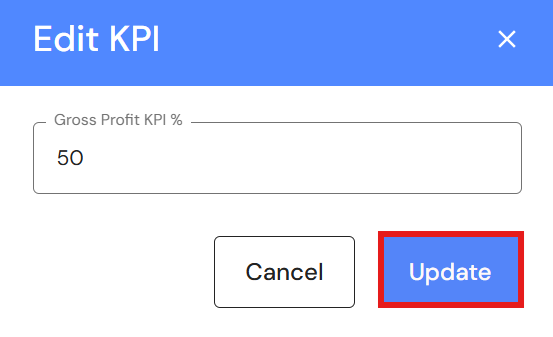
- Add a new Gross Profit target (%).
- Click 'Update'.
Repeat these steps for each team as required.
Client Portfolio
Bulk Delete All Clients
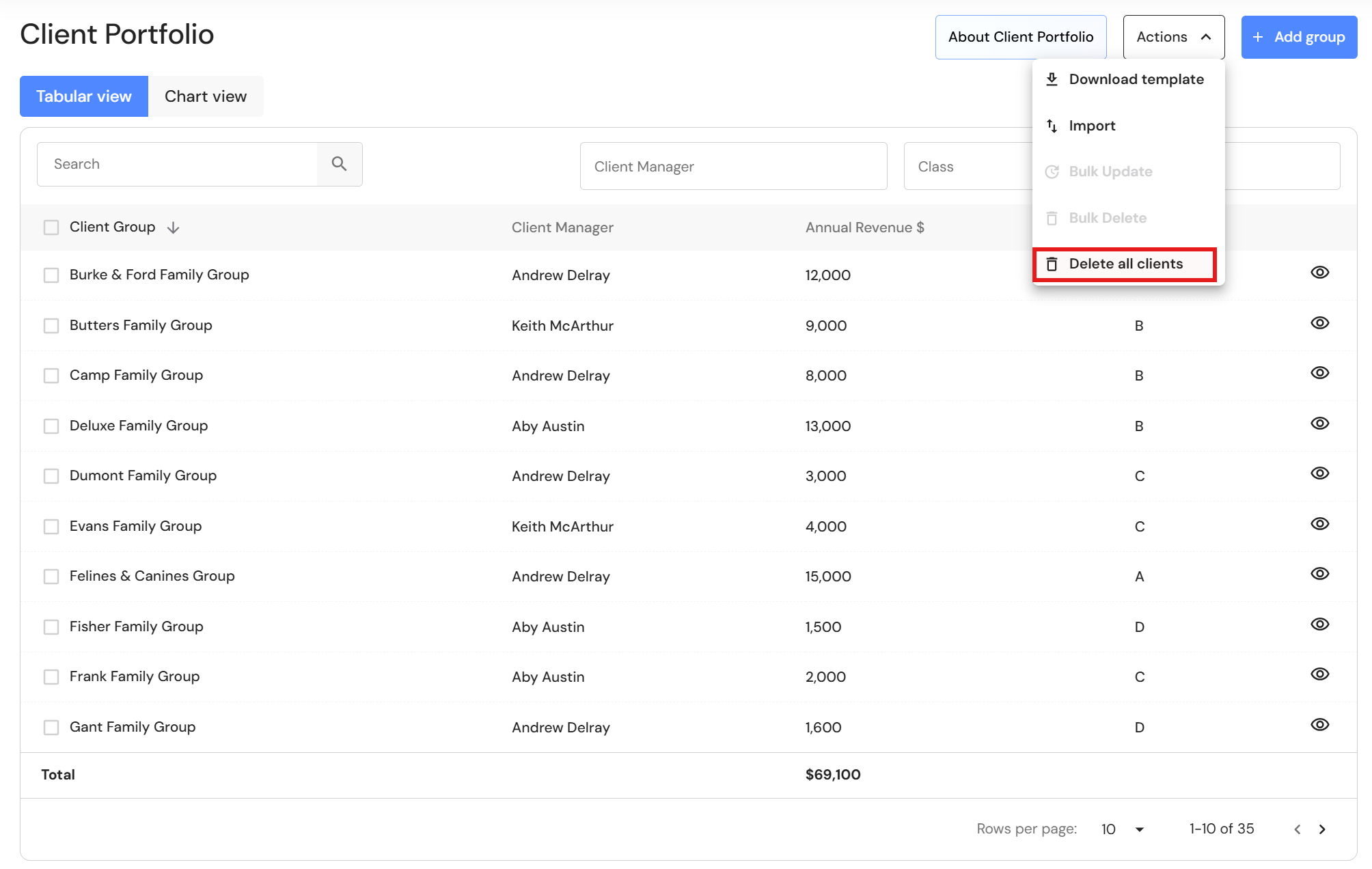
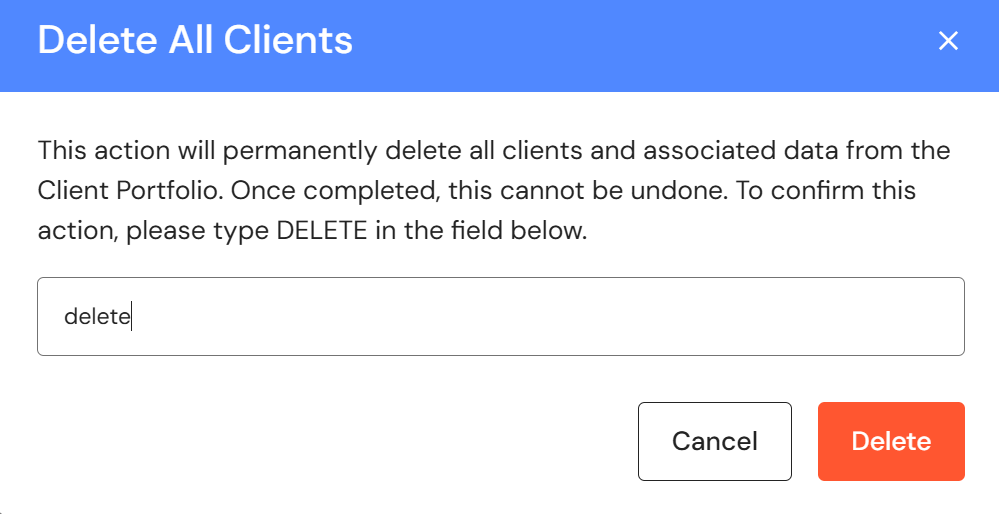
You can now delete the entire client list in the Client Portfolio, making it easier to remove outdated data and upload a new list.
To delete all clients:
- Go to Plan > Client Portfolio.
- Go to 'Actions', then 'Delete all clients'.
- Type delete to confirm you are ready to delete all clients and click 'Delete'.
Minor Updates
Policies & Procedures
The policy number is no longer a mandatory field.