
Release Notes - 10 July 2025
Budget & Capacity
Sync capacity details from People
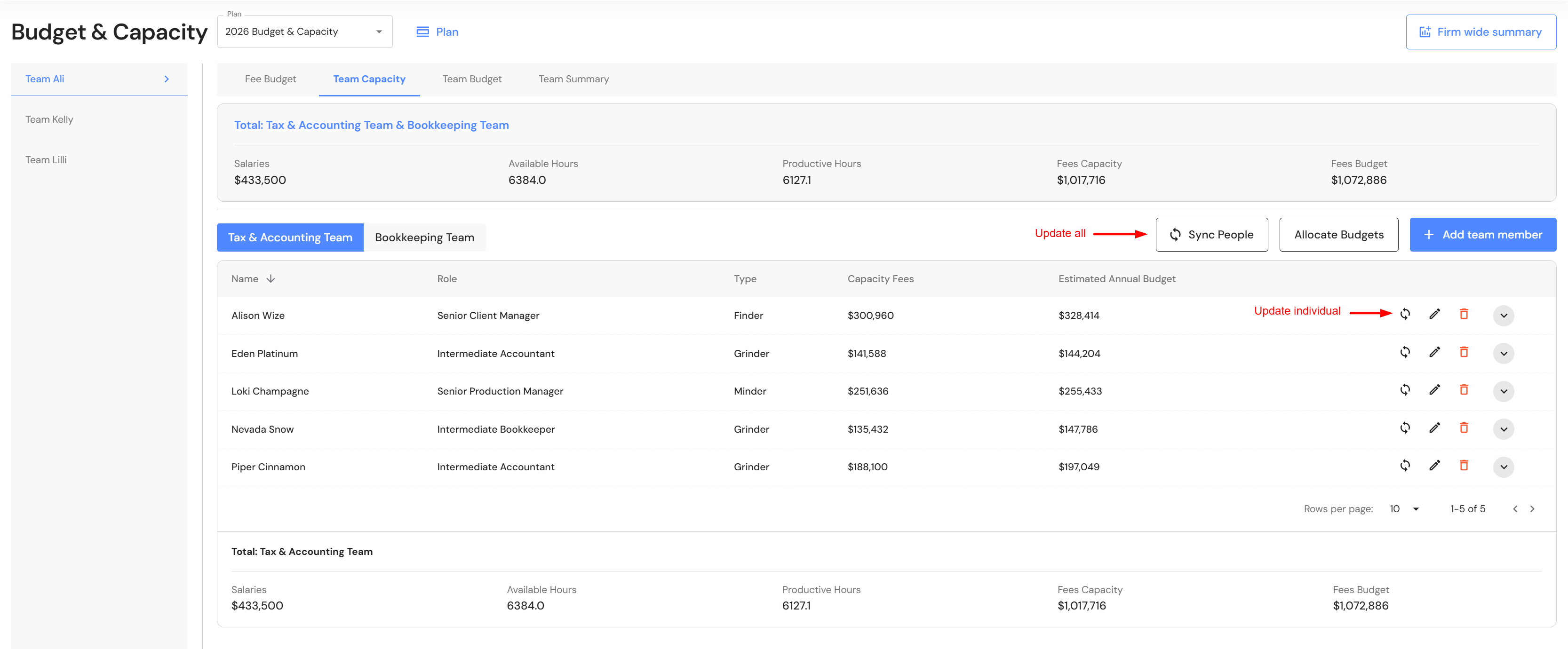
Users can easily sync updated capacity details into the team capacity tab. If you have made changes to team members, you can choose to sync all by clicking on the 'Sync People' button in the team capacity tab. Alternatively, to sync an individual team member, click on the sync icon next to each team member in the capacity plan.
Collapse team panel to expand data visibility
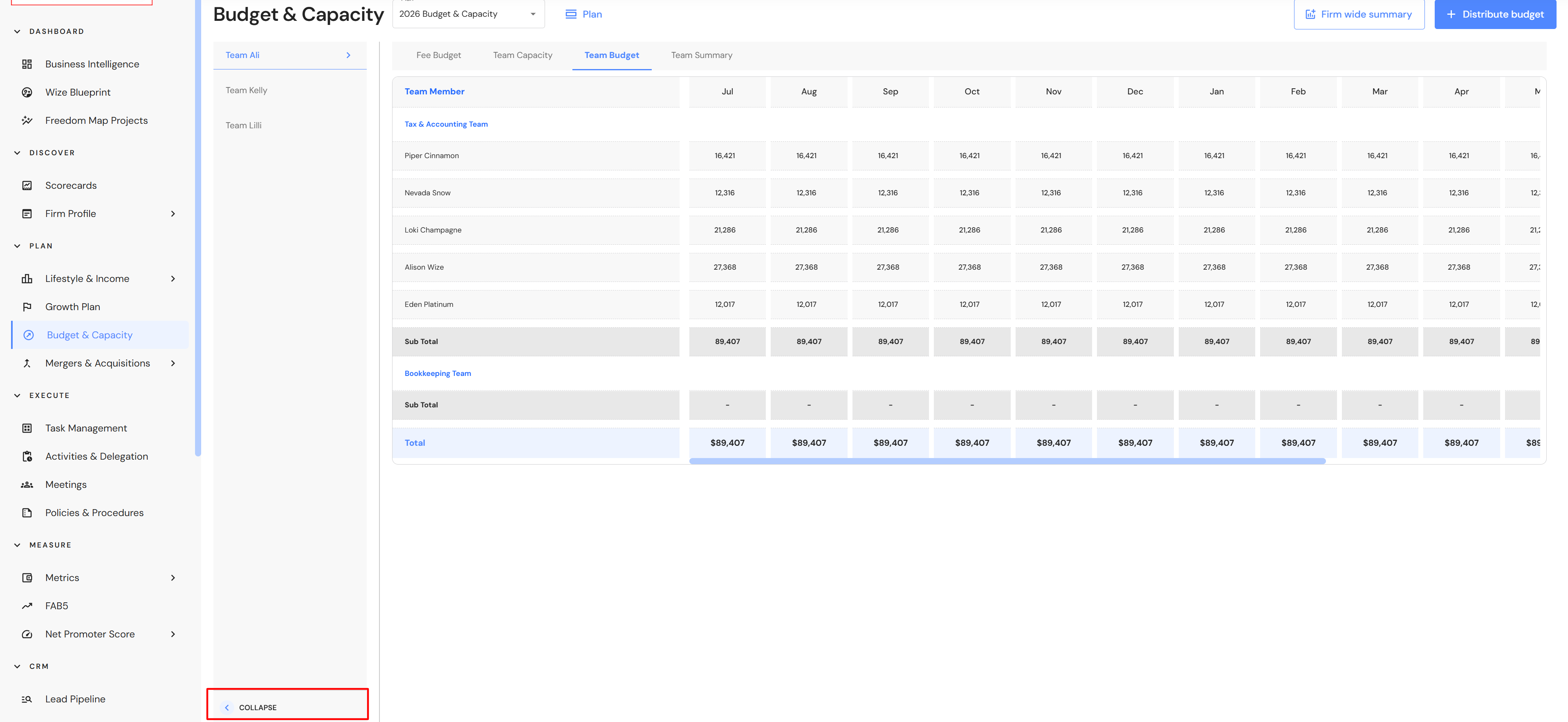
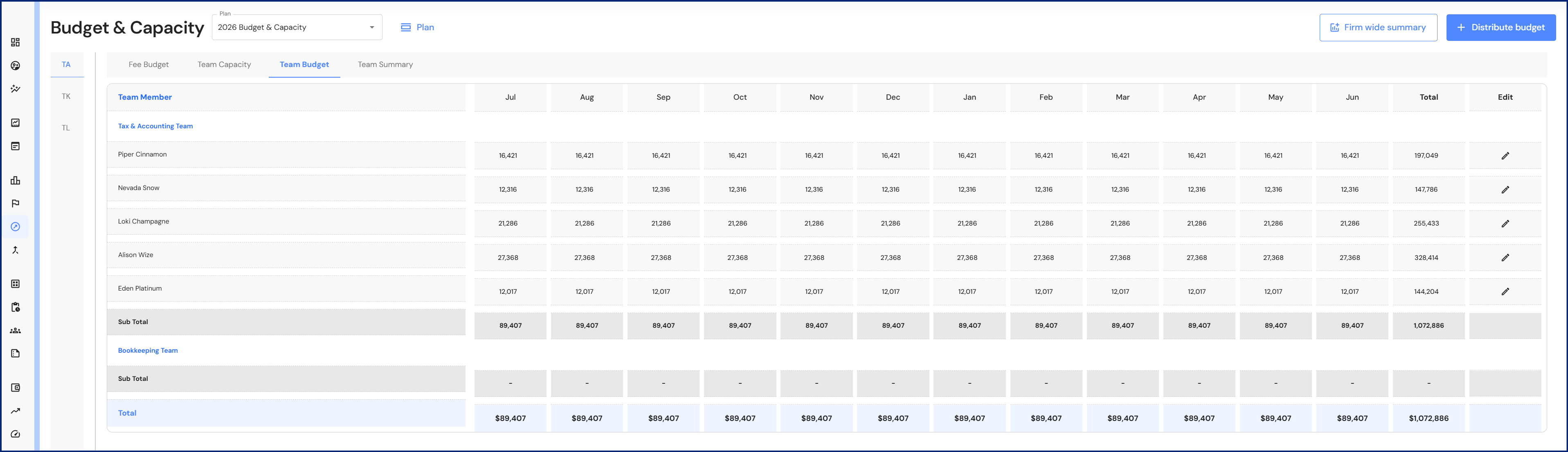
Users can collapse the Budget & Capacity to see more data on the screen. This is particularly helpful when viewing the team budget tab. Depending on your screen resolution or whether you zoom out, it is easier to fit all the monthly columns on one screen.
FAB5
Edit KPIs
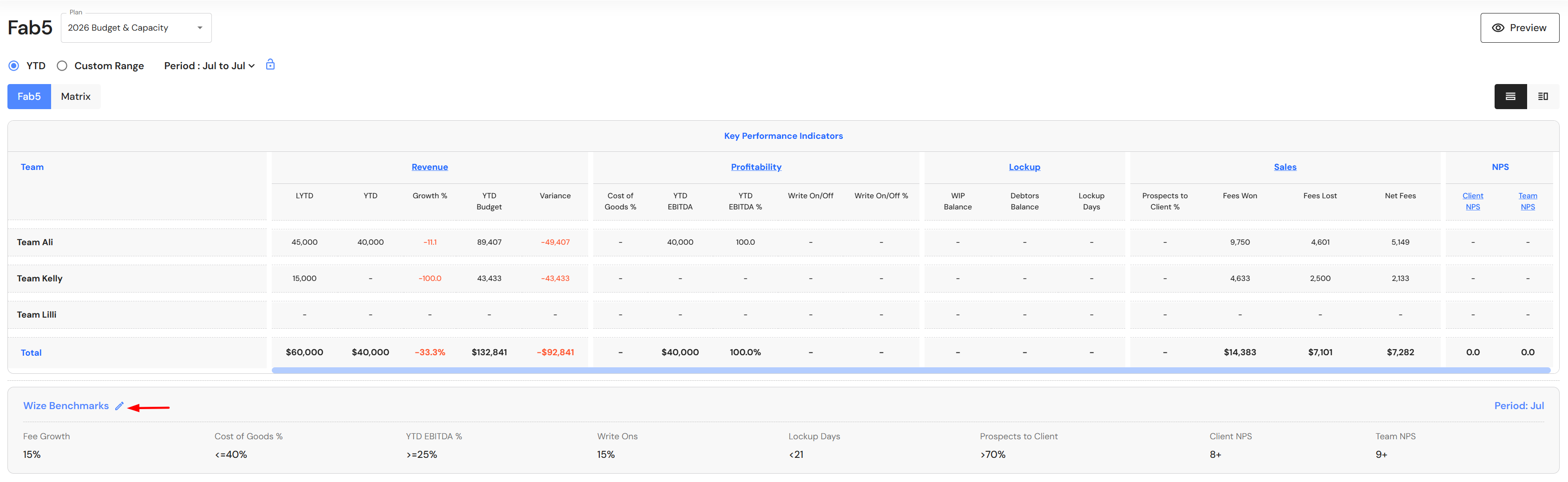
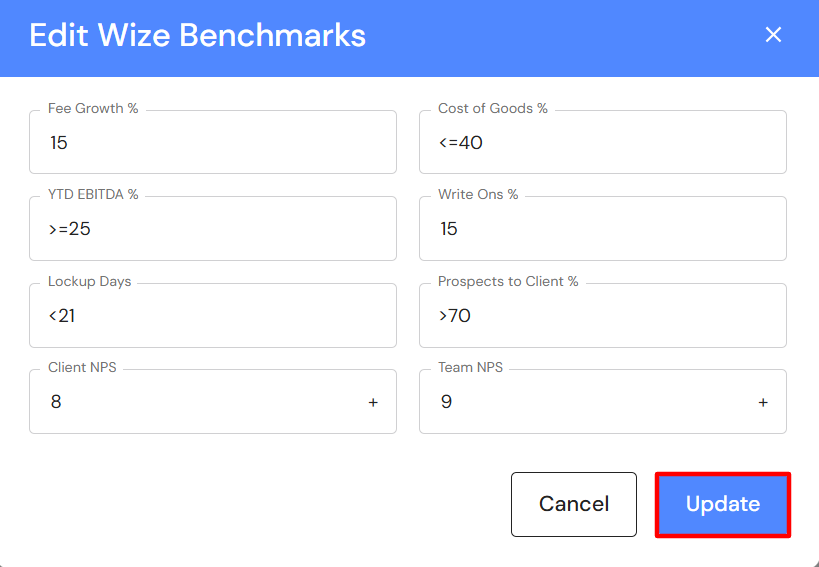
Users now have the ability to set their own FAB5 KPIs. Click on the edit icon next to the Wize Benchmarks heading to update your KPIs.
FAB5 Sales KPI: Fees Won & Lost opening balances
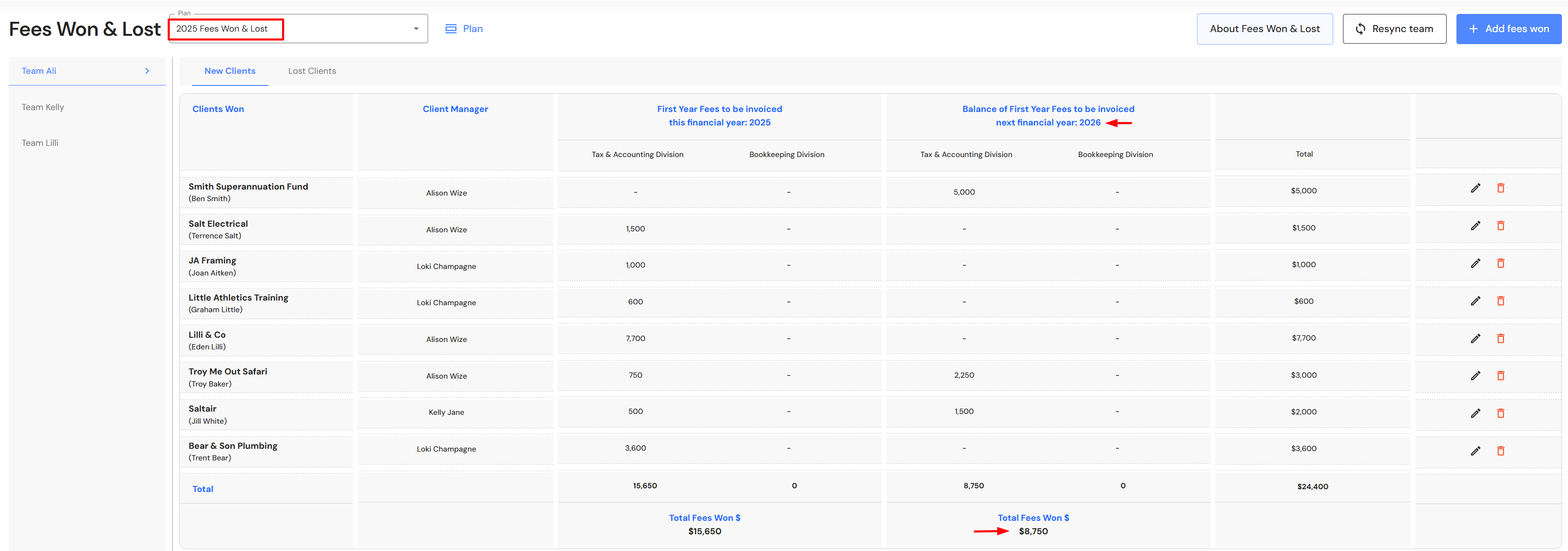
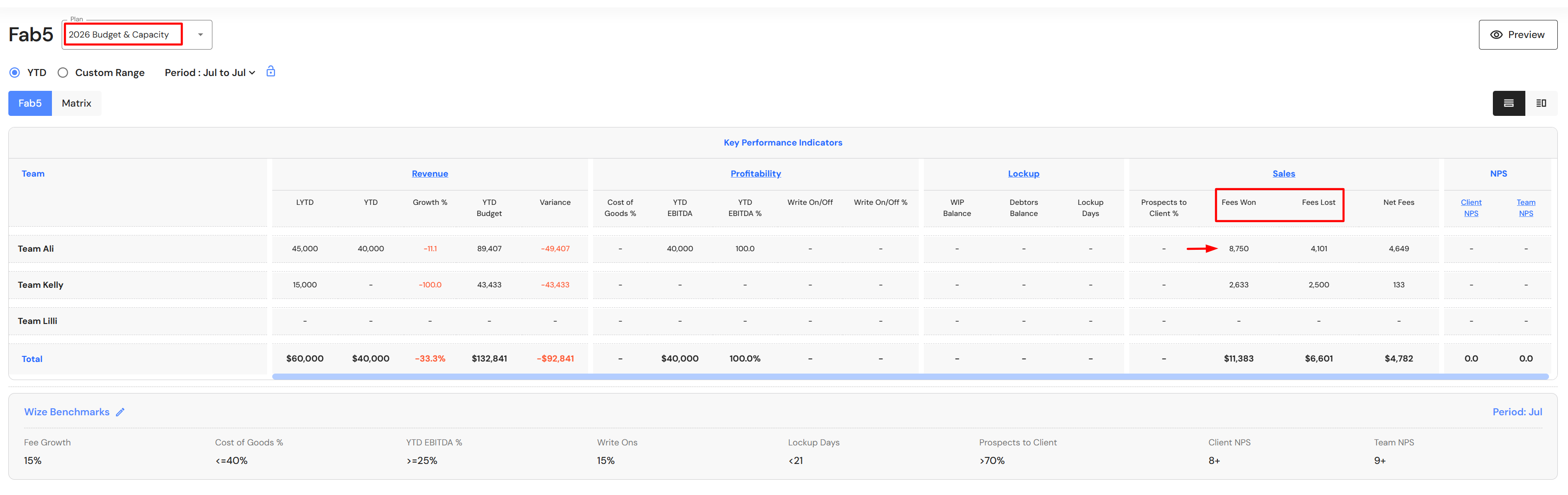
When starting a new financial year, the FAB5 Sales KPI will include opening balances in fees won and fees lost if values were assigned to the new financial year in the prior year Fees Won & Lost plan. Opening balances will only show up if the team existed in the prior year.
Client Portfolio
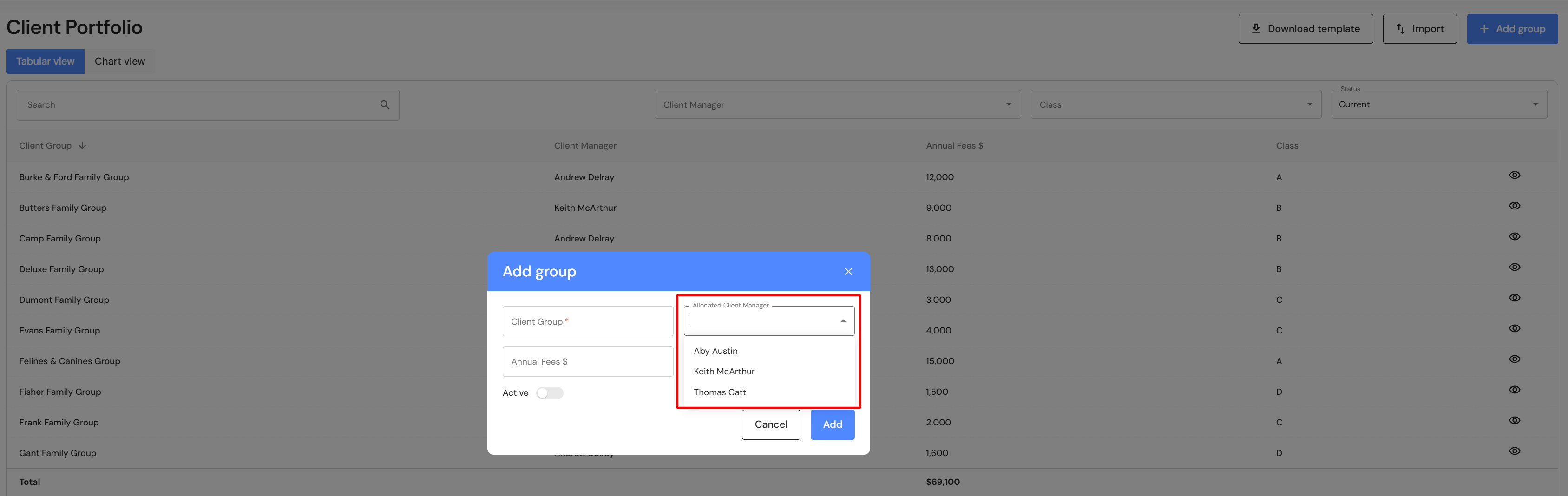
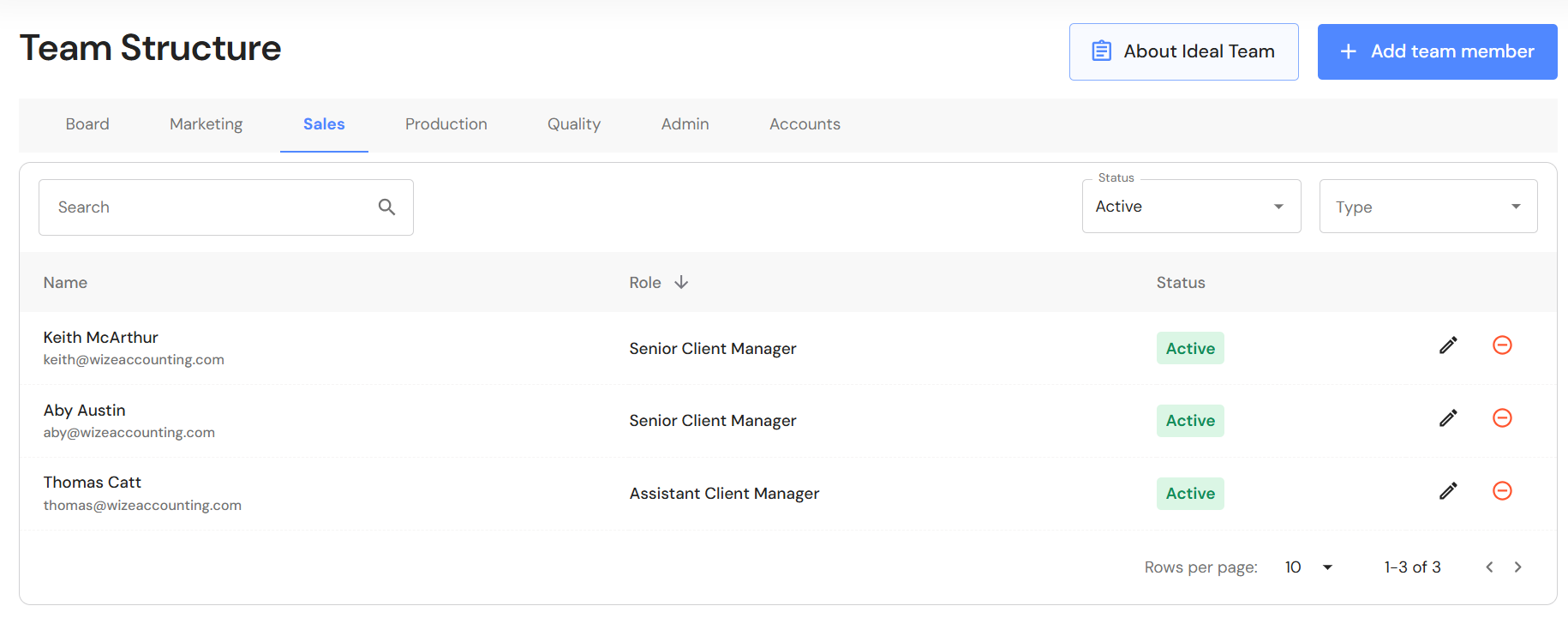
The 'Allocated Client Manager' in the Client Portfolio module will only show team members from the sales division in the Team Structure. If a Client Manager is removed from the sales division in the future, the Client Manager will no longer appear in the 'Allocated Client Manager' dropdown list. Historical information associated with the former Client Manager will be retained and users can still filter on the manager's historical clients.
Minor Updates
About Ideal Teams button
A button has been added to the Team Structure to help firms visualise and understand the benefits of the Wize Ideal Team structure.