
Release Notes - 13 November 2025
Print to PDF: EBITDA & FAB5
You can now print EBITDA and FAB5 reports directly to PDF.
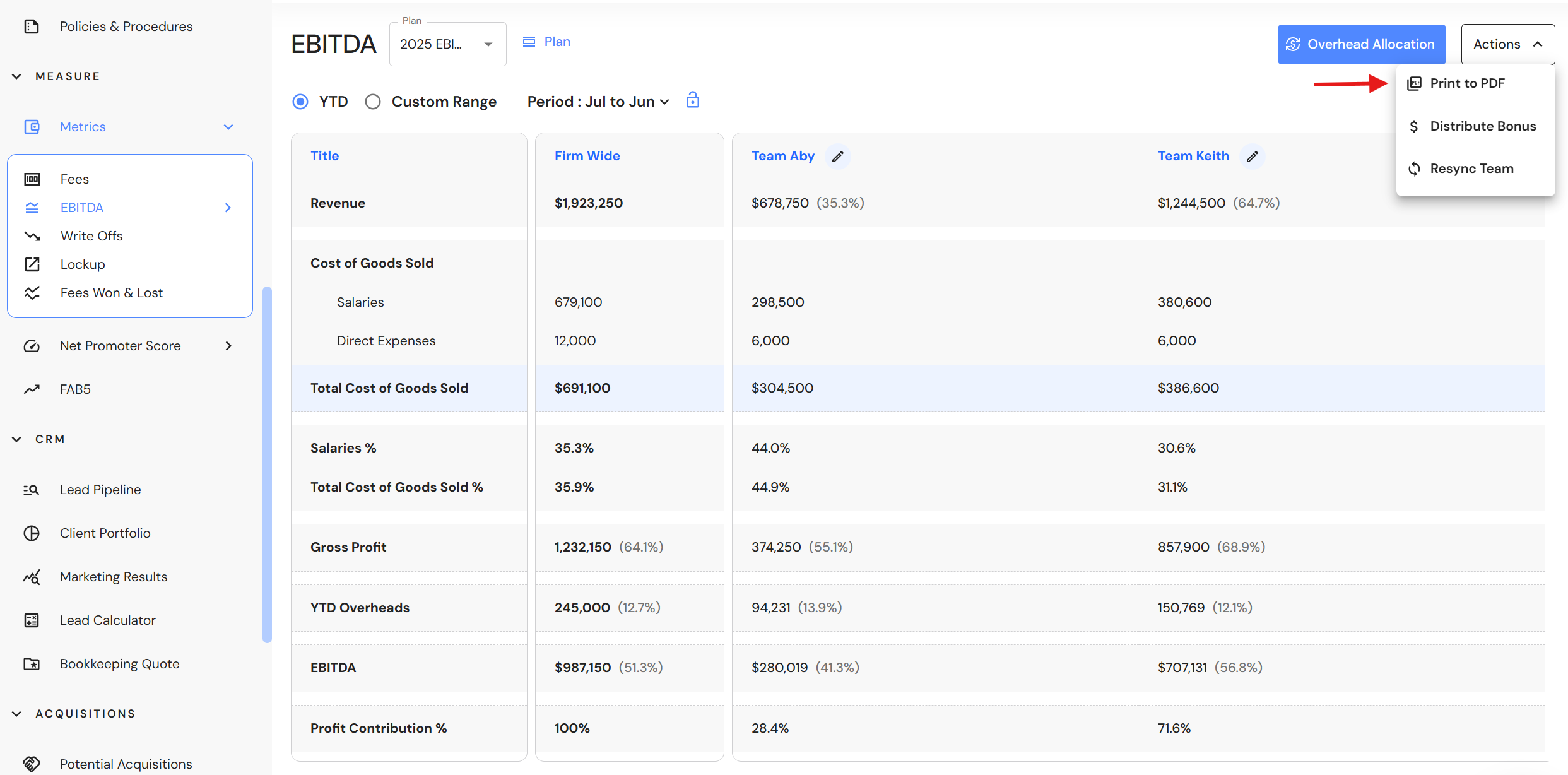
In EBITDA, click on the 'Actions' button, then select 'Print to PDF'.
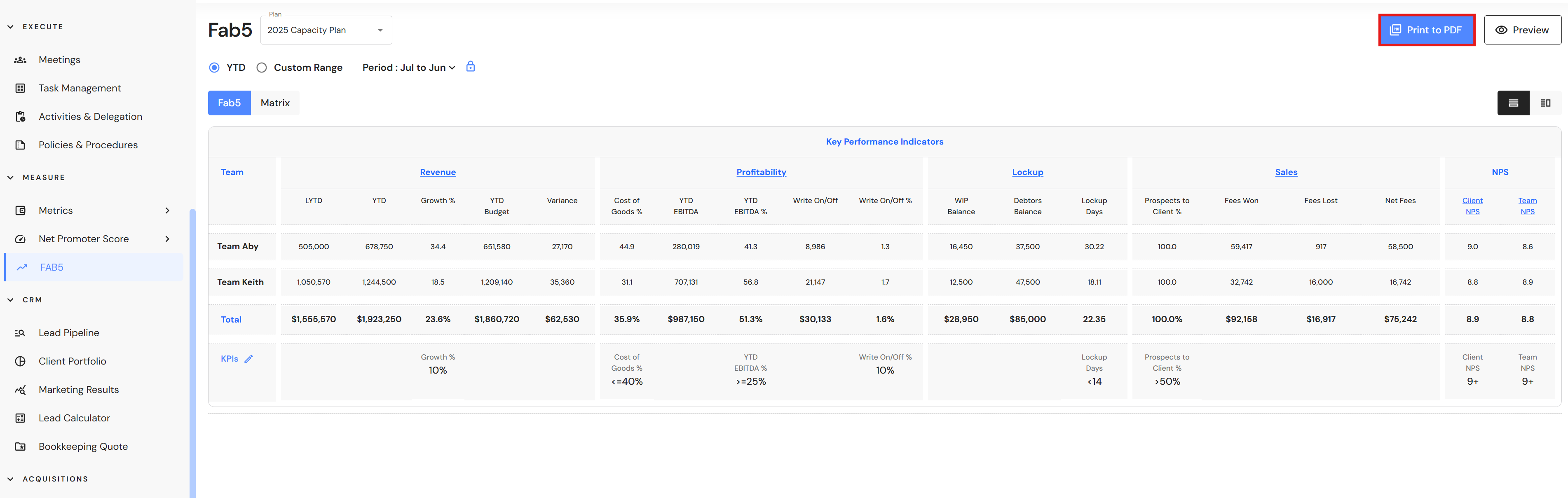
In FAB5, click on the Print to PDF button to download your report.
Minor updates
Side Menu
We have reorganised the modules within Discover and Plan to better reflect the planning journey for business owners. As part of this update, Firm Details has been moved to Settings. Additionally, Acquisitions is now available as a standalone menu.