Organisation Chart
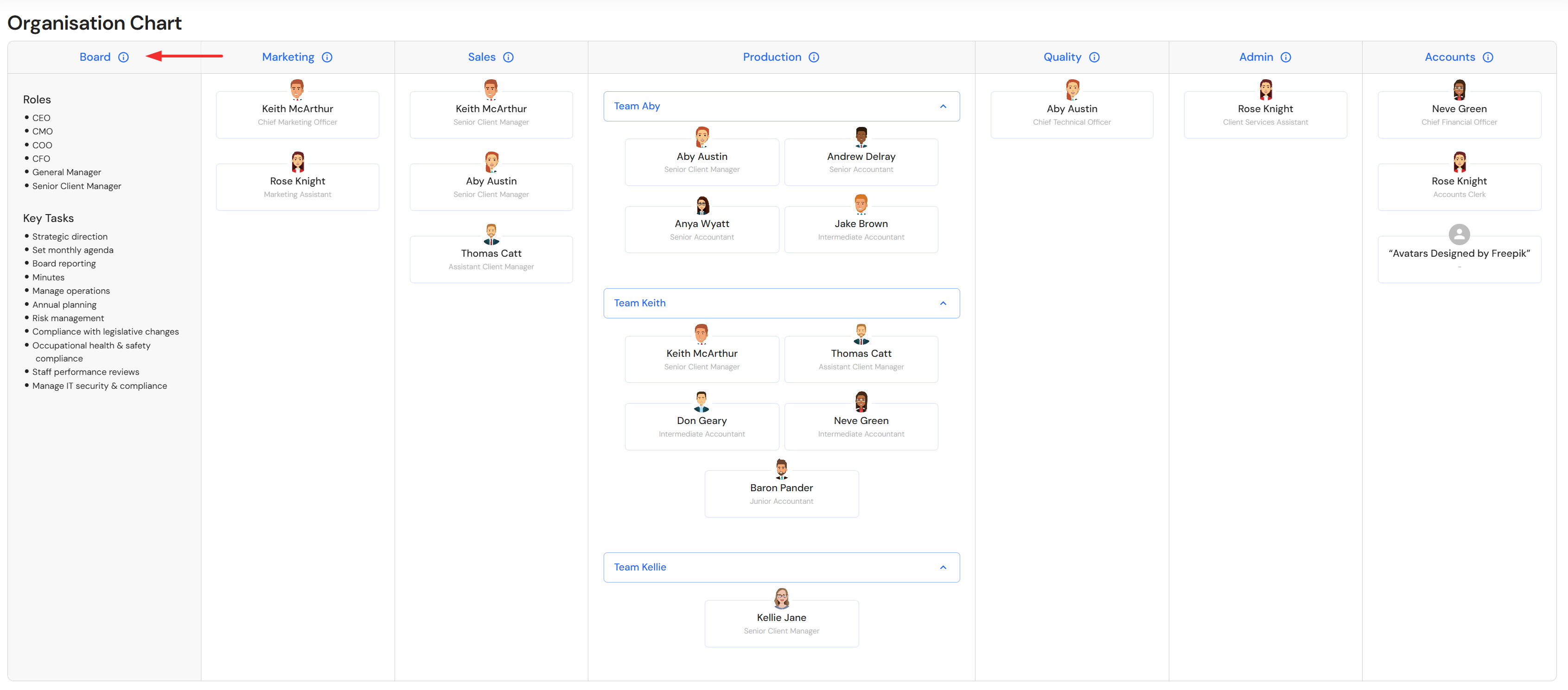
This article showcases the Organisation Chart and highlights the key steps to populate each division.
The Organisation Chart is a visual representation of your team by division, roles and hierarchy. The chart automatically populates from Ideal Teams.
Go to Plan > Organisation Chart
Pre-requisites to display content in your Organisation Chart:
- Update and maintain the accuracy of your Ideal Teams.
- Add a profile picture to team member profiles in People.
NB* Position hierarchy is determined by position levels in System Preferences > Team Roles.
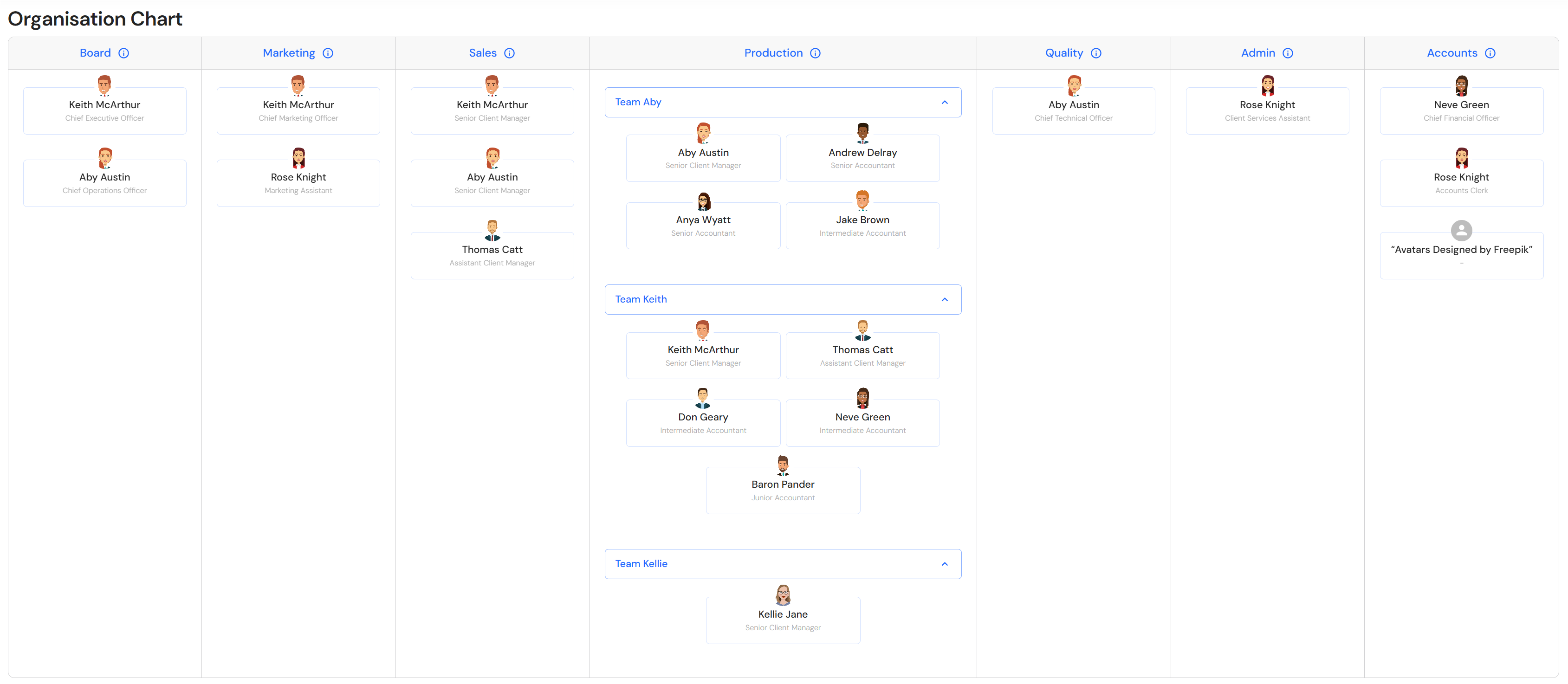
Division Roles & Responsibilities
Context has been added to each division, providing business' with a general guide on the typical roles and responsibilities. Click on the division header to switch the column to context.