
Potential Acquisitions
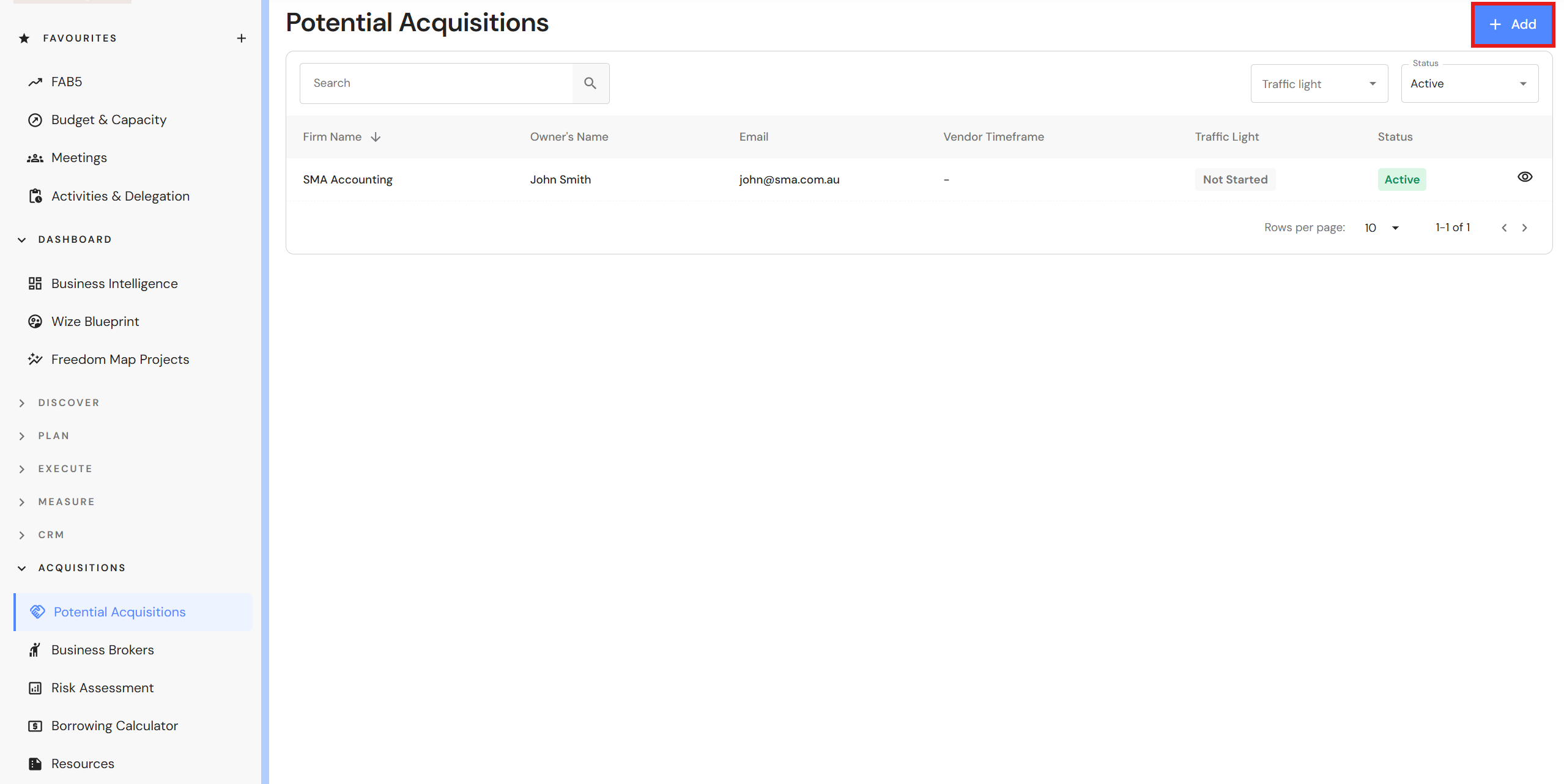
Potential Acquisitions is a database used to track businesses that may be a strong strategic fit for future growth through acquisition.
Utilise the database to record businesses in your target location and keep track on the progress of potential acquisitions.
Add Potential Acquisitions
Go to Acquisitions > Potential Acquisitions
- Click '+ Add'.
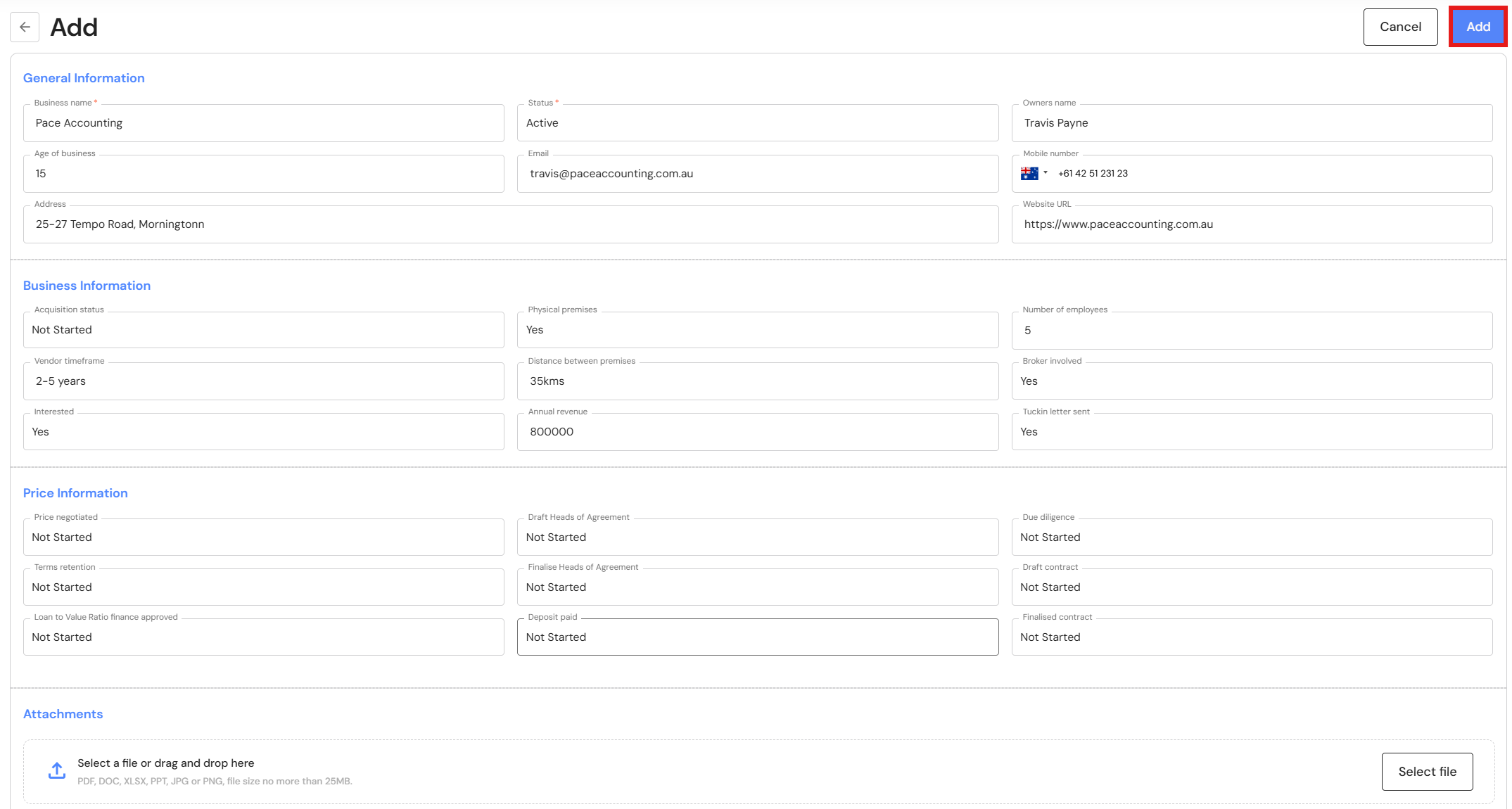
- Complete the following details:
- General Information
- Business name
- Status - Leave it as Active.
- Owners Name
- Age of business - How long has the business been trading?
- Mobile number
- Address
- Website URL
- Office Information
- Acquisition status - Have you started discussions?
- Physical premises - Do they have premises or working solely online?
- Number of employees - This is an indication of how many employees may come across with the acquisition.
- Vendor timeframe - What timeframe does the vendor want to sell and/or retire?
- Distance between premises - How far is the business from your premises?
- Broker involved - Is the connection via a broker?
- Interested - Are you interested in pursuing the acquisition?
- Annual revenue - What is the business's annual turnover?
- Tuckin letter sent - Have you sent a letter notifying the owner of your interest in acquiring the business?
- Price Information
- Price negotiated - Have you agreed on an acquisition price?
- Draft Heads of Agreement - Have you sent the draft Heads of Agreement to the vendor?
- Due diligence - Have you completed the due diligence process before proceeding to further steps?
- Terms retention - Have you agreed on terms of retention to protect revenue from falling post-acquisition?
- Finalise Heads of Agreement - Is the Heads of Agreement agreed upon and signed by both parties?
- Draft contract - Has the contract been sent for execution?
- Long to Value Ratio finance approved - Have you met the financier's Loan to Value Ratio requirements and obtained finance approval?
- Deposit paid - Have you paid the deposit to vendor's agent?
- Finalised contract - Is the contract executed and finalised?
- General Information
- Drag and drop any attachments.
- Click 'Add' to save the business details.
Edit Potential Acquisitions
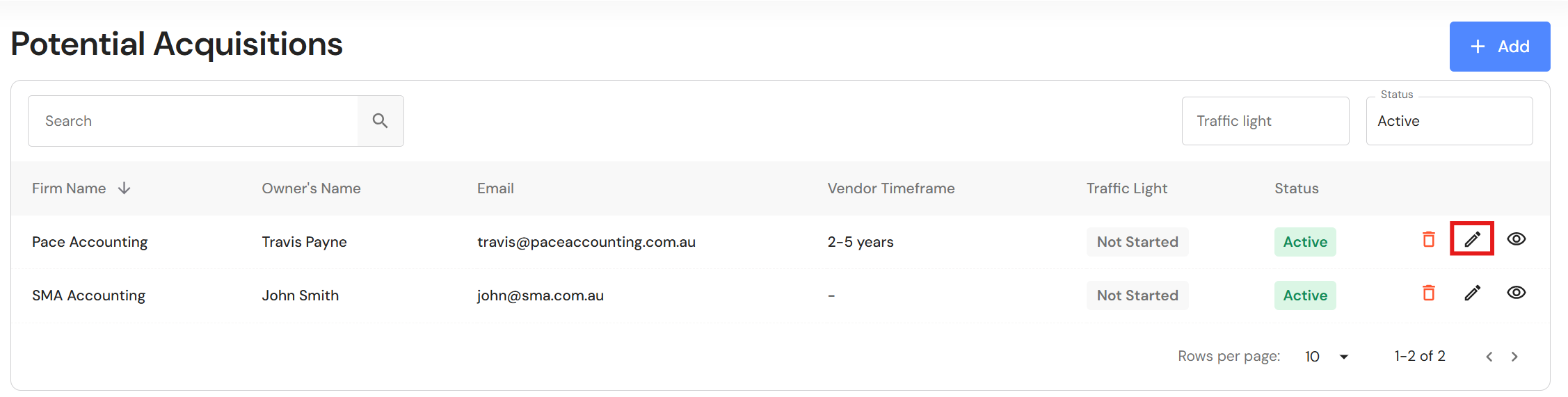
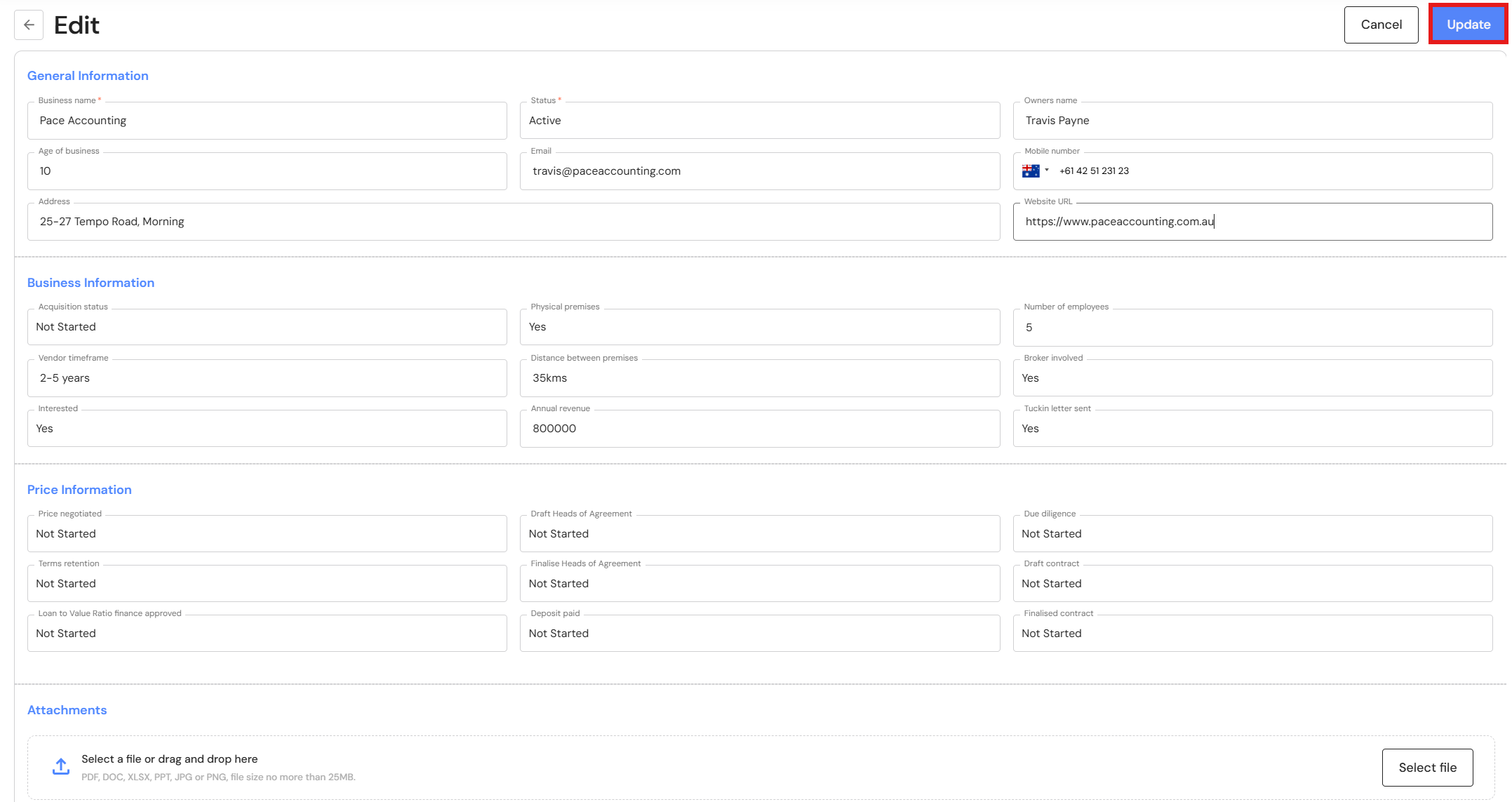
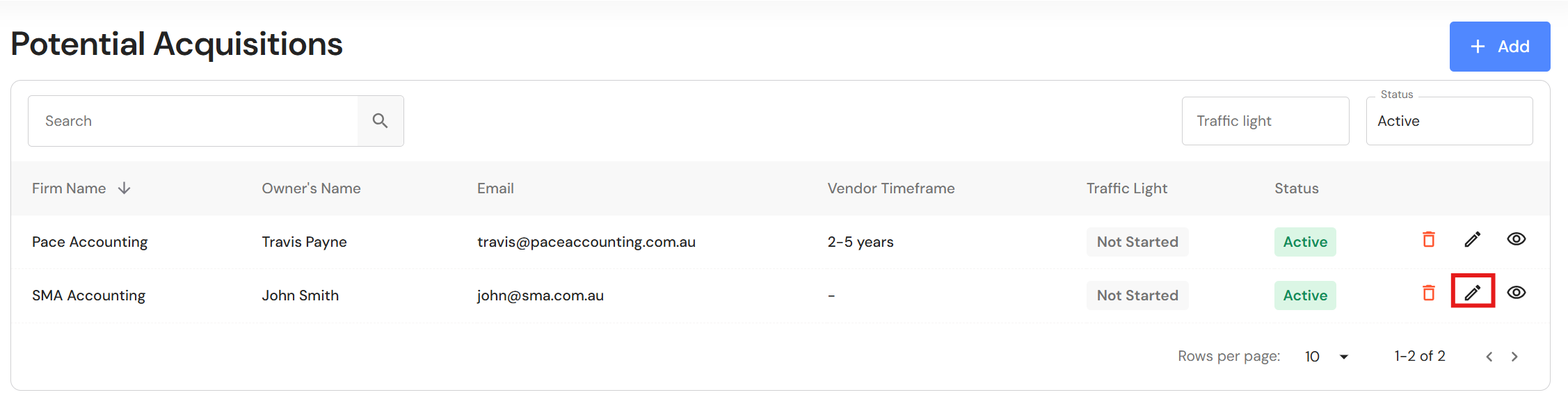
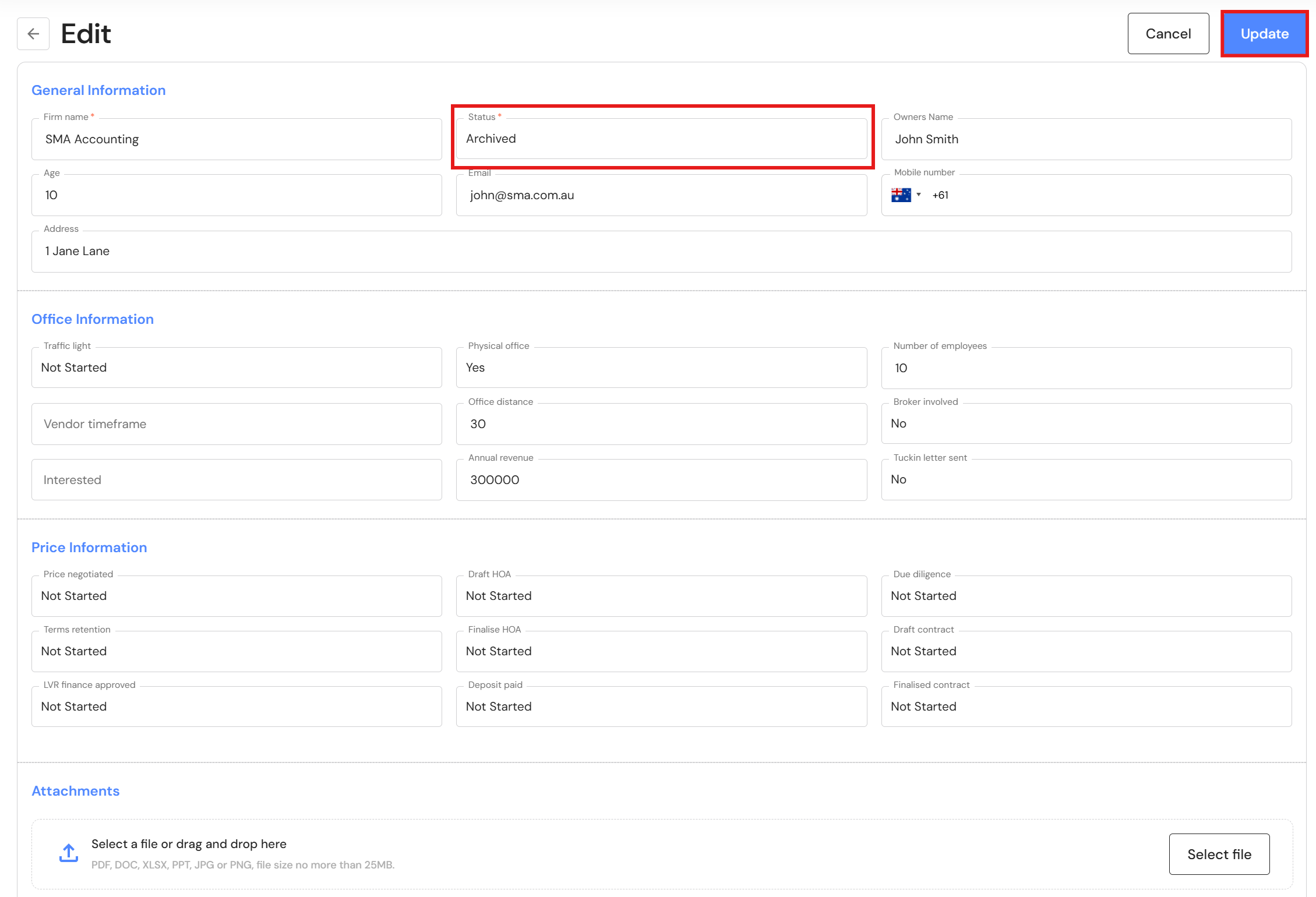
To edit a potential acquisition, click on the edit icon next to the business. When you are finished with the changes, click 'Update'.
Delete Potential Acquisitions
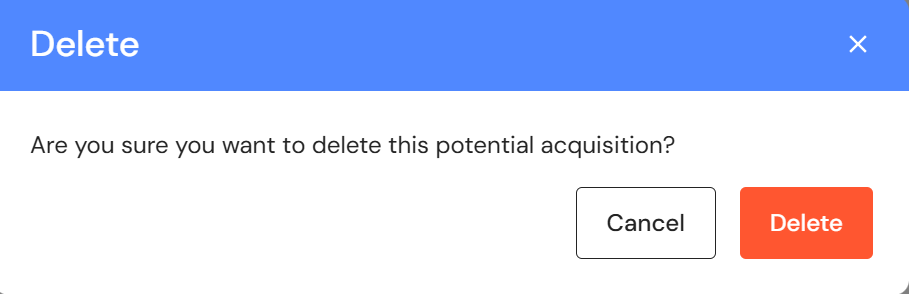
To delete a potential acquisition, click on the bin icon next to the business name.
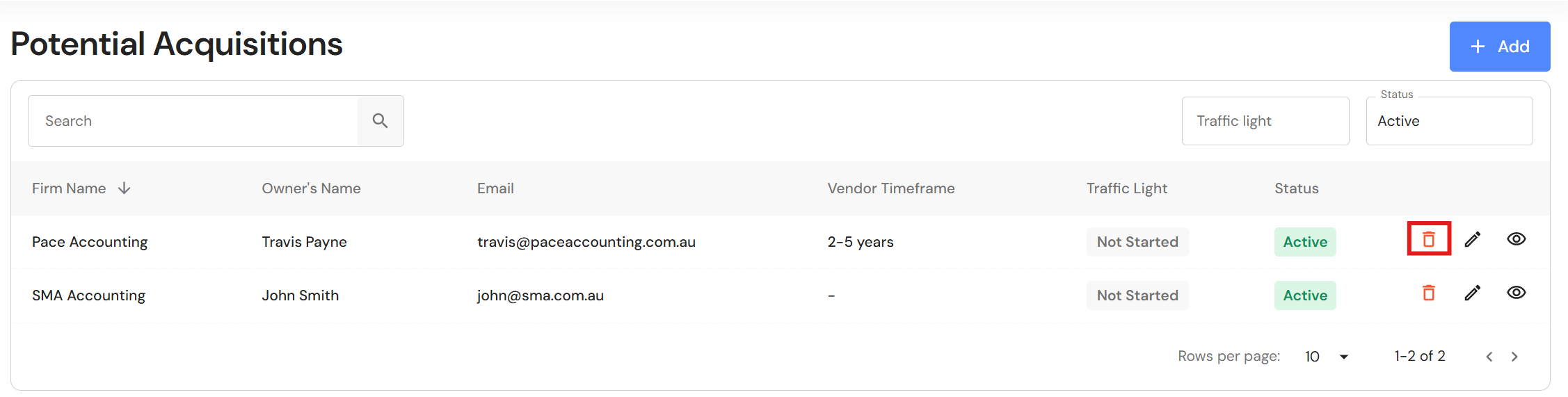
Archive Potential Acquisitions
To archive a potential acquisitions, click on the edit icon next to the business.
Change the status to 'Archived' and click on "Update".
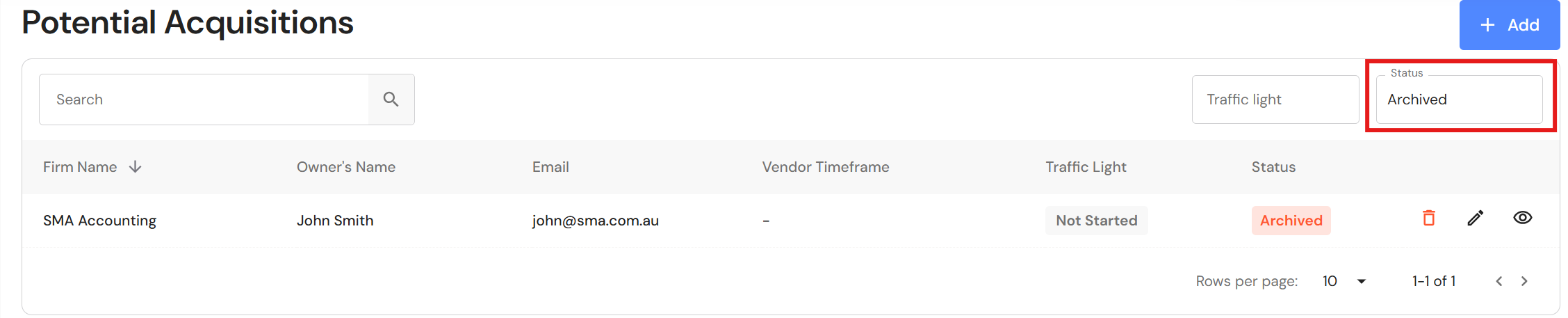
Select 'Archived' in the "Status" filter to view archived businesses.
Acquisition Resources
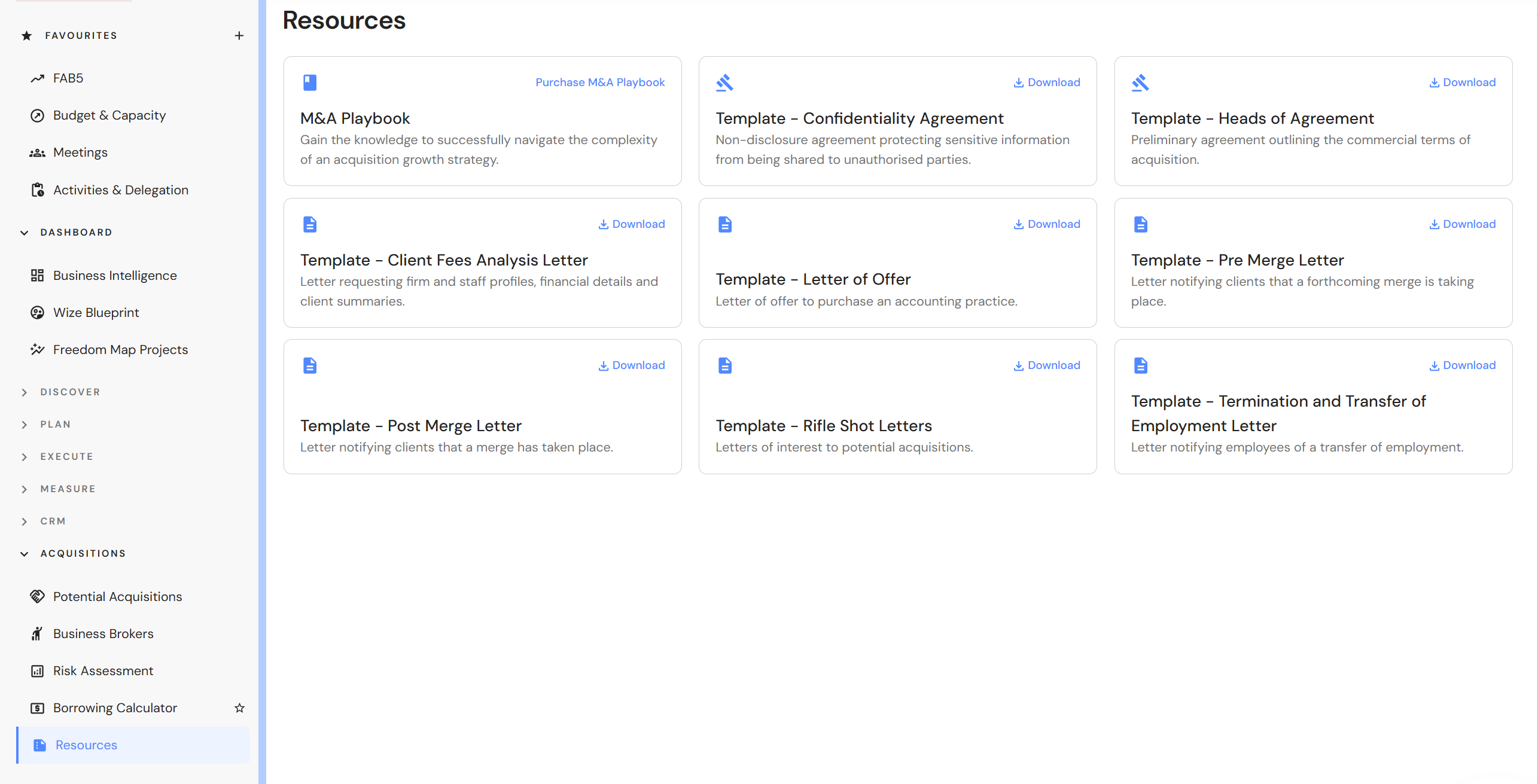
When you are ready to start the acquisition process, access downloadable resources to assist you in your acquisition journey.
Go to Acquisitions > Resources
Download and update documents with your business branding.
Merge Meeting
During the acquisition process, keep track of the entire acquisition journey with a regular merge meeting. Refer to Meetings to create and import a merge meeting template.
Other resources - Import a meeting templates