Release Notes - 24 July 2025
People
Charge rate calculator
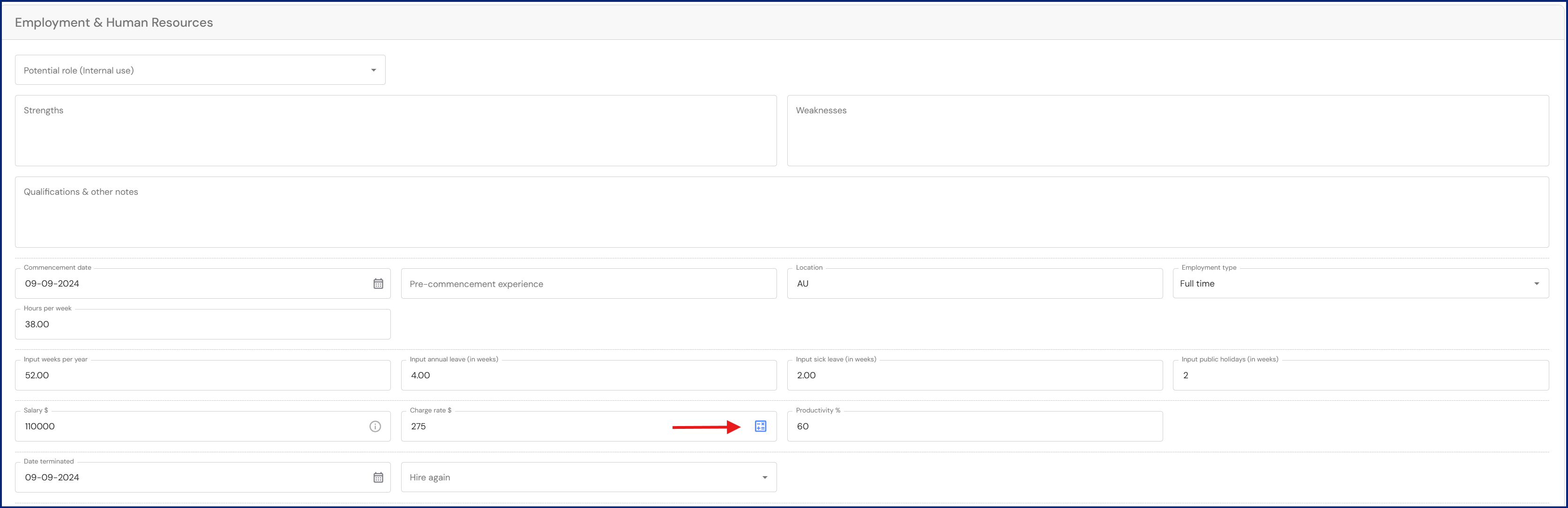
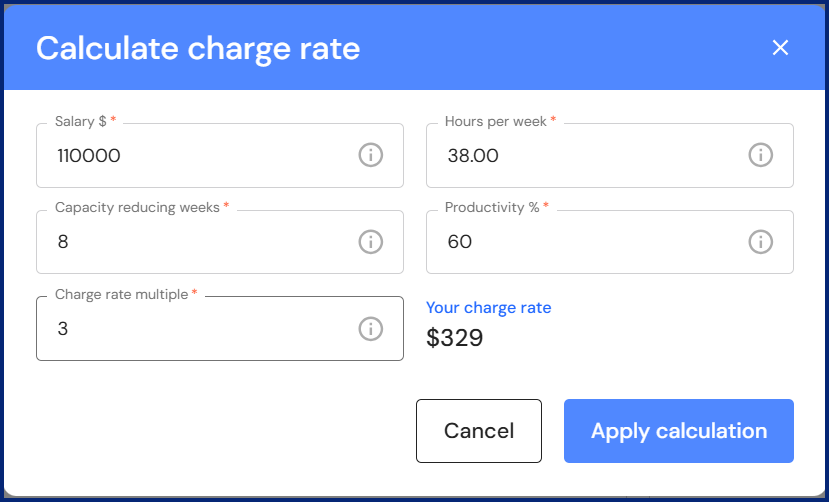
We have added a charge rate calculator to the charge rate field in the People profile. The calculator makes it easy for firms to determine a benchmark charge rate for chargeable team members.
Go to Discover > Firm Profile > People
The calculator icon will appear in the charge rate field when you 'add' or 'edit' team member details.
- Click on the calculator icon.
- The calculator will prefill with details stored in the employee's profile. Enter a charge rate multiple to calculate a benchmark charge rate. Click on 'Apply calculation'.
Team Structure
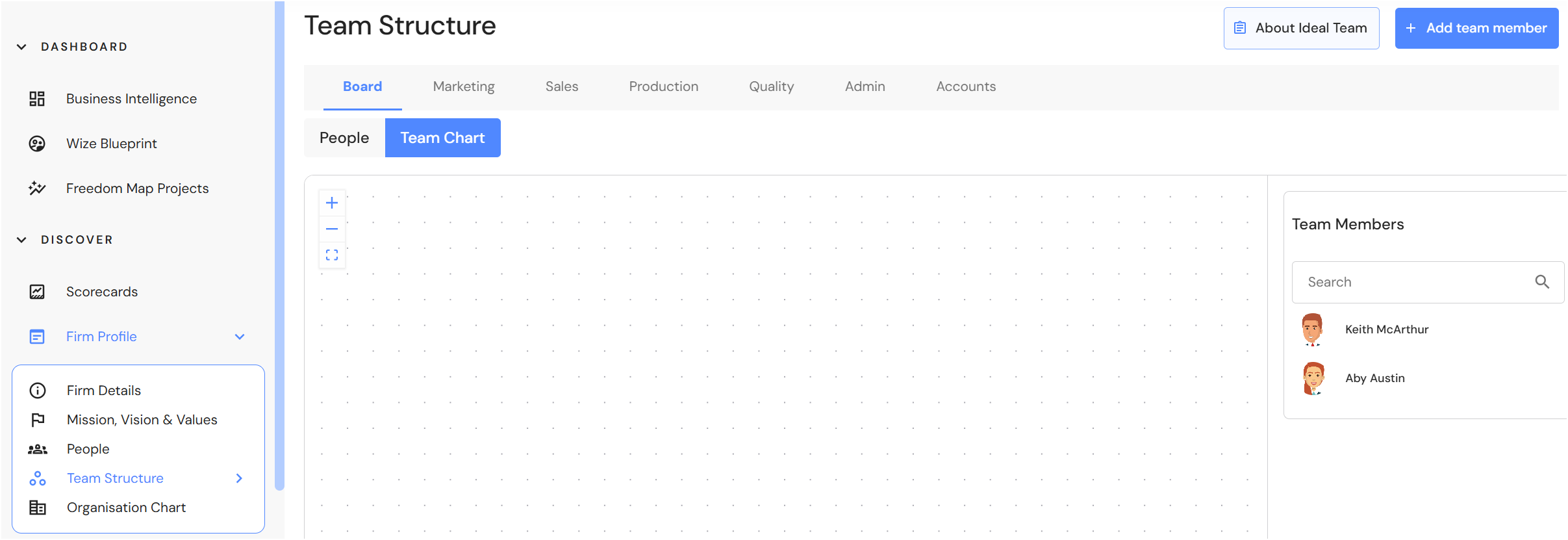
Team charts in each division
We have added a team chart to each division in the Team Structure module. This helps firms document and visualise reporting lines in each division.
Meeting Agenda Templates
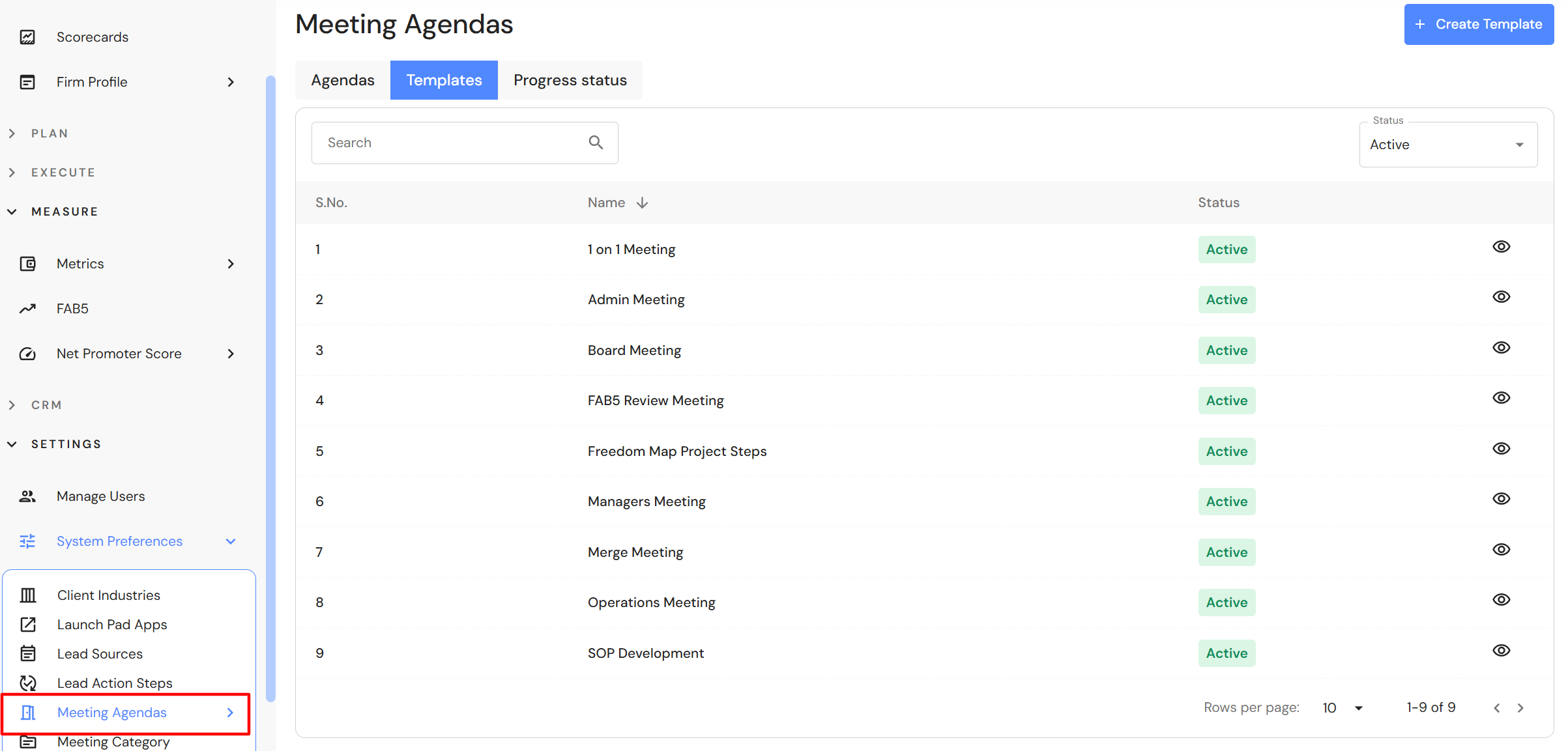
A meeting template imports a list of agenda items into a meeting. We have deployed a series of master meeting agenda templates across all tenants. Each template has a list of agenda items to help firm owners get up and running with meeting rhythms and routines.
To view meeting templates, go to Settings > System Preferences > Meeting Agendas and click on the 'Templates' tab.
Minor Updates
Lead Pipeline - Age of leads
When the status of a lead or prospect is marked as won or lost, the age of the lead will cease counting.
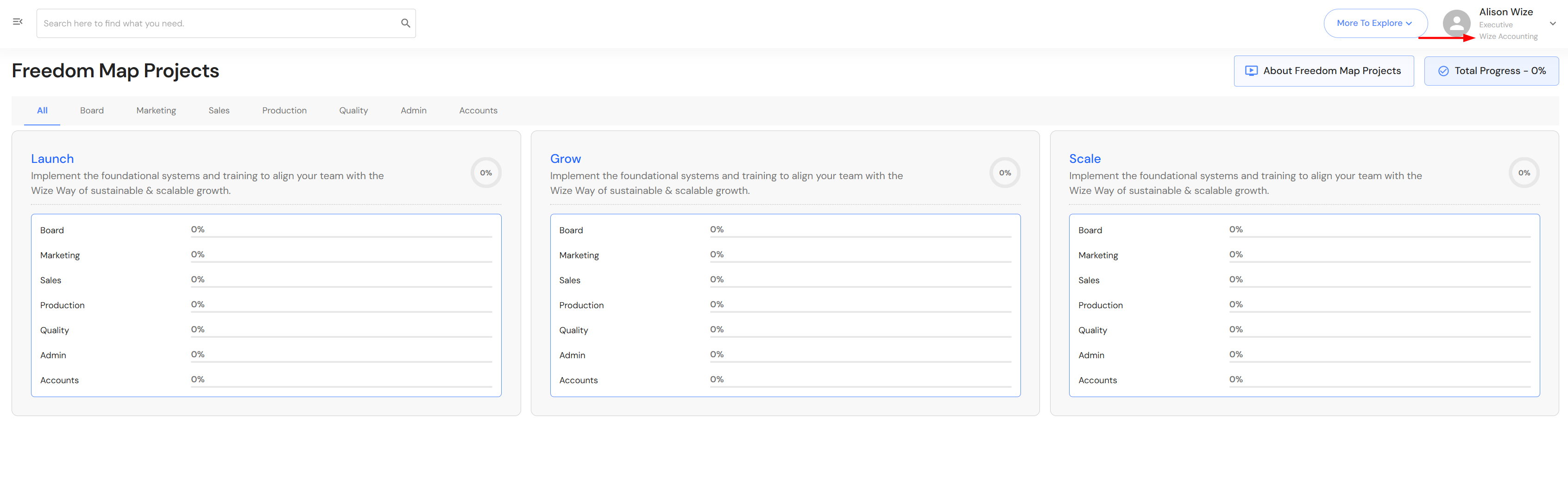
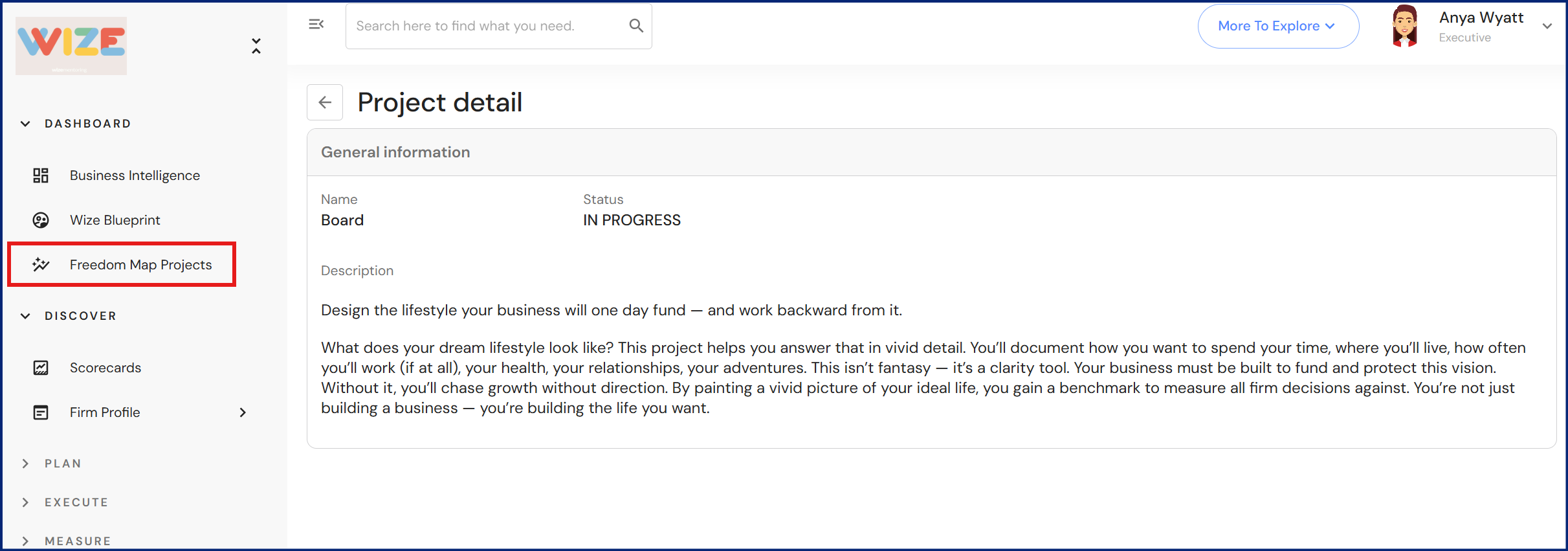
Context added to Freedom Map Projects
Freedom Map Projects have context added to each card so firm owners can learn the goal of each project and prepare for implementation.
We have also deployed the 'Freedom Map Project Steps' meeting template for firms to work through the Wize steps to freedom.
To import the 'Freedom Map Project Steps', refer to Meetings - Import a Meeting Template.
User access to multiple tenants
If a user login is attached to more than one tenant, the name of the tenant will now be displayed underneath your user profile.