Release Notes - 2 October 2025
Wizer AI
Introducing Wizer AI — Your Always-On Mentor and Coach!
We’re excited to unveil Wizer AI, your 24/7 partner for growth. Whether you're scaling your firm, developing your team, or navigating the WizeHub, Wizer is here to answer your questions and guide you every step of the way.
Bookkeeping Quote
The Bookkeeping Quote has been enhanced with the addition of Finder categories, more services and time-saving features. The update includes:
- annual tasks that were previously entered in minutes per year is now entered in hours per year.
- client meetings and review time for finders in bookkeeping services.
- review time for finders in payroll services.
- management reporting for grinders in additional services.
- CFO services, client meetings and review time for finders in additional services.
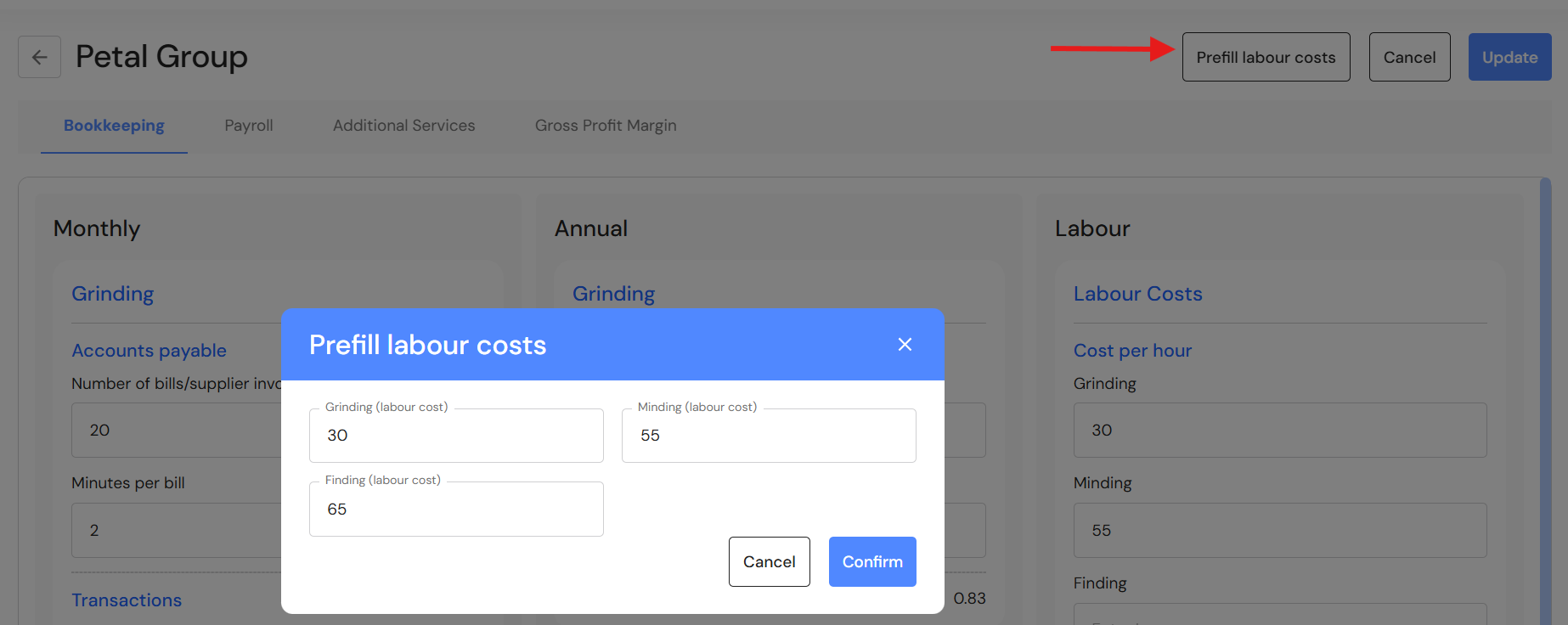
- the ability to prefill labour costs into the quote.
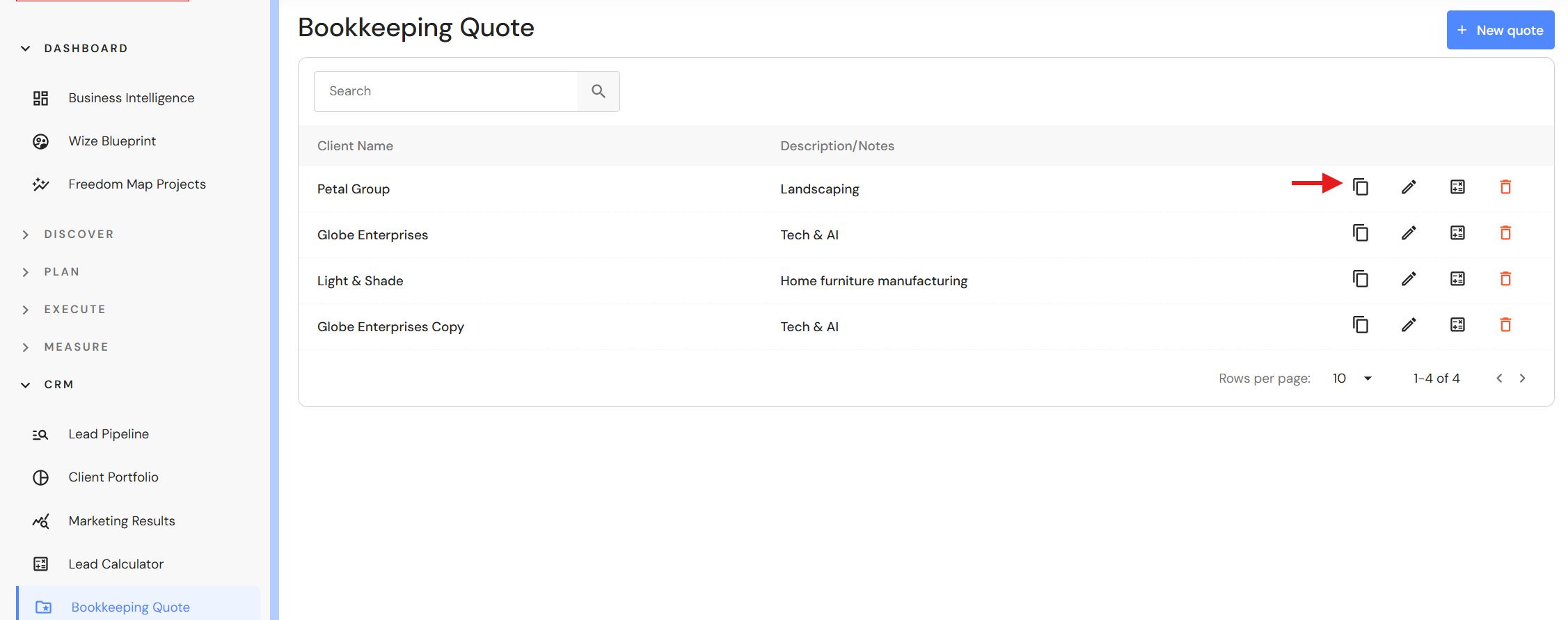
- the ability to copy quotes.
Pro Tip: Create a bookkeeping template with pre-defined data and copy it for client quotes.
Client Portfolio
Bulk Update Clients
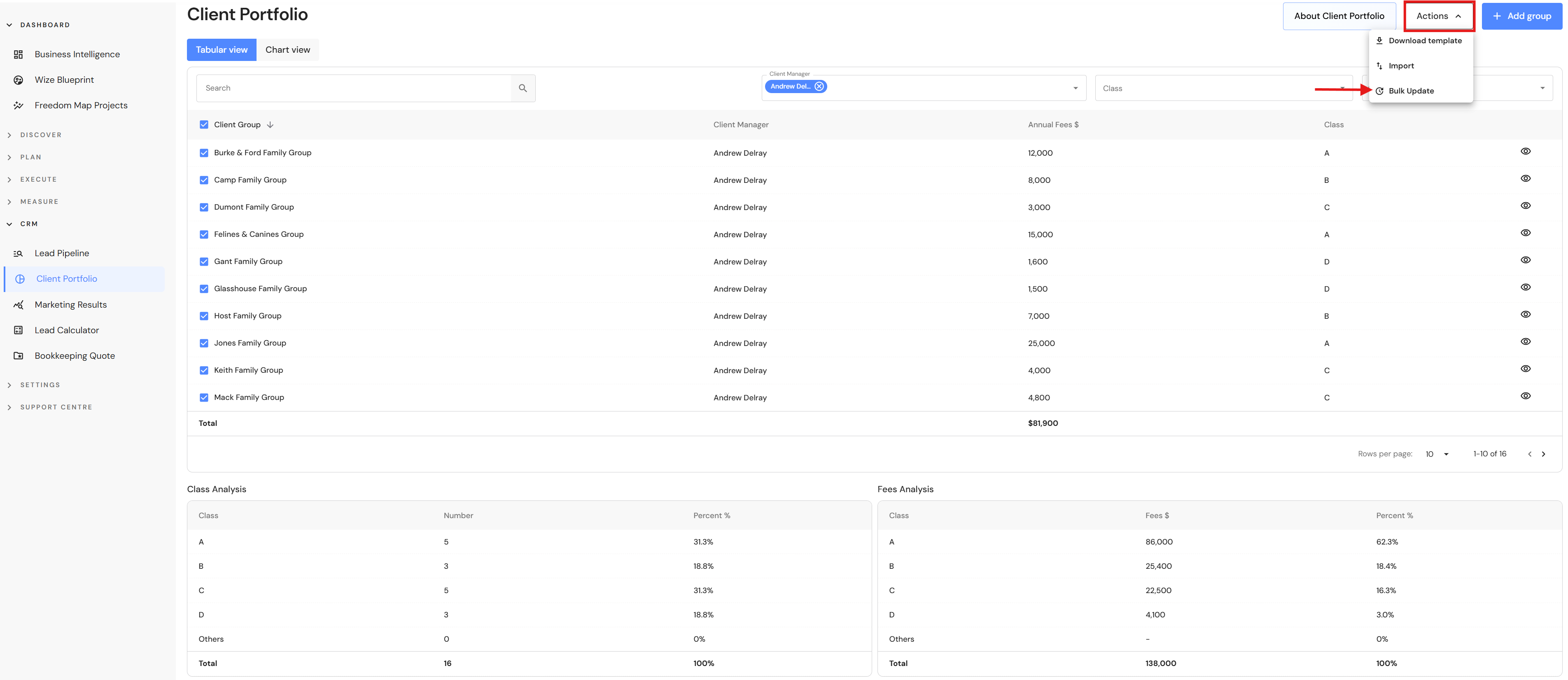
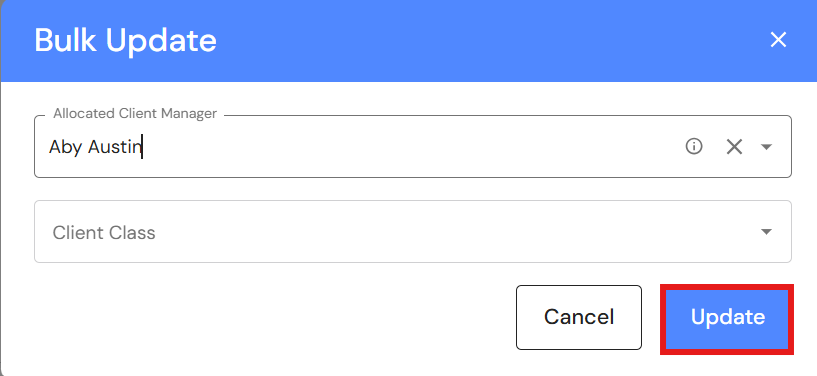
We have added a bulk update feature to the Client Portfolio, making it fast and efficient for users to change the client manager or class for a group of clients.
Go to CRM > Client Portfolio
- Click on the checkbox next to the group name.
NB* Use the filters to isolate your client list by client manager and/or class. - Click on the 'Actions' button and select 'Bulk update'.
- Choose the relevant fields.
- Click on 'Update'.
Lead Pipeline
Lead Lifecycle
Lead cards now include lifecycle dates allowing users to see the movement of leads as they progress to become a new client or lost lead.
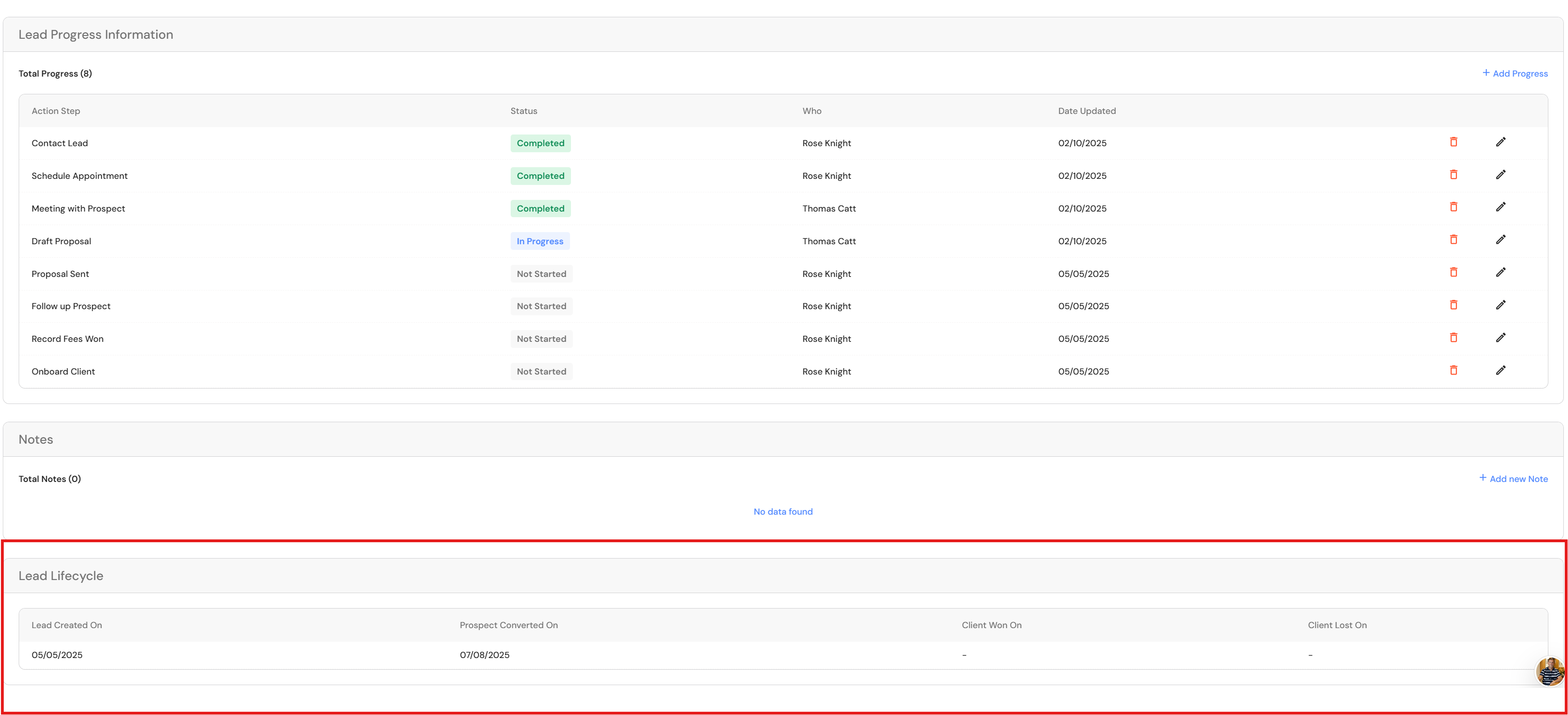
Conversion dates are also visible in the list view.

Reporting Period Filters
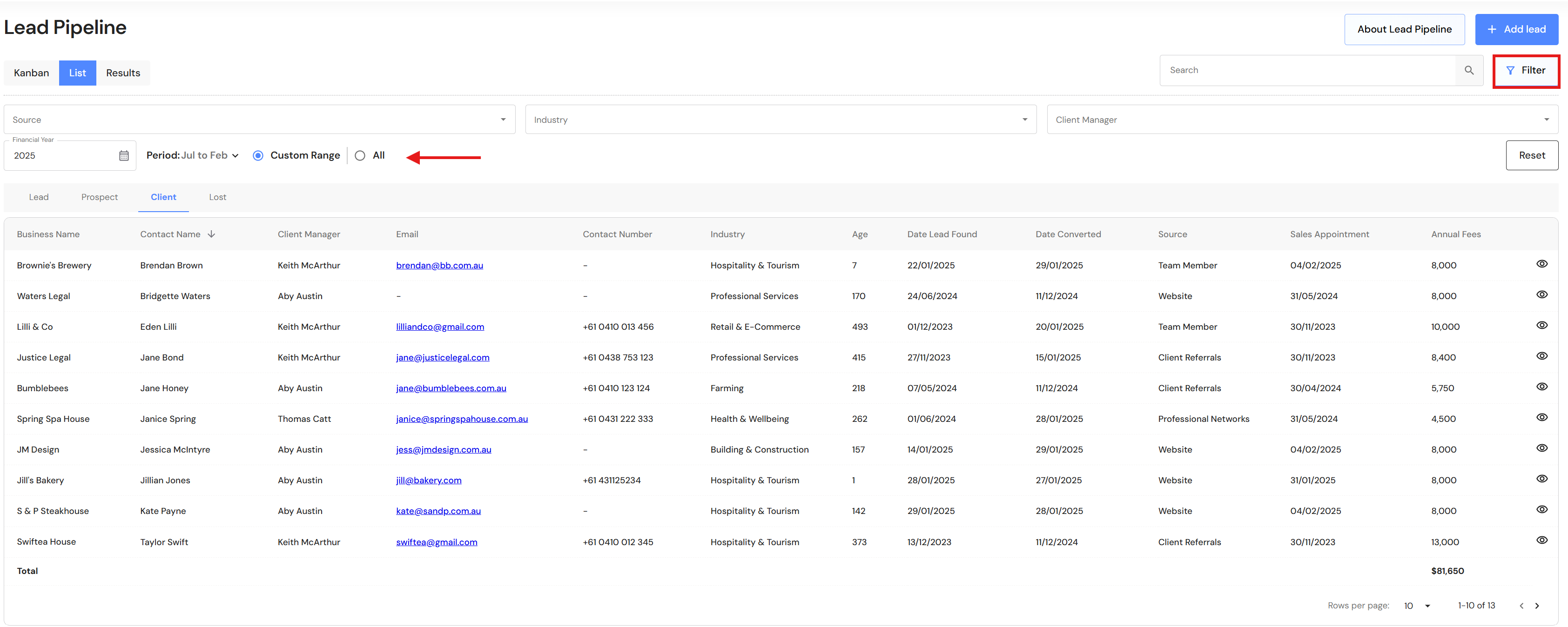
We have added reporting period filters to the list view. Users can apply a date range to leads, making it easy to isolate data and take action. Click on the 'Filter' button to access the new options.
Merge & Acquisition Resources
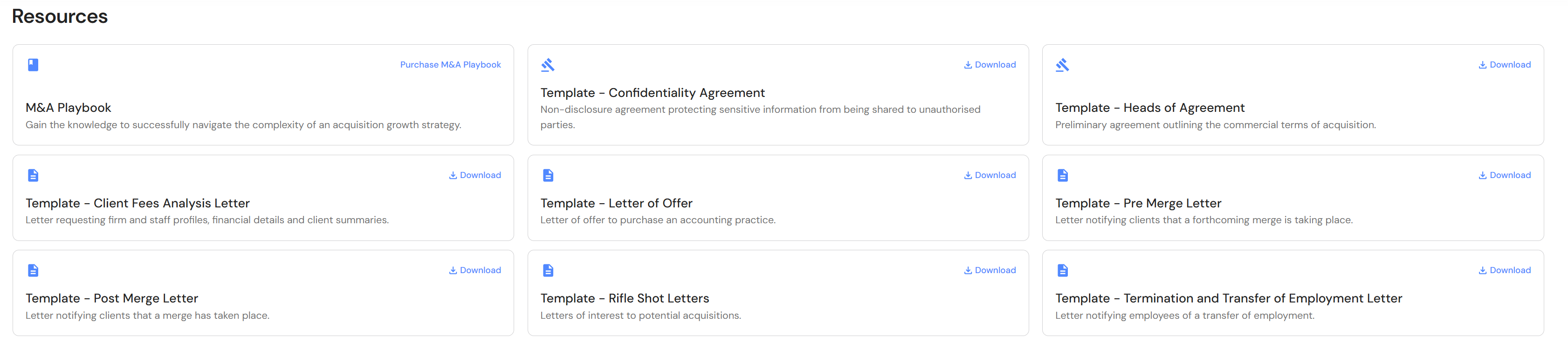
A new Resources menu is now available in Merge & Acquisitions, offering users easy access to downloadable agreements and templates to support every step of their acquisition journey.
Go to Plan > Merge & Acquisitions > Resources
Minor Updates
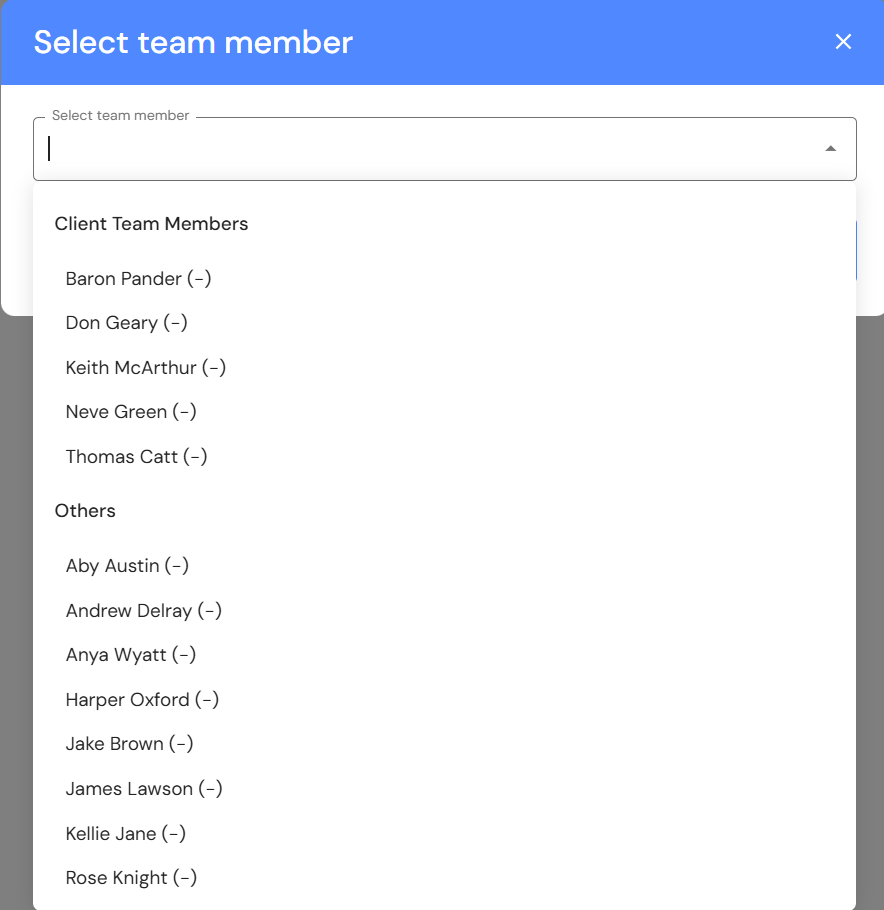
Lead Pipeline: Proposal Calculator
When adding team members to a job, the team member list is now segmented to display production team members at the top of the list.
Meetings
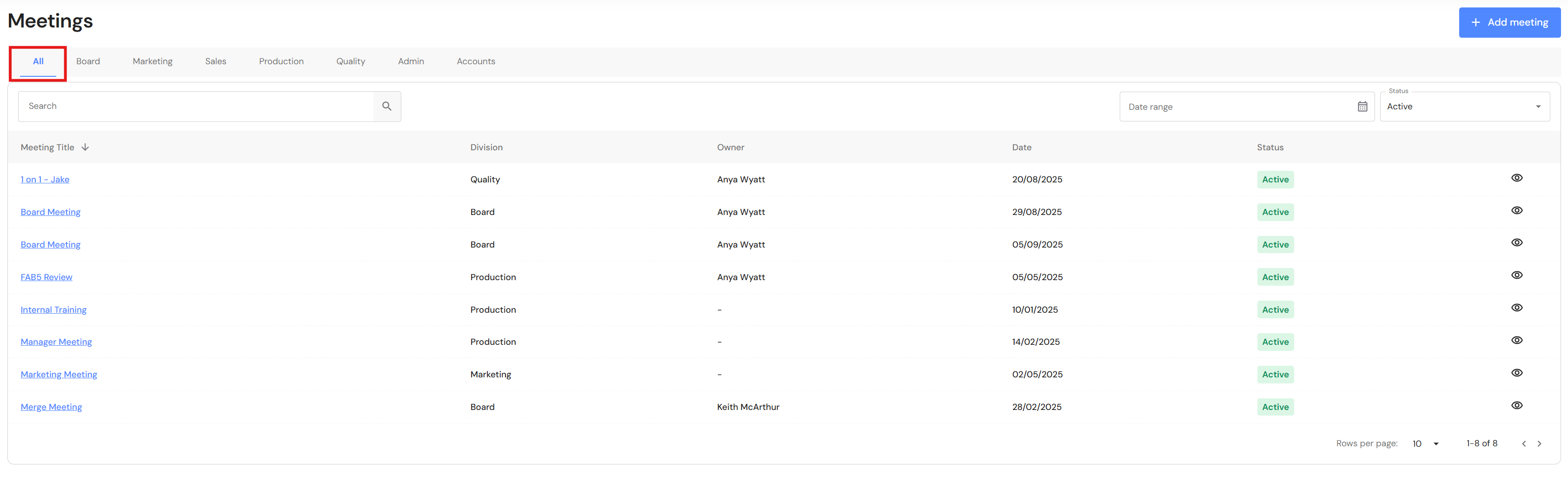
Meetings now includes an 'All' tab that displays every meeting across each division, providing a clear overview of active meetings. Executive users will see all meetings, while all other user roles will only have visibility of meetings in which they are an owner or attendee.