Company Mission
This article explains how to add your business's Mission, Vision & Values.
Your Mission, Vision & Values is your strategic compass - setting the direction of your business, guiding decision making, and establishing the culture and DNA of an aligned team.
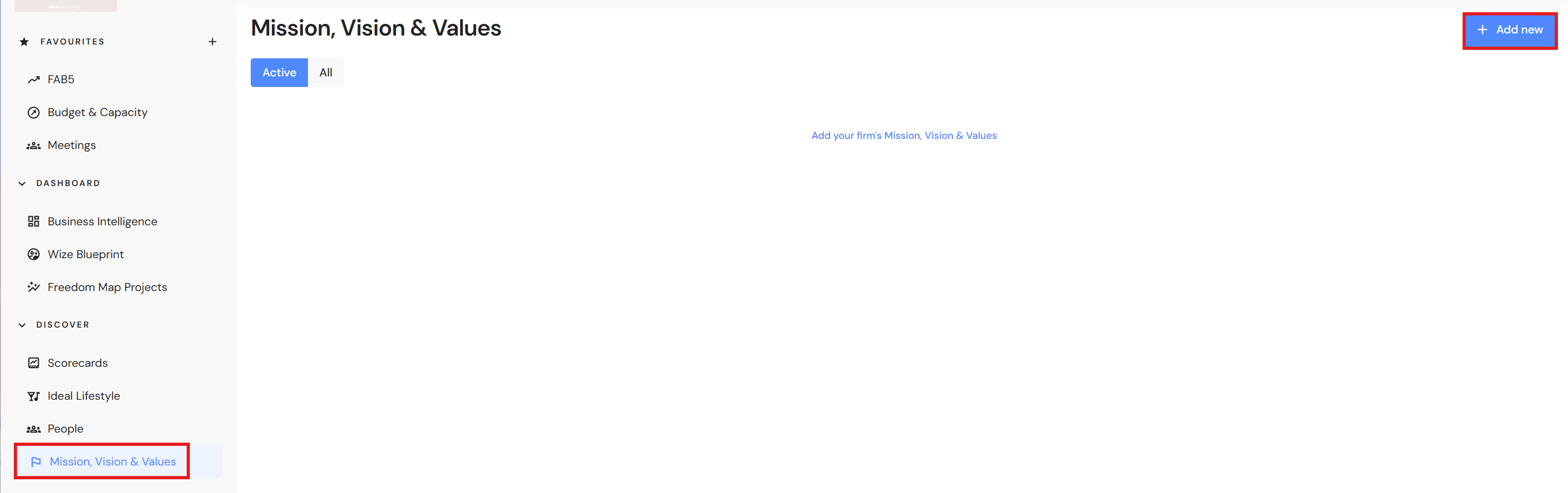
Go to Discover > Mission, Vision & Values
NB* Executive and CFO users can add or modify Mission, Vision & Values.
- Click on '+Add new'.
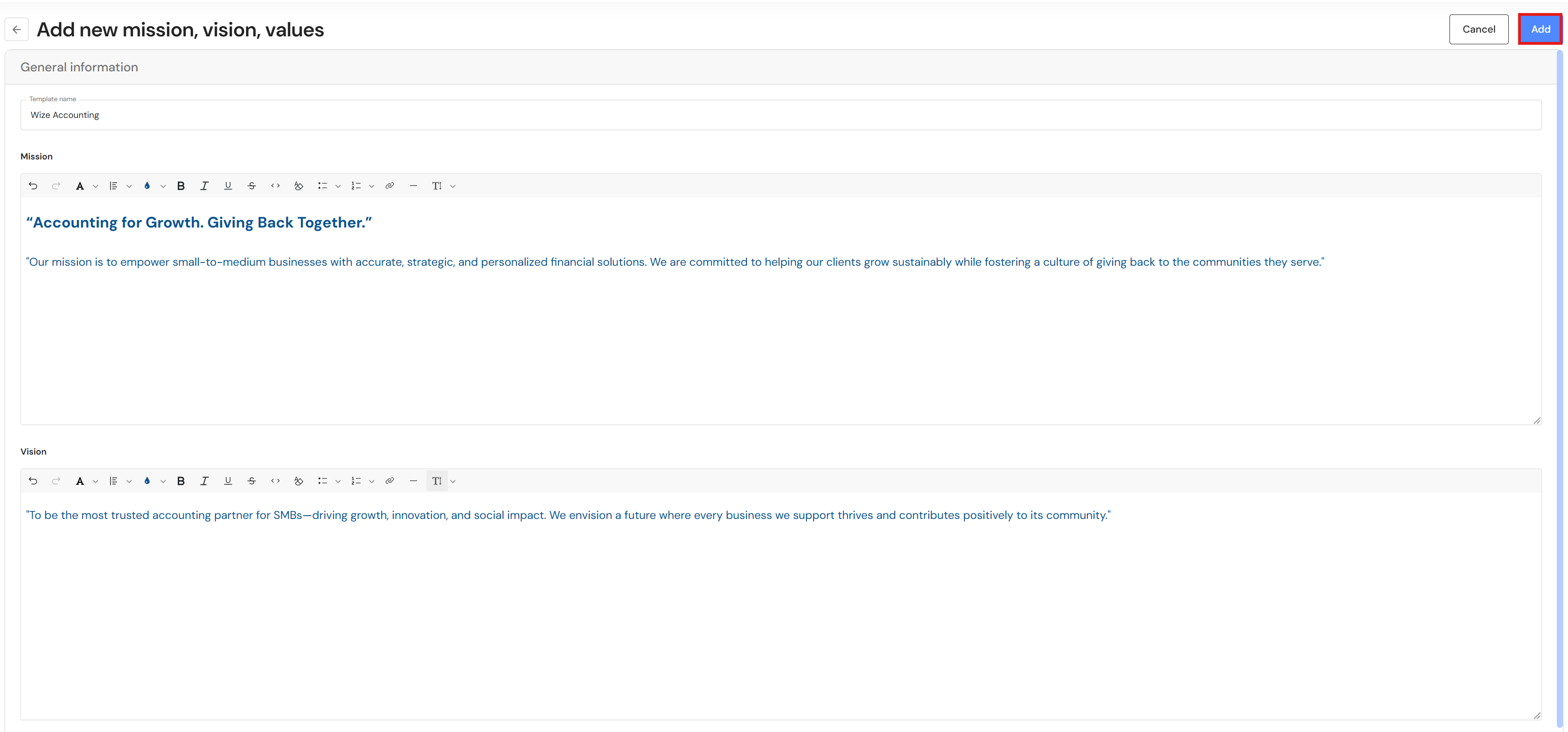
- Add your business name or another descriptor in the template name.
- In each segment:
- Add your mission – What you do. This is your 'Why'.
- Add your vision – Where you are going, what you want your mission to achieve for you, your clients and your team.
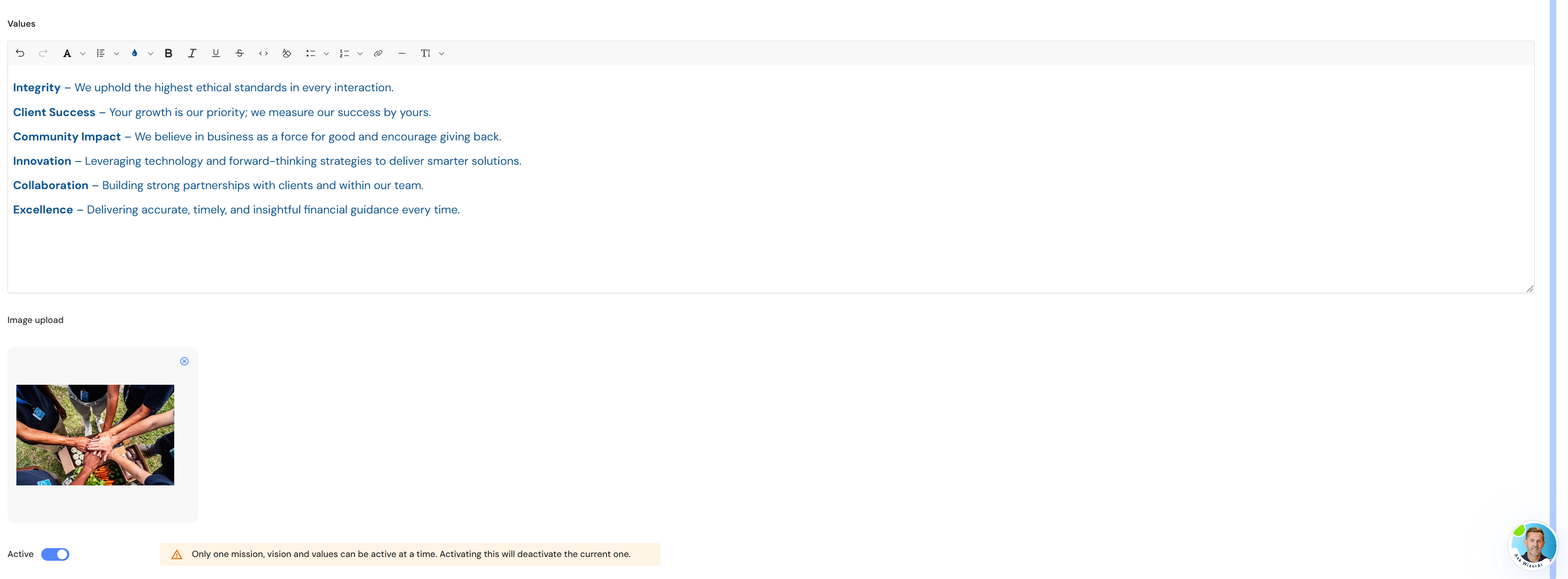
- Add your values – Outline your values. For meaning and impact, your values must be embodied by the entire team, not just leadership.
Optional: Use the formatting fields in each segment to change the font size, colour etc.
- Drag and drop an image, or browse to a location.
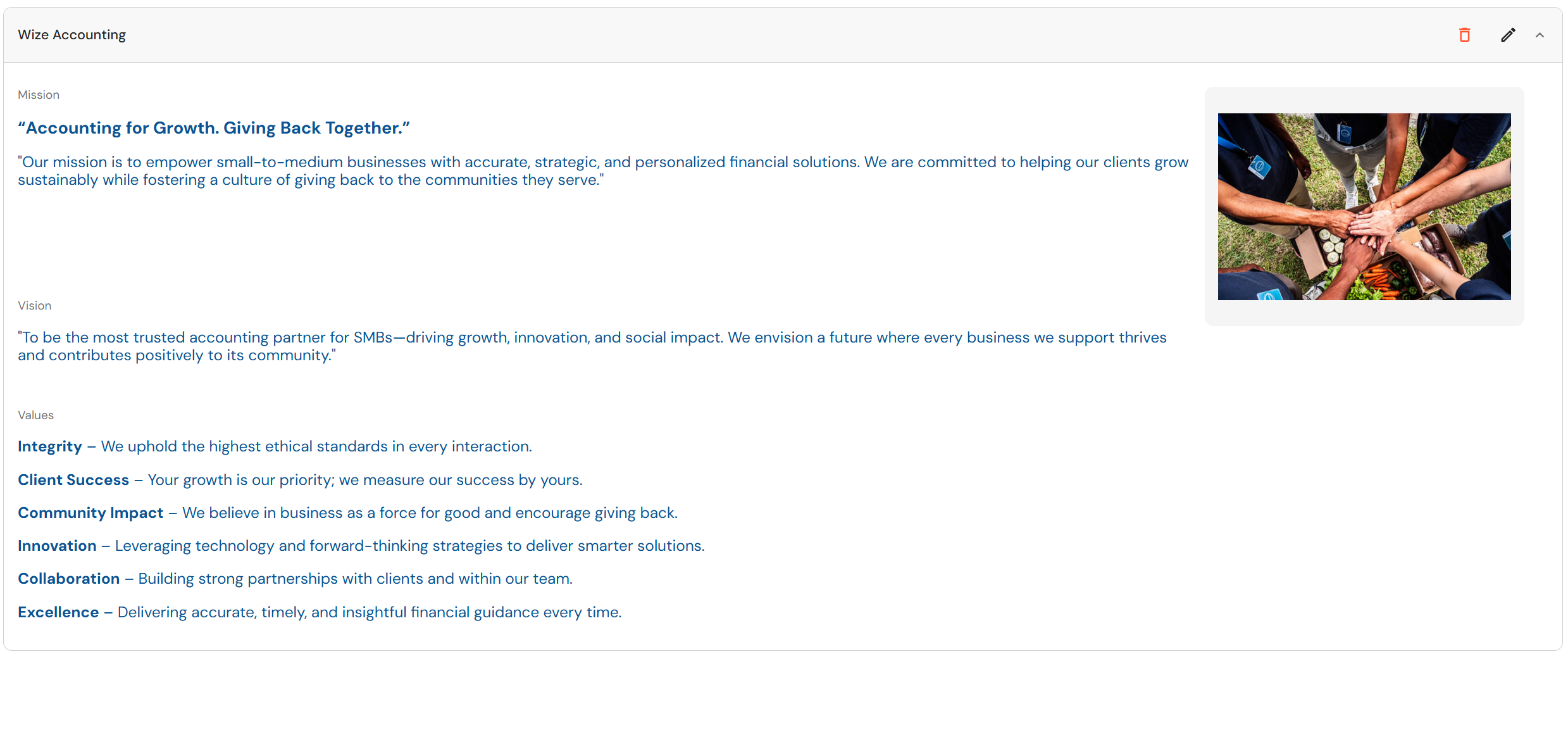
- Scroll to the top and click 'Add'.