Release Notes - 10 December 2025
Activities & Delegation
Share your activities
Users can now share their Activities & Delegation list with their Manager to enhance collaboration and support with the delegation process.
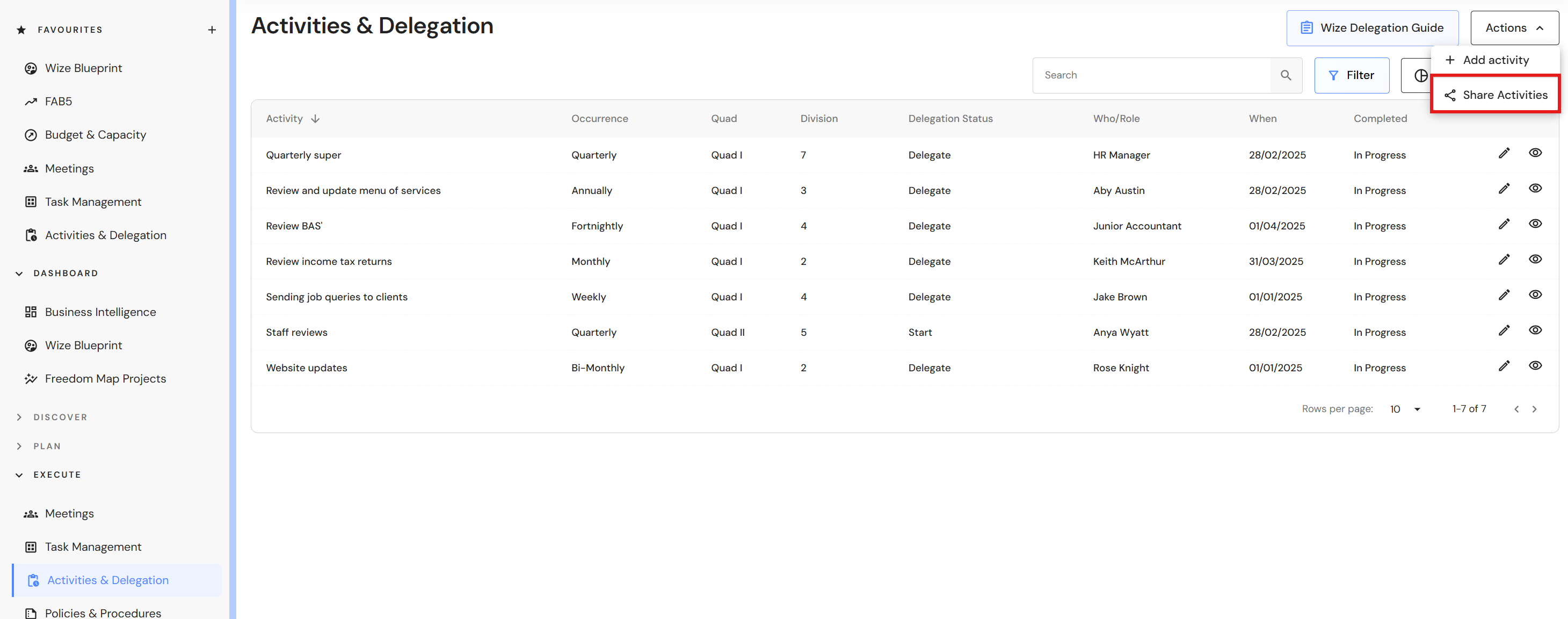
Go to Execute > Activities & Delegation
- Click on the 'Actions' button and select 'Share Activities".
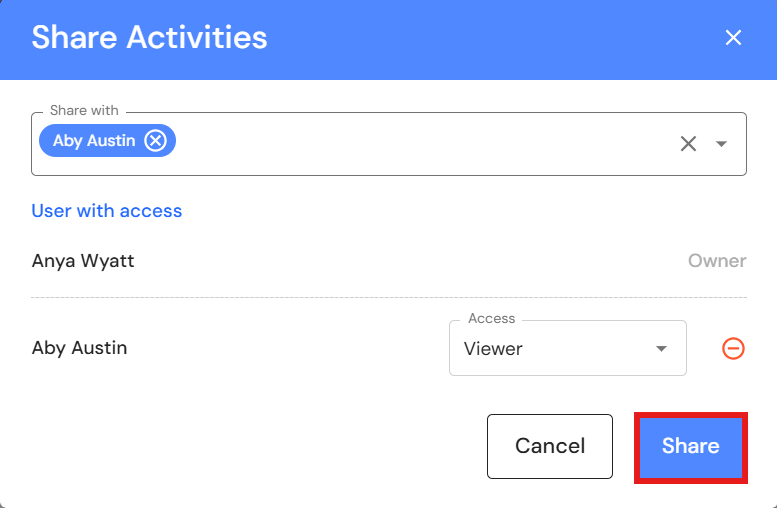
- Select the team member from the dropdown list.
- Assign Viewer of Editor access.
- Click on 'Share'.
Remove your shared activities
Go to Execute > Activities & Delegation
- Click on the 'Actions' button and select 'Share Activities".
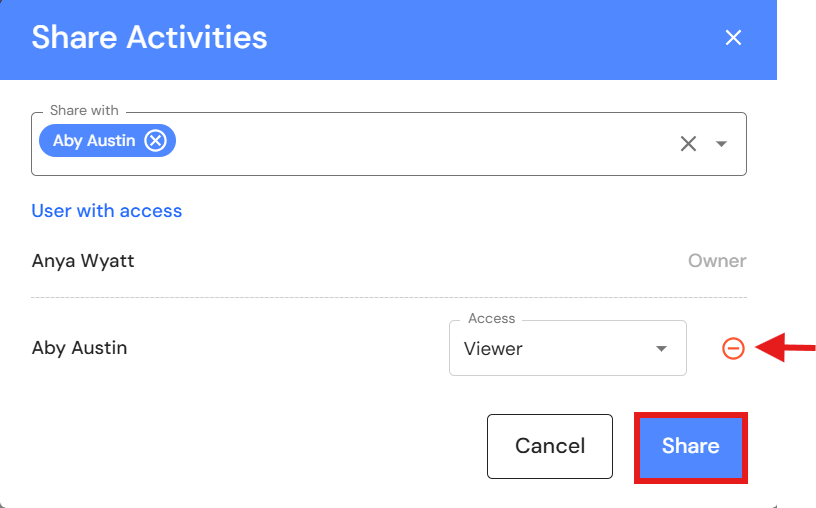
- Click on the red icon next to the user.
- Click on the 'Share' button to update the changes.
View shared activities
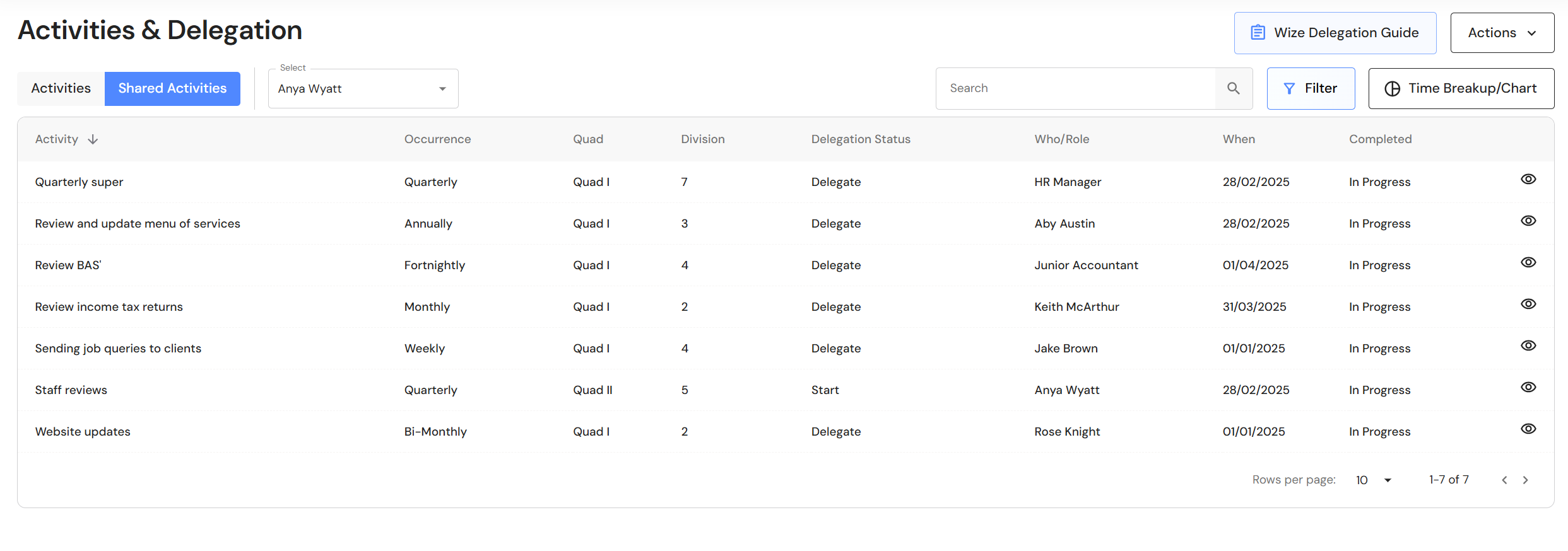
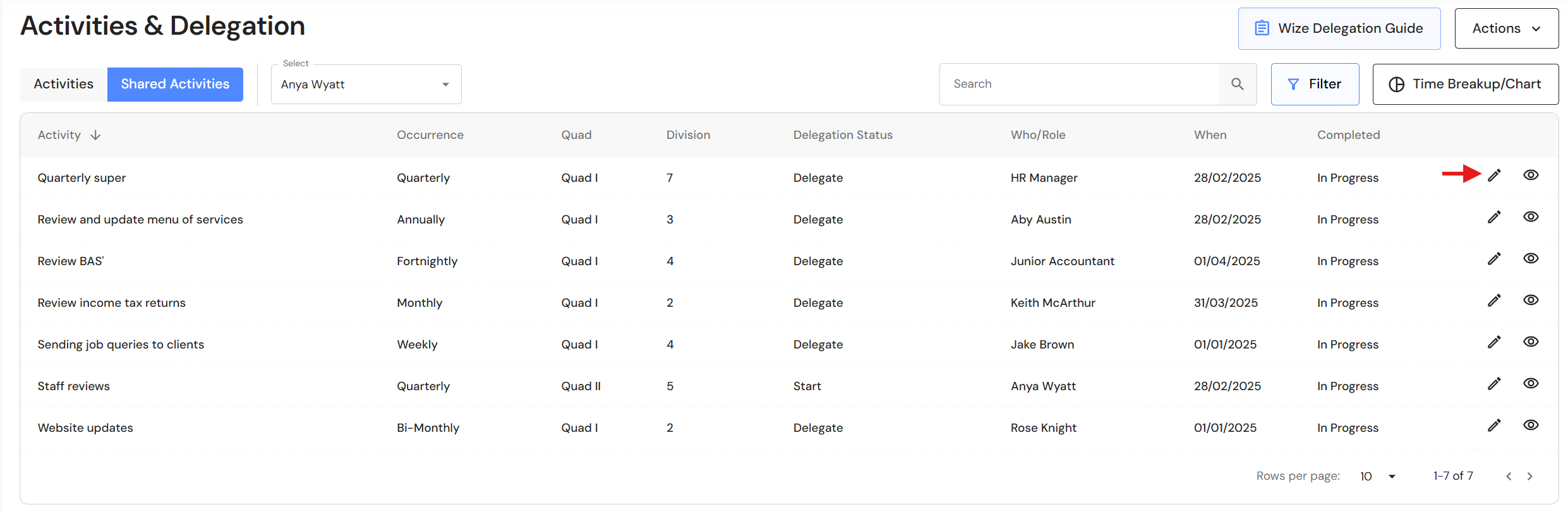
When a team member shares activities with you, a 'Shared Activities' tab will appear next to your 'Activities' tab. In the shared activities tab, select the team member from the dropdown list to view their activities and time breakup/chart.
Viewer access
Editor access
Print to PDF: Organisation Chart
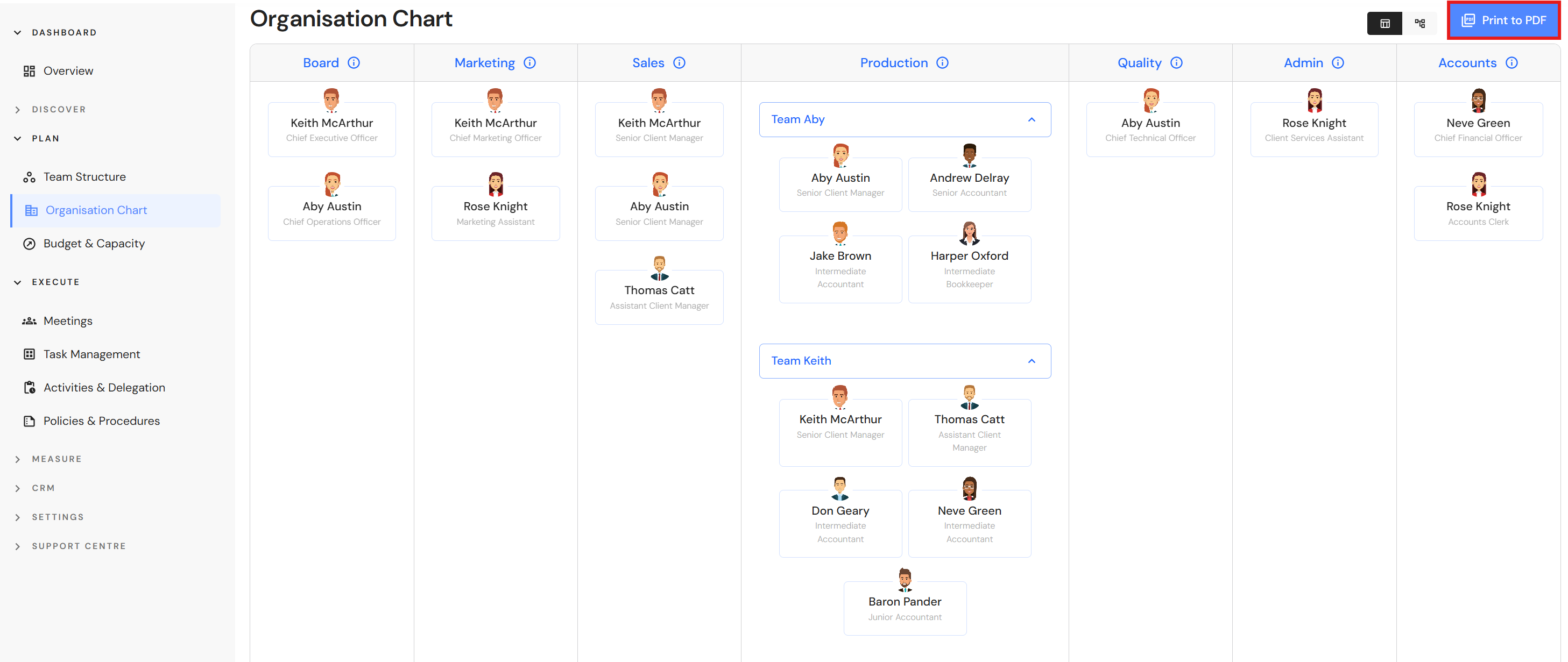
You can now print the Organisation Chart to PDF.
Go to Plan > Organisation Chart
- Click on the 'Print to PDF' button to download your document.
NB* We recommend printing on A3 for optimal presentation.
User Role Security Matrix
Updates to Senior Client Manager permission levels
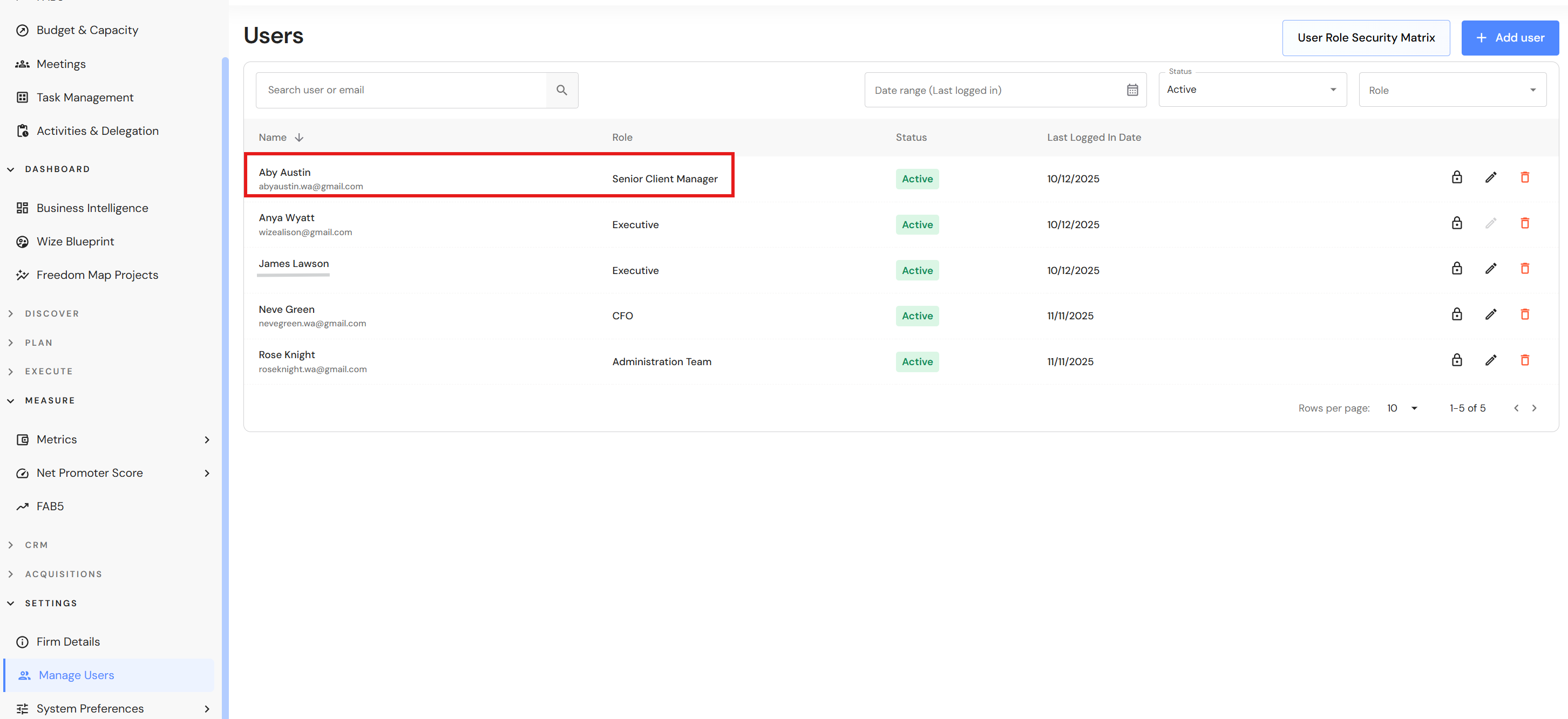
Senior Client Manager users now have visibility of their Team NPS and Write Offs.
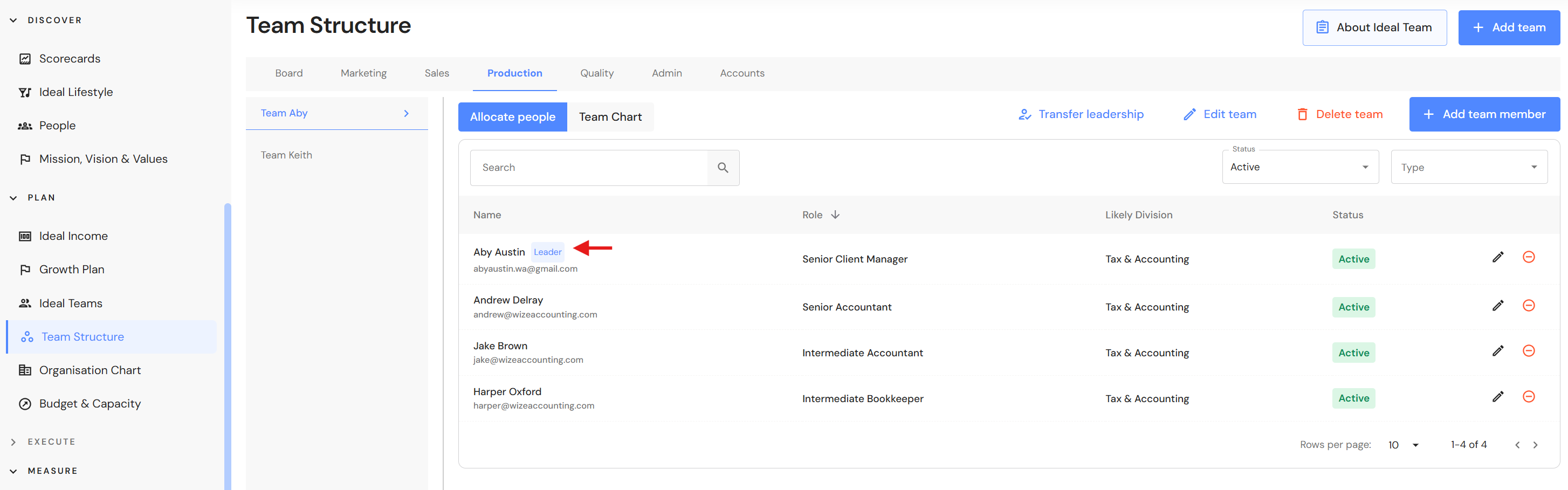
NB* A Senior Client Manager user role must be the same person as the Senior Client Manager who leads the production team. If you assign a Senior Client Manager user role to a team member who is not leading a team, access to team data will not be visible.
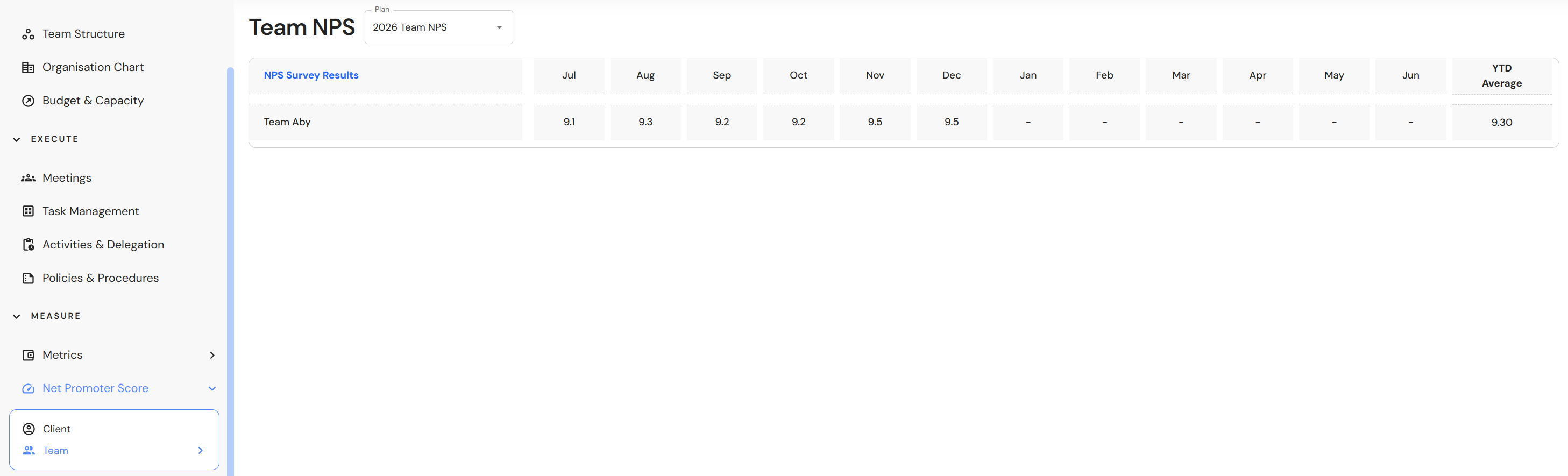
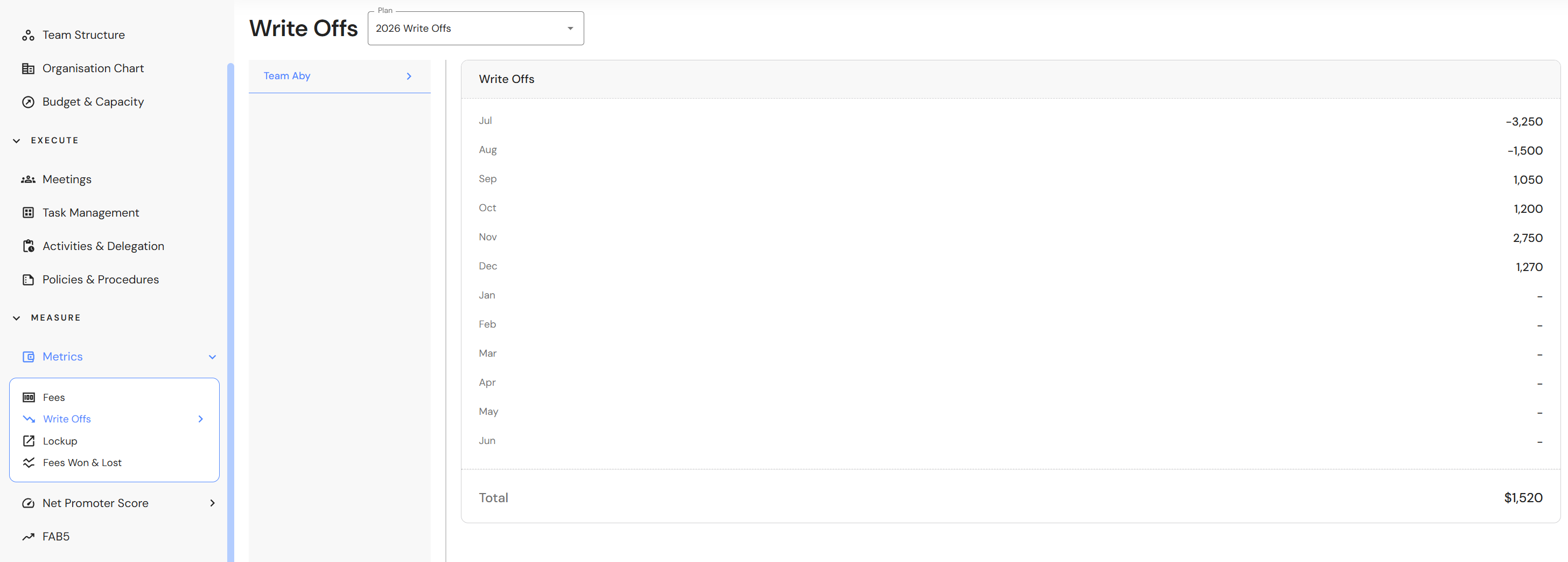
As mentioned above, a Senior Client Manager user role must be the same person as the Senior Client Manager who leads the production team
Senior Client Manager - User Role in Manage Users
Senior Client Manager - Leader in the Production Team