Client Industries
This articles explains how to add more options in the 'Industry' field in the Lead Pipeline.
Industry refers to the business industry in which a lead operates. This field is recorded in the Lead Pipeline to help businesses track growth across different industries and alongside referral sources. These insights can help identify high-performing niche industries and support more targeted marketing efforts.
The Industry field in the Lead Pipeline can be updated in System Preferences by Executive, Administration Team or CFO users.
Add Client Industries
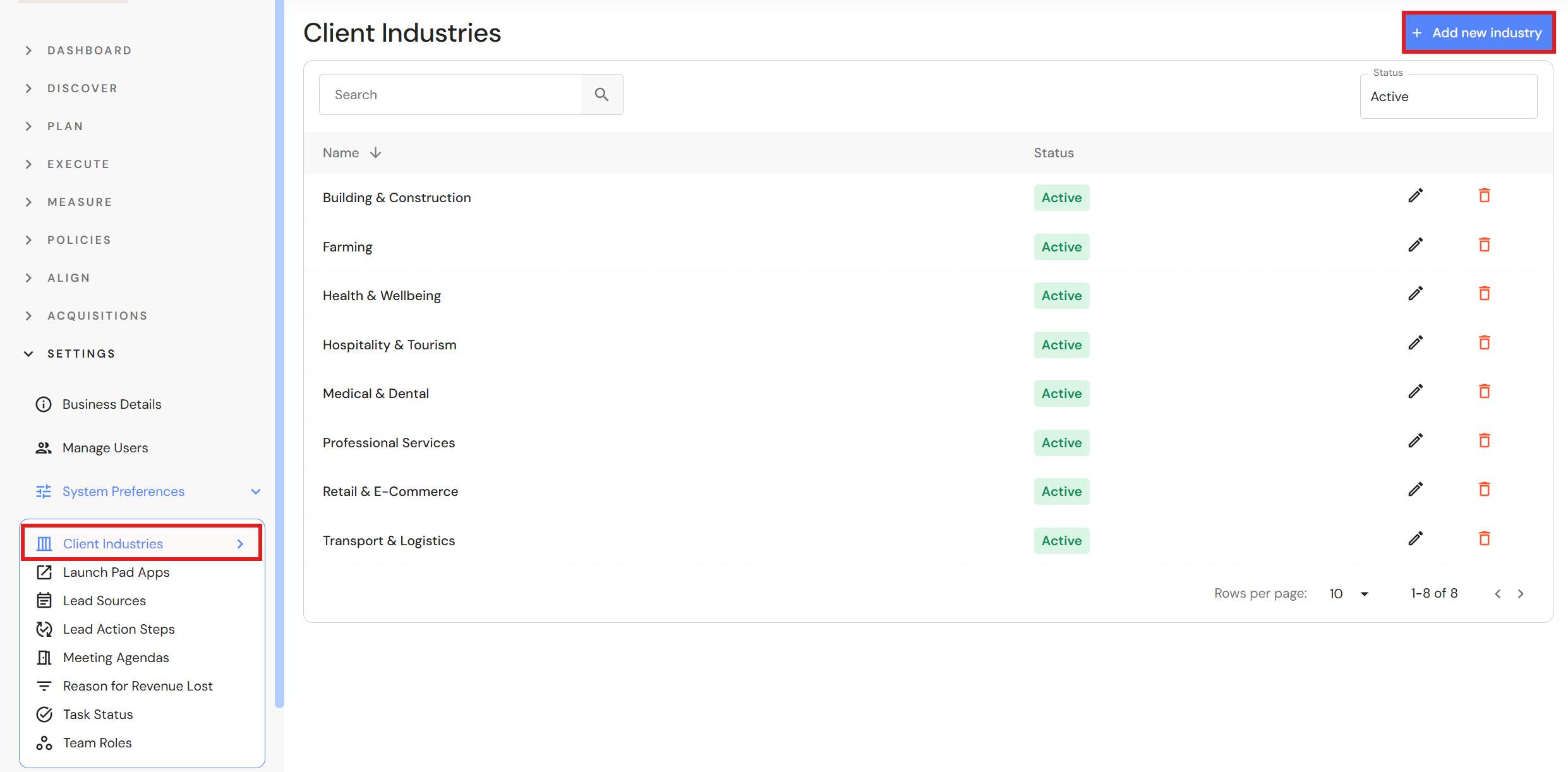
Go to Settings > System Preferences > Client Industries
- Click '+ Add new industry'.
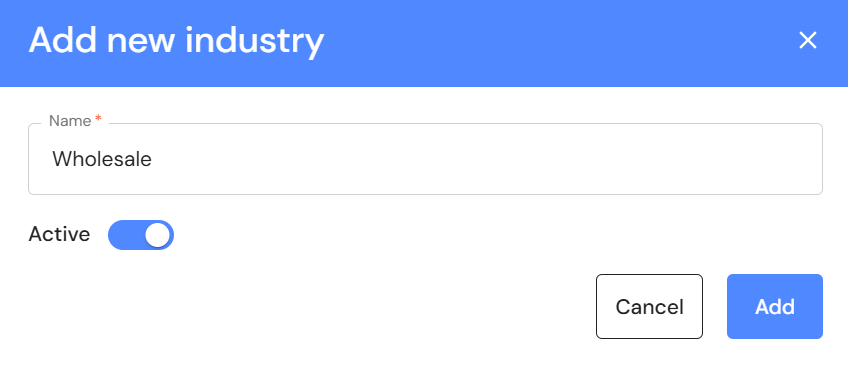
- Add a name.
- Click the active toggle to on.
- Click 'Add'.
Edit Client Industries
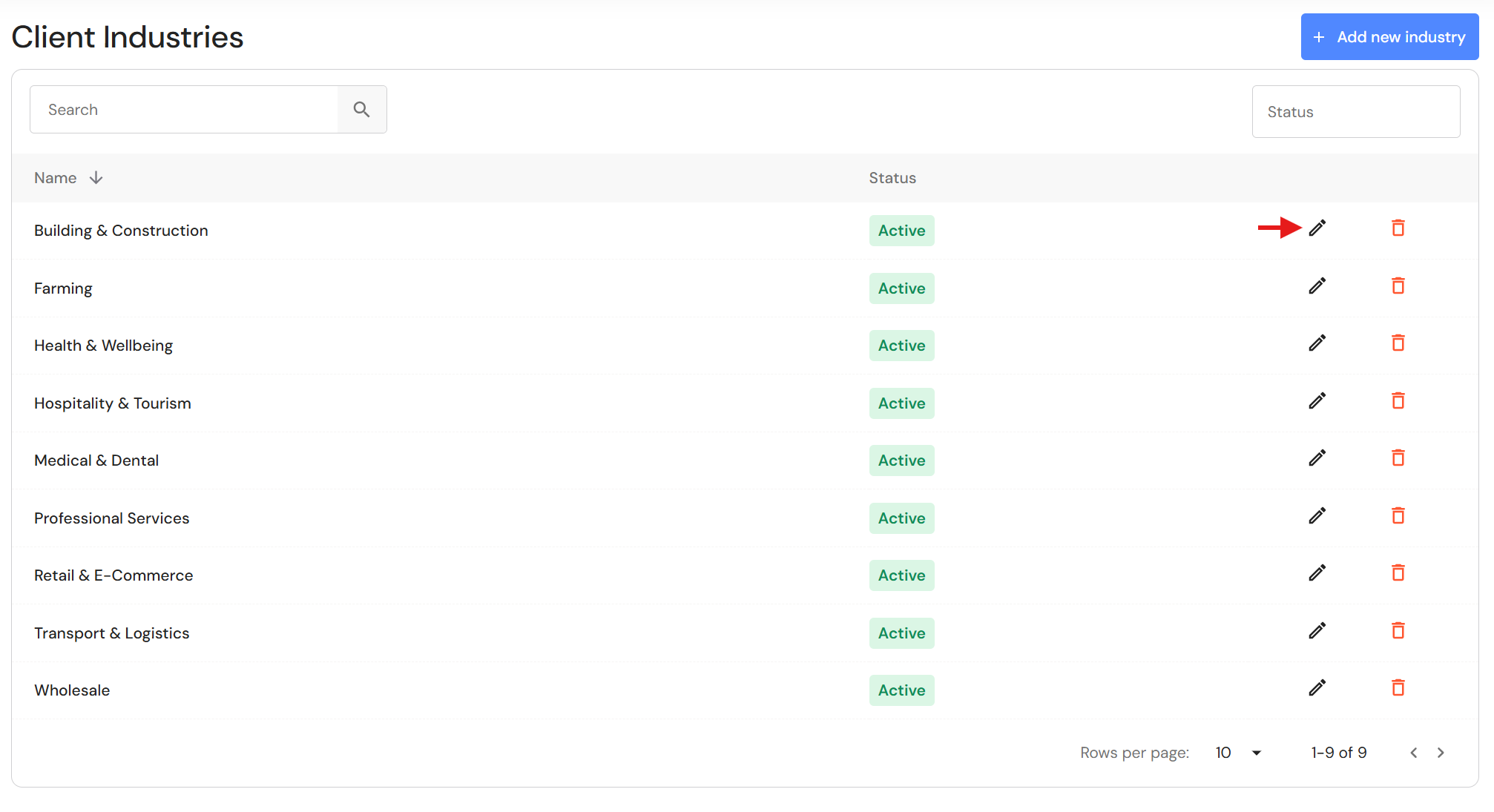
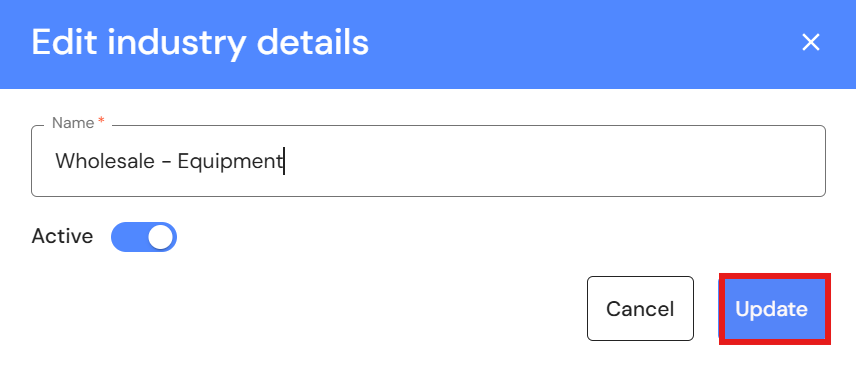
- Click the pencil icon to edit an industry.
- Edit the industry name or switch the active toggle off if you do not want it to appear in the 'Industry' field in the Lead Pipeline.
- Click 'Update'.
Delete Client Industries
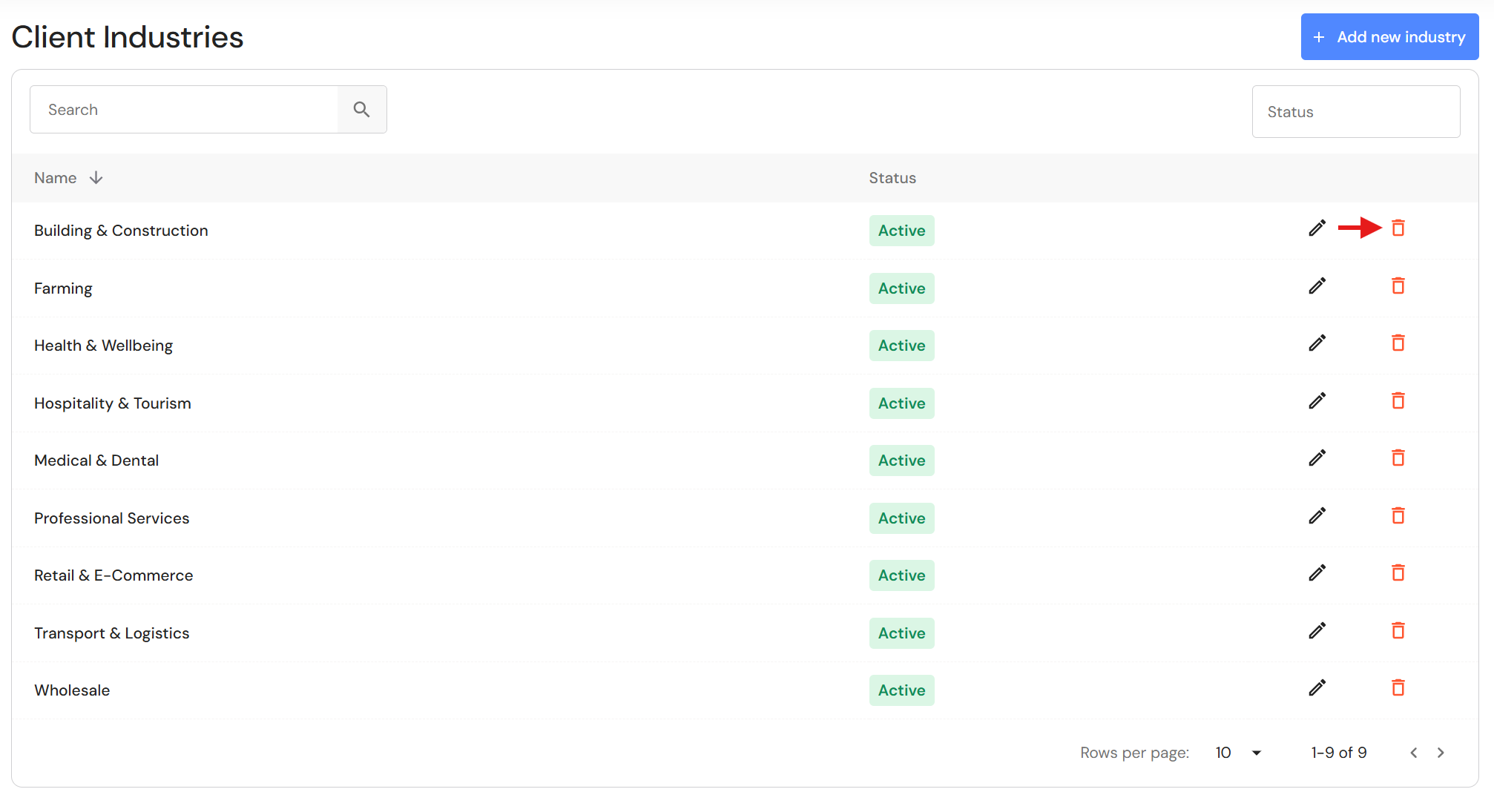
- Click the bin icon to delete an industry.
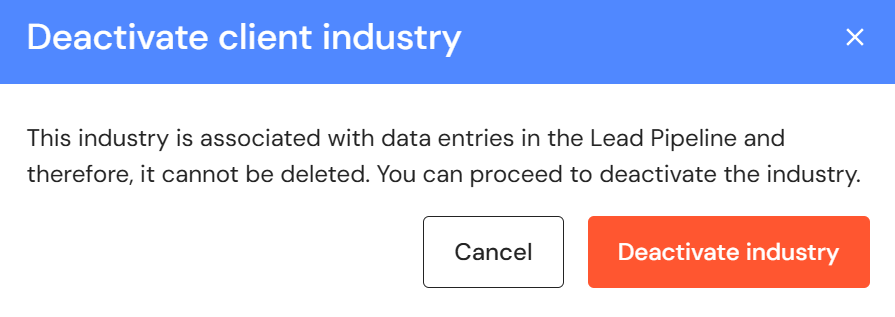
- If the industry has been added to leads, you can only deactivate it. The status will be updated to 'inactive'.
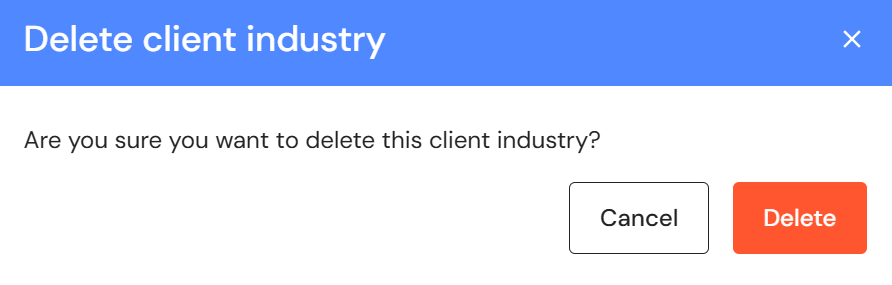
- If the industry has not been used, you can delete it permanently.
- If the industry has been added to leads, you can only deactivate it. The status will be updated to 'inactive'.
Active and Inactive Client Industries
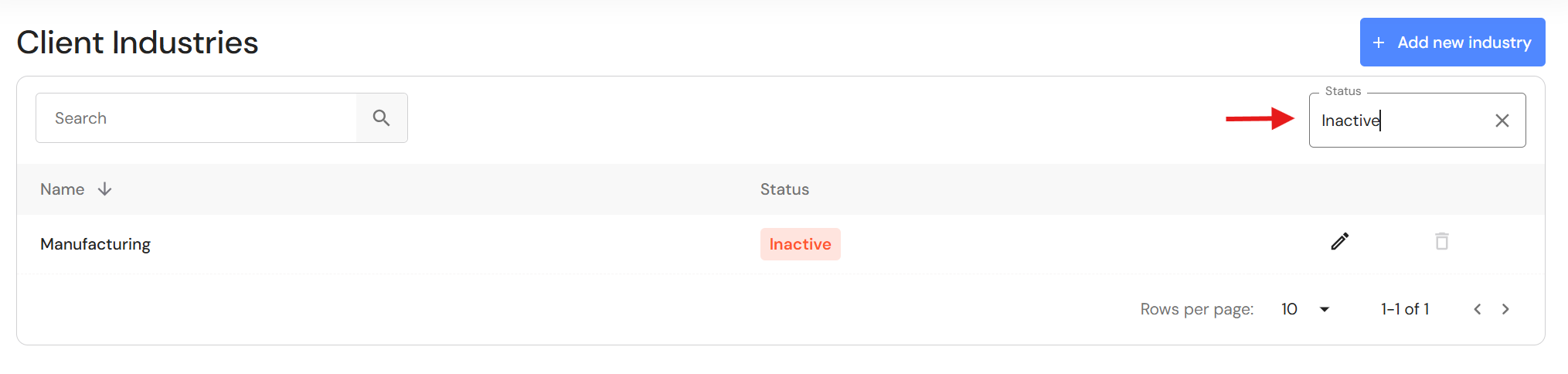
The list shows active items by default. To see inactive items, change the 'Status' filter in the top right corner.
NB* Inactive industries do not appear in the 'Industry' field in the Lead Pipeline.
Related articles